Singapore
 Thailand
 Indonesia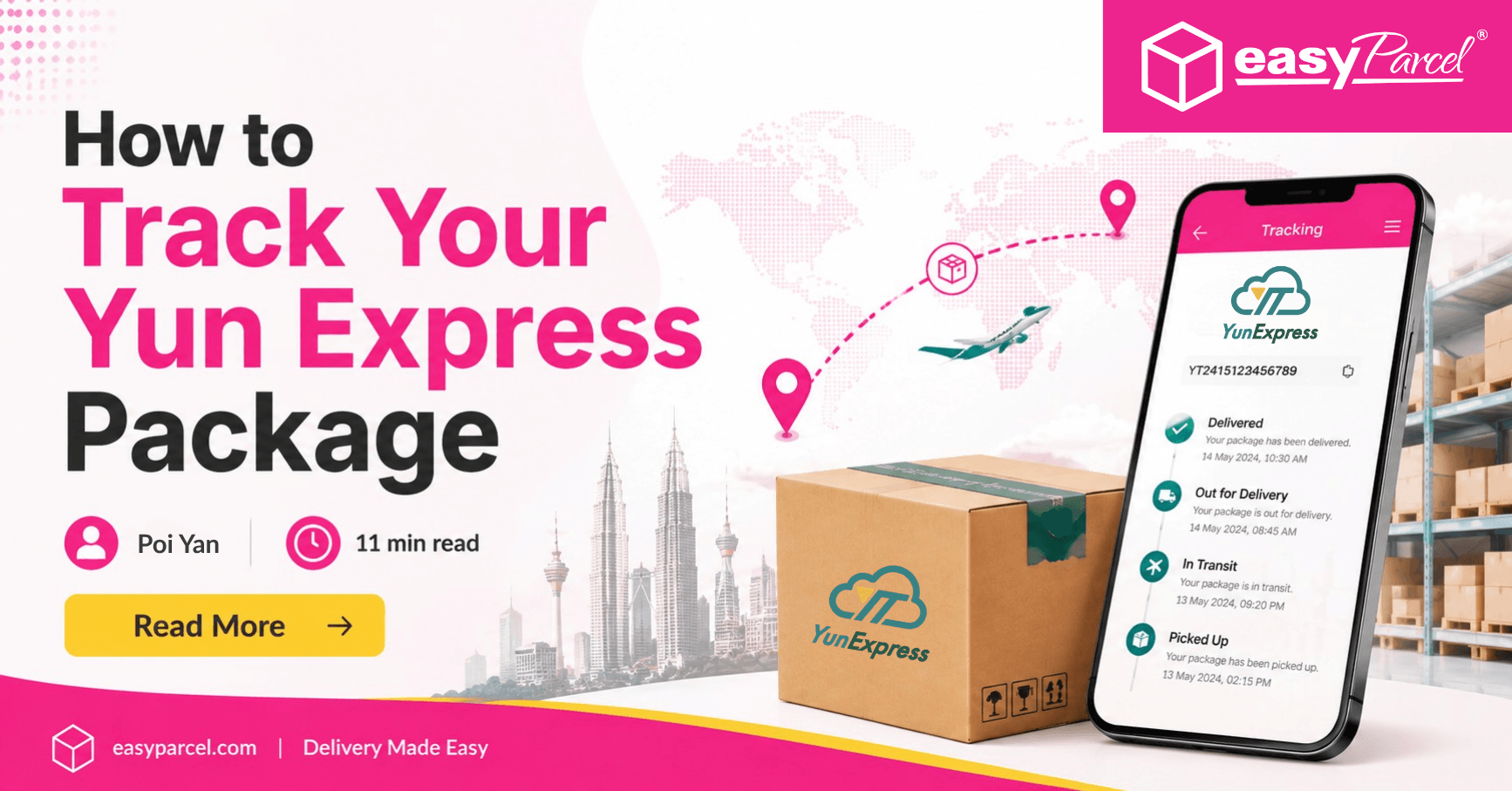
If you’ve ordered an item from an overseas marketplace and the shipping confirmation says “Yun Express,” you’re not alone. Yun Express is a major China cross-border e-commerce courier, and it’s heavily used by AliExpress/Taobao dropshippers because it can move large volumes of small parcels into the US, UK, EU, and other regions efficiently. The good news: Yun Express Tracking is straightforward once you know where to find your code, how to read the scan events, and what to do when the status looks “stuck.”
Below is a practical, step-by-step guide to track Yun Express package online, understand Yun Express shipment status updates, and troubleshoot common issues like “not updating” or “delivered but not received.”
Contents
What Yun Express Tracking Is (and How It Works)

Source: Pinterest
Yun Express tracking lets you monitor your parcel as it travels through multiple checkpoints—from warehouse pickup in China to export processing, airline/linehaul transport, customs, and final delivery.
A key detail: Yun Express often hands your parcel to a last-mile carrier in the destination country. That’s why you may see both Yun Express and local-carrier events.
YunExpress last mile carrier meaning (in plain English)
The Yun Express last mile carrier meaning is simply: the company that physically delivers the package to your door/mailbox after Yun Express completes the international portion. Depending on your country and service level, the last-mile carrier may be different.
Where to Find Yun Express Tracking Number (Fastest Places to Check)
Before you can track Yun Express, you need the right ID. Many buyers search “where to find Yun Express tracking number” because marketplaces display it differently.
Look for your Yun Express tracking number in these places:
- Order details page (AliExpress, Temu, TikTok Shop, etc.)
- Shipping confirmation email from the seller or platform
- PayPal/Shop app shipment details (if connected)
- Amazon order page (for certain marketplace sellers using Yun Express)
Common labels include:
- “Tracking number”
- “Logistics number”
- “Waybill”
- “Shipment ID”
If you see a long alphanumeric code, that’s usually your Yun Express tracking number lookup key.
How to Track Your Yun Express Package (Step-by-Step)
Step 1: Copy the tracking number exactly
Paste the number without extra spaces. A single typo can return “not found.”
Step 2: Use Yun Express tracking first, then confirm with the last-mile carrier
To get the earliest visibility, start with Yun Express international shipping tracking. Once the parcel reaches your country, also check the last-mile carrier’s site.
Step 3: Look for the “handoff” event
Important status lines often include:
- “Arrived at destination country”
- “Handed over to carrier”
- “Transferred to last mile”
- “Arrived at local facility”
After that point, local tracking may update more frequently than Yun Express.
Yun Express Amazon Tracking: What’s Different?
Yun Express Amazon tracking can be confusing because Amazon sometimes displays a simplified tracking view, or the seller may provide a Yun Express number while final delivery is handled by another carrier.
Best practice:
- Check the tracking number shown in your Amazon order
- If Amazon’s internal tracker is vague, do a Yun Express tracking number lookup using the same code
- Watch for an updated “carrier” or secondary number once the last-mile provider receives it
If you’re trying to track Yun Express package online for an Amazon Marketplace order, the most accurate timeline is often: Yun Express → last-mile carrier website.
Understanding Yun Express Shipment Status Updates (What Each Stage Means)

Source: Pinterest
Tracking events vary, but most shipments follow this pattern.
1) Pre-shipment / Data received
- “Information received”
- “Shipment created” meaning: Air waybill printed; parcel may not be physically scanned yet.
2) Picked up / Accepted
Meaning: Yun Express has the parcel.
3) Export processing / Linehaul
- “Departed facility”
- “Airline departure”
- “In transit” meaning: Moving toward the airport and leaving origin.
4) Arrival in destination country + customs
- “Arrived at destination”
- “Customs clearance in progress” meaning: Entering your country and being assessed for import rules.
This is also where a Yun Express customs clearance delay can occur (more on fixes below).
5) Handed to last-mile carrier
Meaning: Yun Express’s international leg is largely done.
6) Out for delivery / Delivered
Meaning: final carrier delivered it (or marked it delivered).
Yun Express Delivery Time Estimate (What to Expect)
A realistic Yun Express delivery time estimate depends on destination, customs, weather, peak seasons, and seller processing time. Many parcels arrive in roughly 1–3 weeks internationally, but it can be faster or slower depending on service and route.
Delays are more common during:
- Major sales events
- Holidays (both China and destination country)
- Customs surges
- Severe weather disruptions
Tip: Start counting “shipping time” from the first accepted/picked up scan, not from the order date.
Yun Express Tracking Not Updating Fix (Common Causes + Solutions)
If you’re staring at the same scan for days, use this Yun Express tracking not updating fix checklist.
Why tracking may stop updating
- The parcel is in linehaul/air transport (few scans)
- It’s waiting for consolidation or space on a flight
- Customs is processing it (limited public events)
- The last-mile carrier has it but hasn’t scanned it yet
- The seller printed the label but didn’t hand it over
What to do (in order)
- Wait 48–72 hours after the last scan (international shipments often have scan gaps).
- Check for a second tracking number in your order details (some platforms add it later).
- Track with the last-mile carrier once you see “handed over”.
- Contact the seller and ask for confirmation of dispatch date and the correct tracking ID.
- If it’s been 10+ days with no movement, escalate via platform dispute/support.
“Delivered” But You Didn’t Receive It: What to Do Next
Source: Pinterest
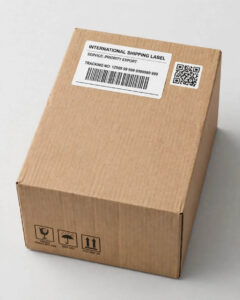
When Yun Express tracking shows delivered but not received, it usually means one of these:
- Miss delivery (wrong address/mailbox)
- Delivered to a neighbor/parcel locker
- Marked delivered early by the last-mile carrier
- Package theft after delivery
- Building reception/mailroom received it
Action plan:
- Check the last-mile carrier tracking first (it may show GPS/scan location, delivery notes, or mailbox vs front door).
- Look around: porch, side door, garage, parcel lockers, mailroom.
- Ask neighbors/building staff.
- Wait 24 hours—some carriers mark “delivered” slightly early.
- If still missing, open a case with the marketplace/seller and the last-mile carrier.
For the fastest resolution, save screenshots of both Yun Express and last-mile tracking pages.
Yun Express International Shipping Tracking and Customs: Avoiding Delays
Customs is one of the biggest sources of unpredictable timing. A Yun Express customs clearance delay can happen when:
- Documentation is incomplete
- The item category triggers inspection
- Duties/taxes are due
- The destination country is experiencing backlog
What helps:
- Ensure your shipping address matches your billing details where required
- Watch for platform messages requesting additional info
- If duties are required, pay promptly through official channels (never via random links)
YunExpress vs 4PX Shipping: Quick Comparison for Shoppers
People often ask about Yun Express vs 4PX shipping because both are popular cross-border logistics providers from China.
In general:
- Both use multi-carrier networks and hand off to local delivery services.
- Tracking patterns are similar: Early scans at origin, gaps during linehaul, then local scans after induction.
- The “best” option depends on route, seller contract, and seasonal capacity.
If your main concern is visibility, the practical difference is usually less about the company name and more about when the last-mile carrier starts scanning.
Best Yun Express Tracking App: What to Look For
If you order frequently, a consolidated tracker can save time. The best Yun Express tracking app is one that:
- Automatically detects carrier from the number
- Supports push notifications
- Shows history clearly across multiple carriers
- Can display both Yun Express and last-mile updates in one timeline
Whether you use a platform-integrated tracker or a third-party app, make sure it’s reputable and avoid apps that request unnecessary permissions.
Yun Express Customer Service Contact: Who to Reach Out To

Source: Pinterest
If the parcel is delayed or the tracking looks incorrect, choose the right contact path.
Use this order:
- Seller/merchant support (they own the shipping contract and can open logistics tickets)
- Marketplace support (AliExpress/Amazon Marketplace/other platform)
- Last-mile carrier support (especially for “delivered” disputes)
When requesting help, include:
- Your Yun Express tracking number
- Order ID
- Recipient address (as entered)
- Screenshots of tracking events and dates
Searching for Yun Express customer service contact may lead you to regional contacts, but sellers and platforms typically have the fastest escalation channel.
For Malaysian Dropshippers: Use EasyParcel for Affordable Domestic Shipping
If you’re importing stock from China (or receiving consolidated Yun Express parcels) and then shipping orders to customers within Malaysia, it helps to separate your workflow into two legs:
- International leg: China → Malaysia (tracked with Yun Express and any last-mile handoff).
- Domestic leg: your Malaysia address/warehouse → your customer (handled by a local courier).
For the domestic leg, Malaysian sellers often use platforms like EasyParcel to access affordable domestic shipping and compare services across 60+ couriers in one place.
How this fits into your tracking + fulfillment process
- Track inbound stock with Yun Express until it reaches you in Malaysia (so you can plan packing and dispatch dates).
- Create domestic shipments in EasyParcel once items arrive, choose a courier based on price/speed/coverage, then generate your label.
- Share local tracking to your buyers so they can follow the Malaysia delivery timeline separately from the China→Malaysia inbound tracking.
This is especially useful for dropshippers and small businesses fulfilling orders across West/East Malaysia, because you can select the courier option that best matches each order’s destination, parcel size, and delivery promise.
Compare 60+ Courier Rates on EasyParcel for Malaysia Deliveries
Get Instant Quotes
Send More Parcels at Once
Save time, save cost with less click!
Integrations
Sync all your store orders and experience seamless booking experience in one click
Explore NowSimply enter your pickup location, delivery destination, and parcel weight, and EasyParcel will display available courier options for you to compare.
With 60+ courier services available on one platform, you can compare shipping rates, delivery options, and service coverage to choose a courier that matches your budget and delivery requirements. This makes it easier for Malaysian dropshippers and online sellers to manage their local deliveries without checking each courier separately.
Quick Troubleshooting Cheat Sheet
Use this when you need answers fast:
- No tracking found: Verify the number; label may be created but not picked up.
- Stuck “in transit”: Normal during air/linehaul; check again in 48–72 hours.
- Customs delay: Wait for clearance; respond promptly to any info requests.
- Handed to last mile: Switch to local carrier tracking.
- Delivered but missing: Check local carrier details, neighbors, mailroom; then file a claim/dispute.
Takeaway
To master Yun Express tracking, focus on three things: get the correct Yun Express tracking number, understand the handoff to the last mile carrier, and troubleshoot intelligently when Yun Express shipment status updates pause. For most buyers, the fastest way to track Yun Express package online is to follow Yun Express scans until handoff—then rely on the local carrier for final delivery details.
Once your Yun Express parcels arrive in Malaysia, make your next delivery step easier with EasyParcel. Compare over 60 courier services, check shipping rates, choose the right delivery option, and manage your domestic shipments all in one place.
Ready to ship your orders across Malaysia? Sign up for FREE today and enjoy a RM10 discount coupon on your first delivery with EasyParcel!
FAQs
1. Where can I find my Yun Express tracking number?
Your Yun Express tracking number is usually available in your order details, shipping confirmation email, marketplace account, or message from the seller. It may be labelled as a tracking number, logistics number, waybill, or shipment ID.
2. Why is my Yun Express tracking not updating?
Tracking may not update while your parcel is in air transit, waiting for consolidation, undergoing customs clearance, or waiting for a scan from the last-mile carrier. Wait 48–72 hours and check again.
3. What does “handed over to last-mile carrier” mean on Yun Express?
It means Yun Express has transferred your parcel to a local delivery company in the destination country. After this handoff, the local carrier may provide more detailed tracking and delivery updates.
4. What should I do if my Yun Express tracking number is not found?
First, check that you entered the tracking number correctly. If the seller has only recently shipped the parcel, tracking information may take some time to appear. You can also ask the seller to confirm the tracking number and dispatch date.