Singapore
 Thailand
 Indonesia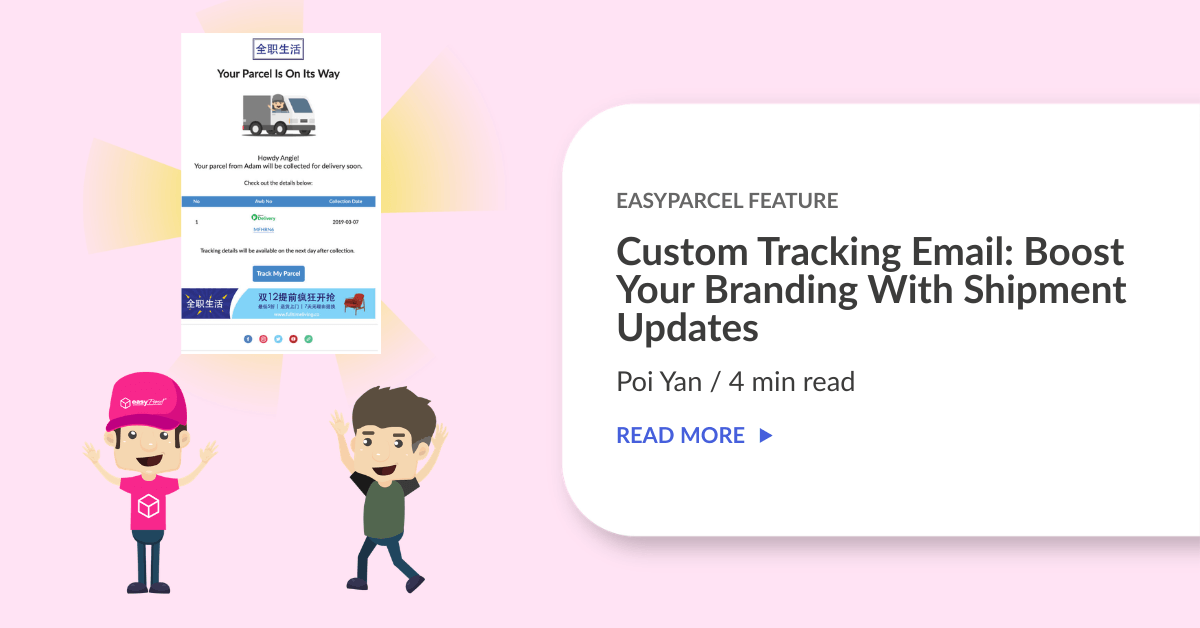
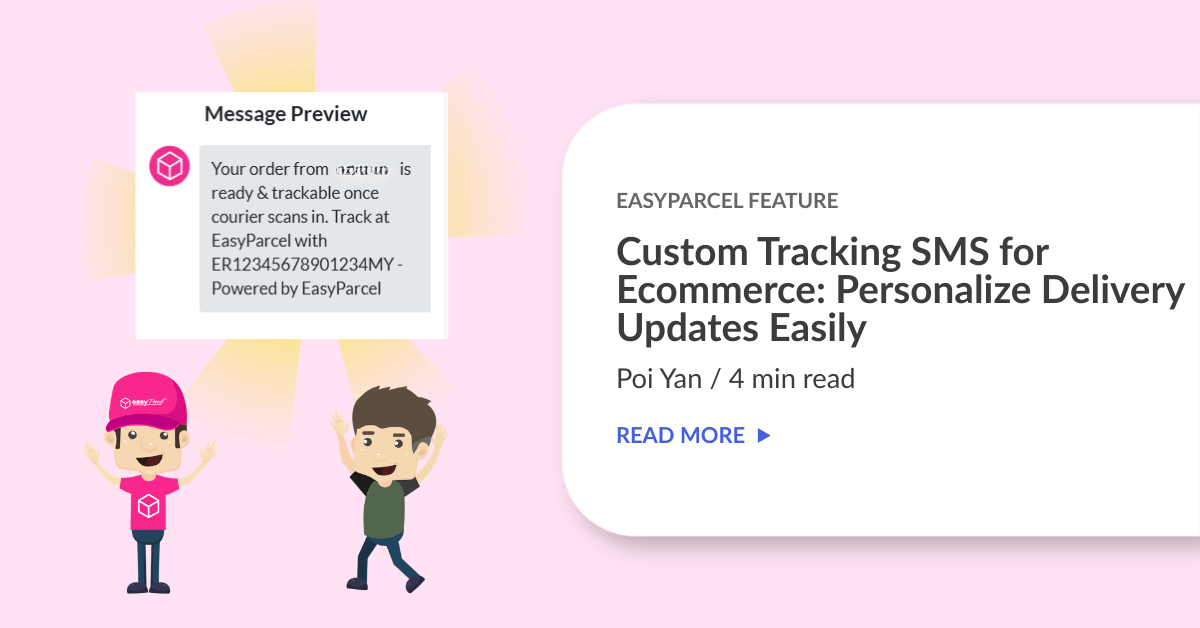
Want to customize your tracking email? With EasyParcel’s custom tracking email, you can customize your email to match your brand and keep customers updated on their delivery. It’s easy to use and quick to set up.
Contents
What is EasyParcel's Custom Tracking Email?
Firstly, tracking email is an automated feature that sends your customers their parcel tracking details once a shipment is created. It includes the tracking number and allows recipients to monitor their delivery status in real time.
With EasyParcel, tracking email goes beyond basic notifications. You can customize the email with your own branding, such as logo, images, colors, and promotional messages. So, every update reflects your brand identity while keeping customers informed.
Why Use Custom Tracking Email on EasyParcel?
Guaranteed Reach
Your brand is seen every time a email is sent.
Keep Customers Updated
Customers receive real-time updates about their delivery.
Drive Repeat Sales
Reminders for customers to come back and shop again by adding special offers and product highlights.
Affordable
Only RM0.10 per email notification.
How to Setup Custom Branding on Tracking Email?
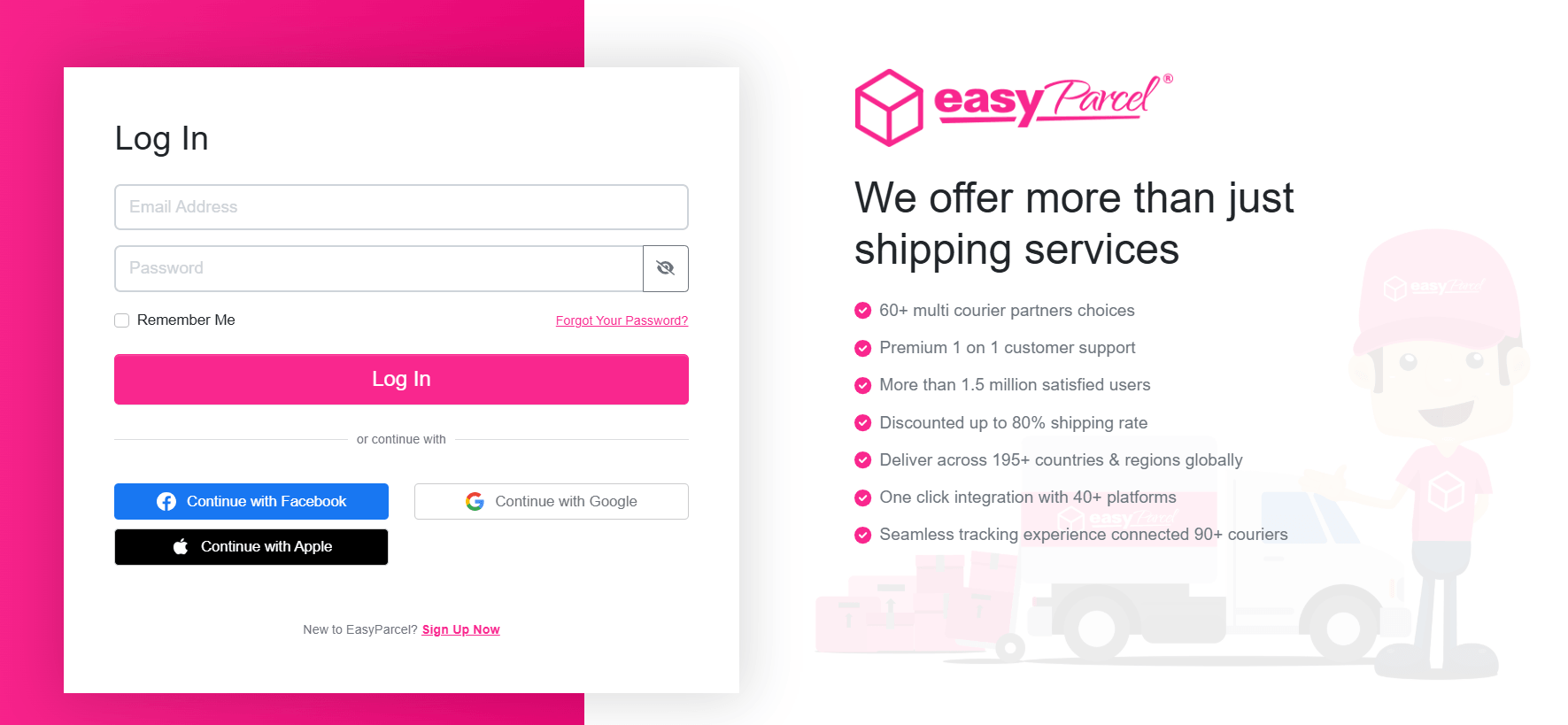
Step 1: Log in or sign up to your EasyParcel’s account.
Step 2: On the left-hand sidebar menu, go to Branding Tools, click Tracking Email.
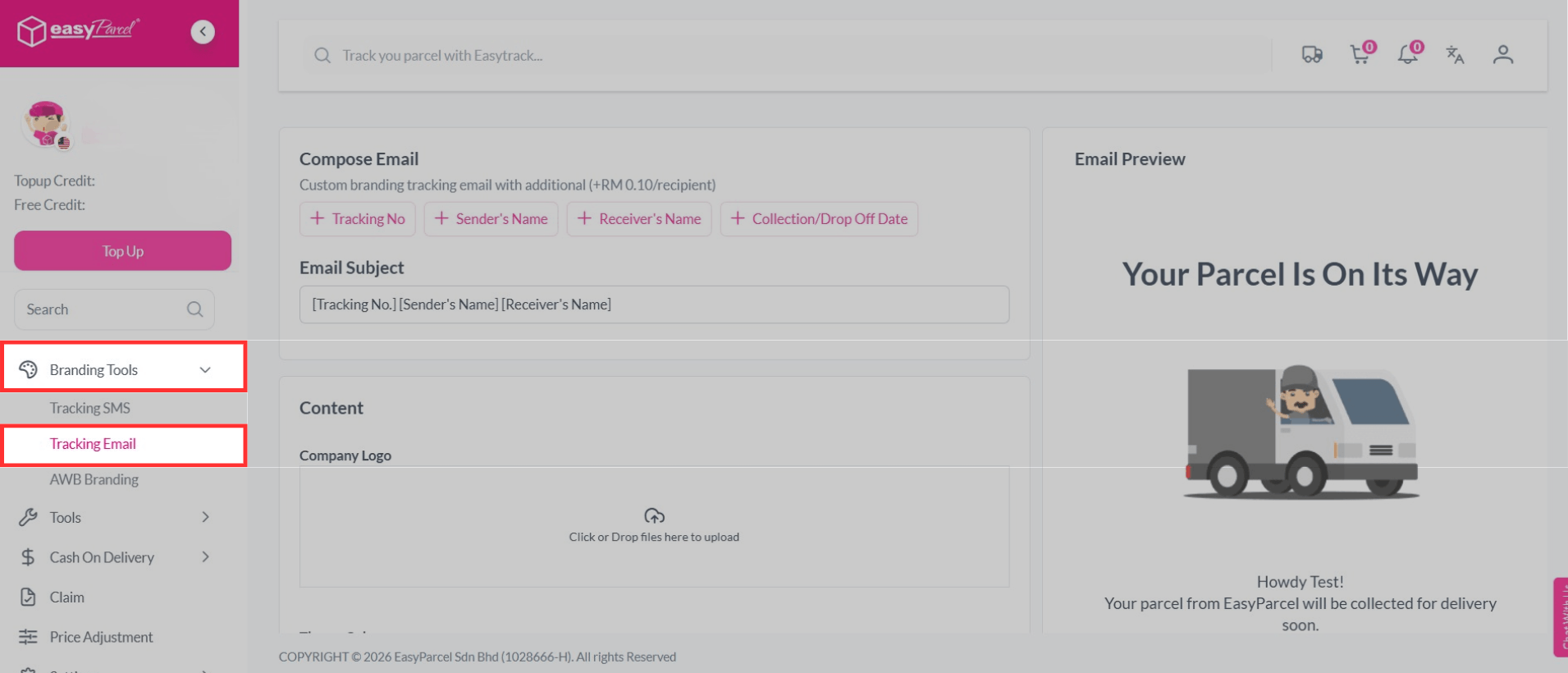
Step 3: You can customize the email subject with the variations listed.
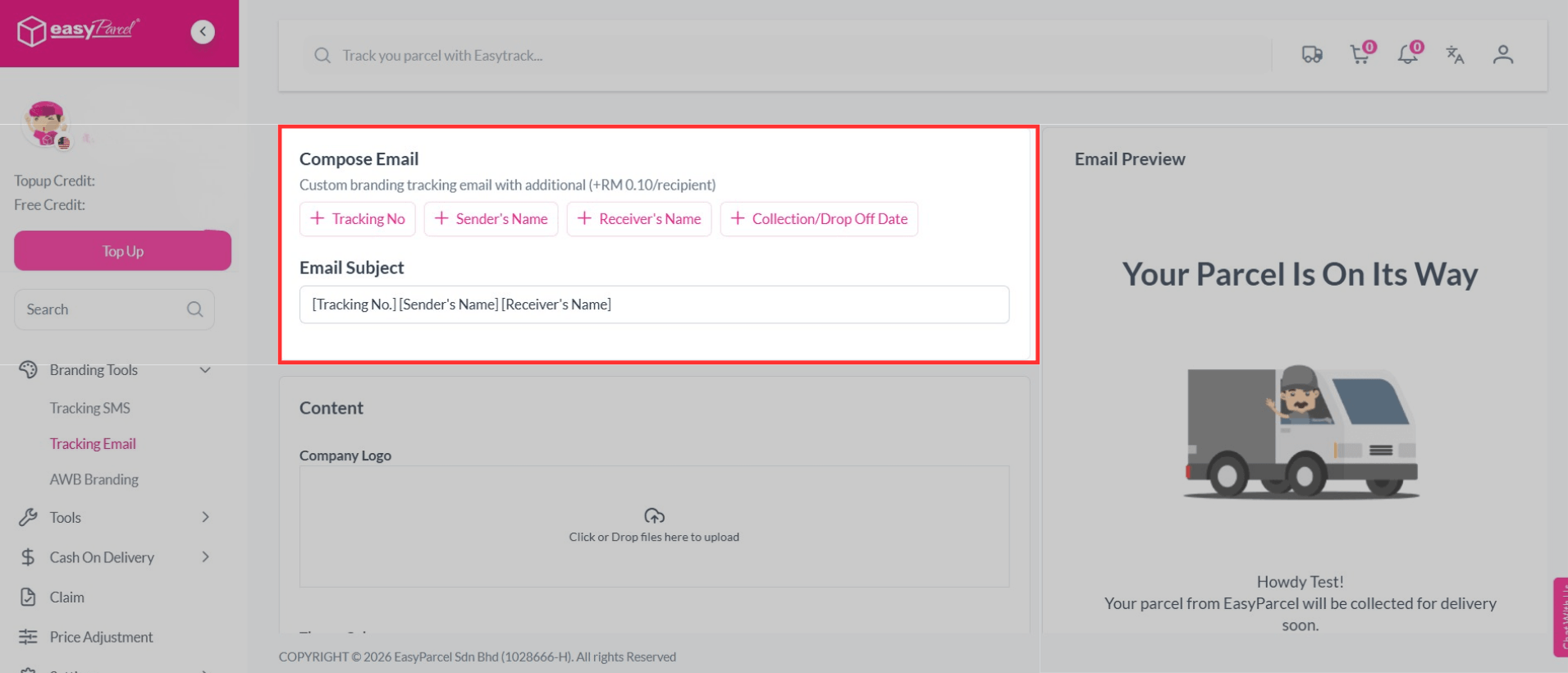
Step 4: Upload your own business logo and decide your theme color.
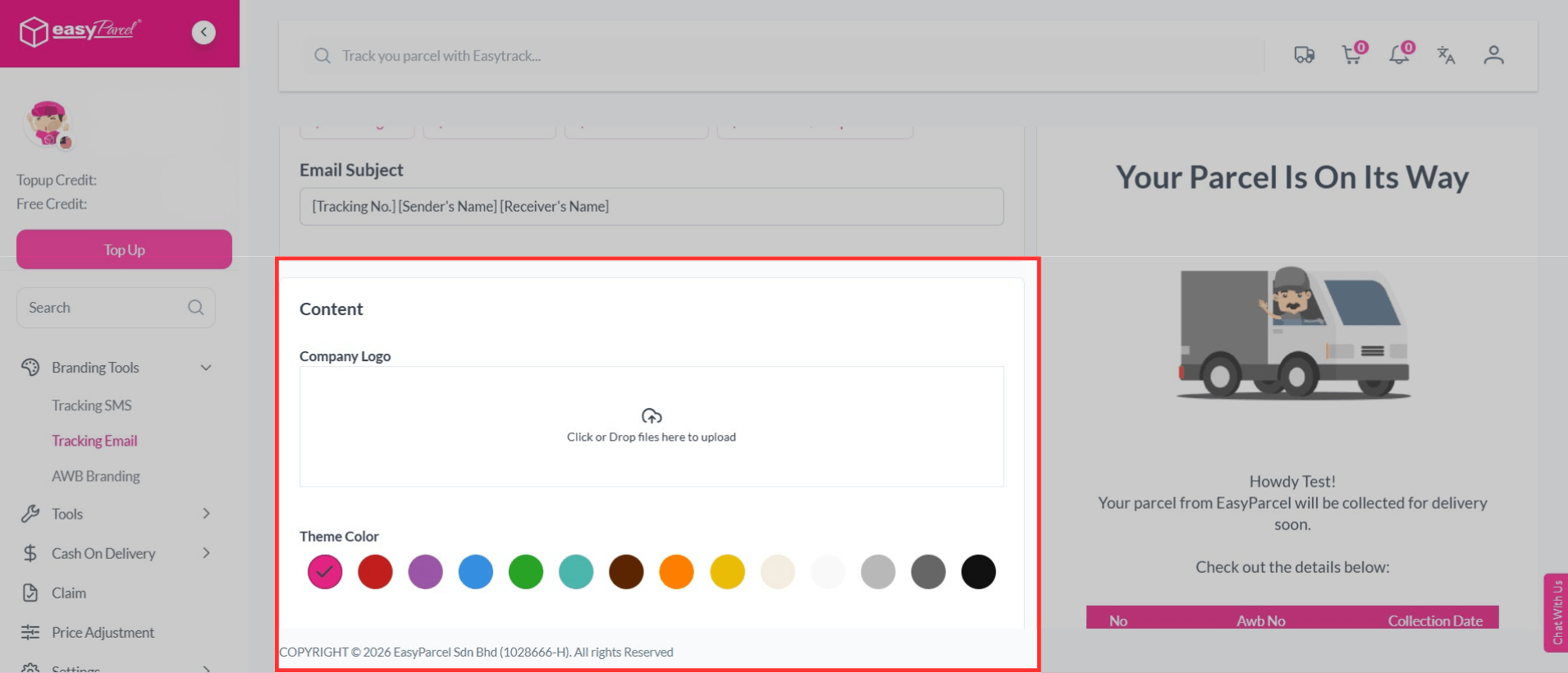
Step 5: You can insert your promotional text and banner.
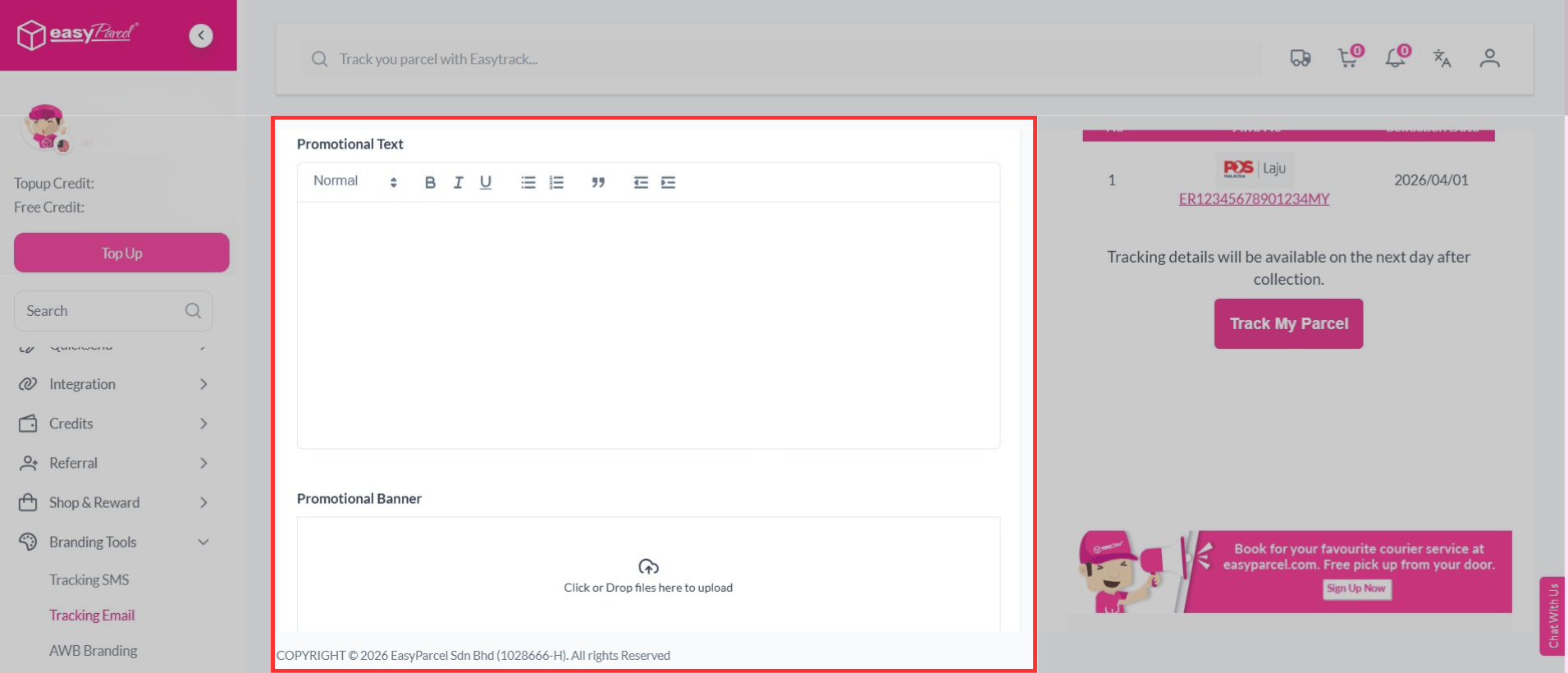
Step 6: You can choose to remove EasyParcel branding by adding RM0.05 per recipient or else proceed with Save Changes.
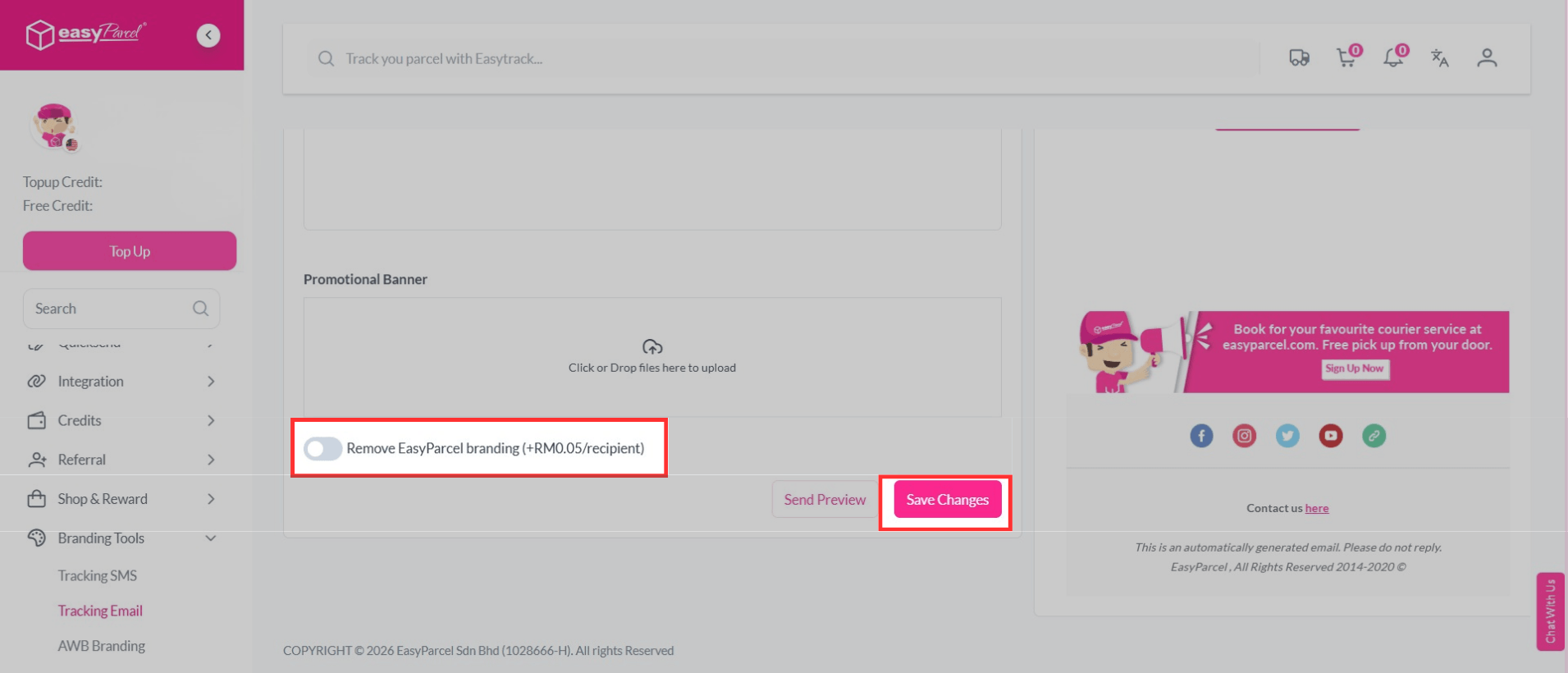
Step 7: Once activated, book and send domestic/ international parcel as usual.
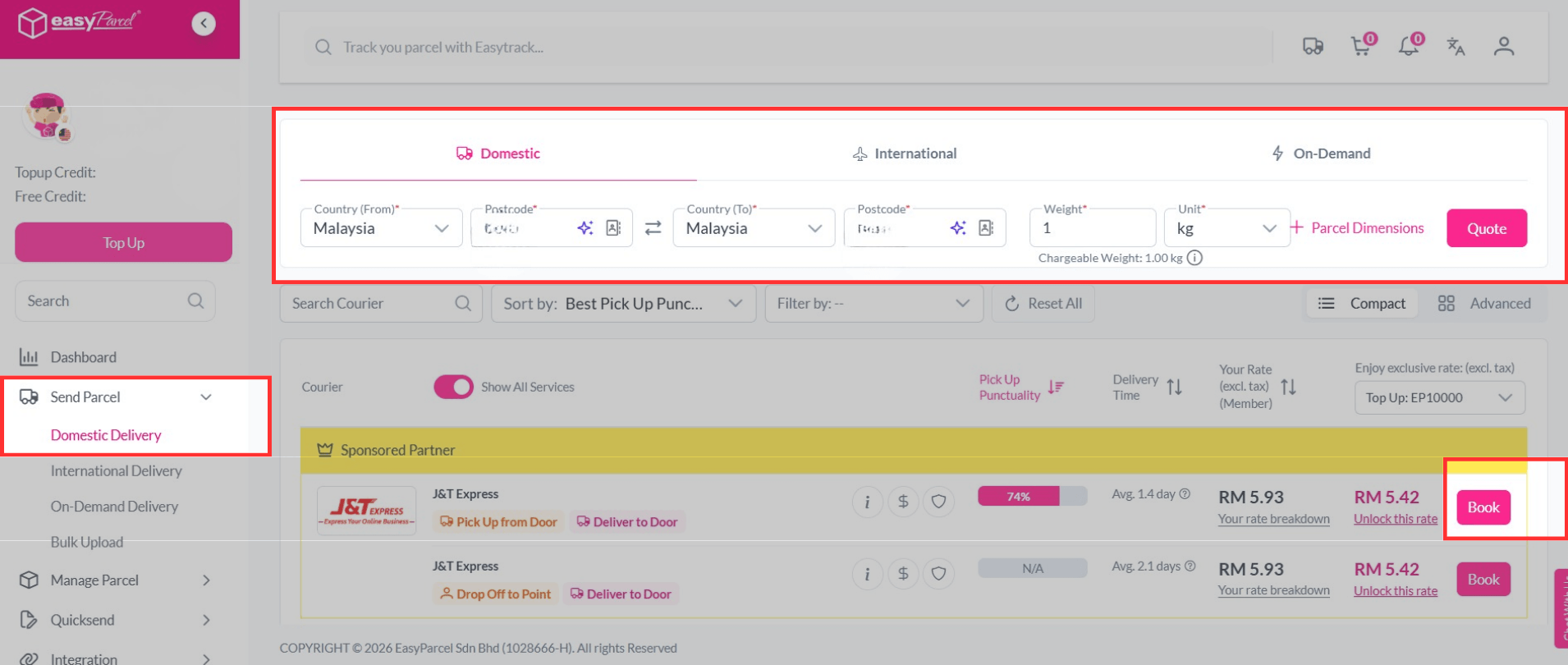
Step 8: You just turn on tracking email when booking for courier service.
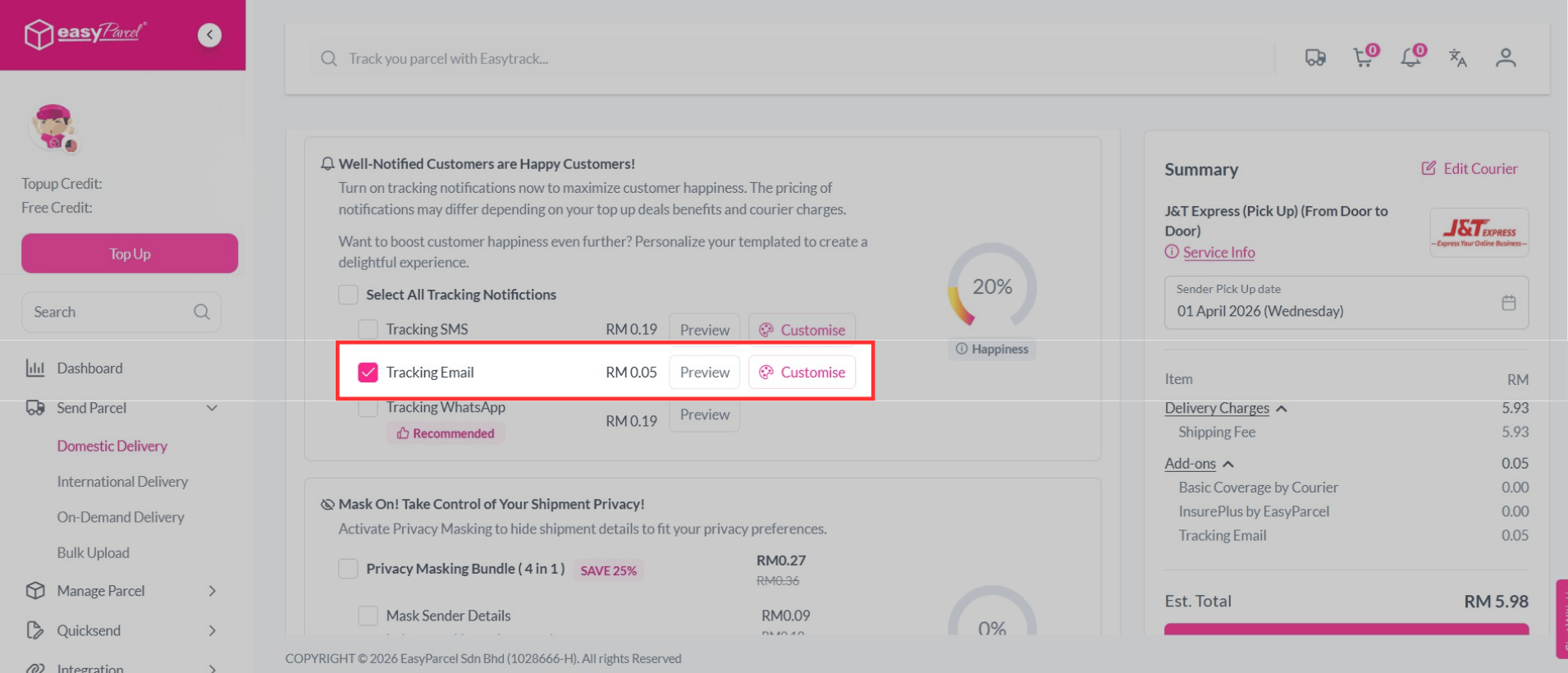
How Much Should I Pay For?
Tracking Email
- RM 0.05
Remove EasyParcel Branding
- RM 0.05
Let’s Start to Customize Your Tracking Email on EasyParcel
Custom tracking email is an easy way to improve how you communicate with your customers. By sending branded and clear updates, you can build trust and enhance your brand image.
Start using it today to create a better delivery experience. ✨