Table of Contents
Organizing group buys on platforms like Taobao, Shopee, or Lazada involves a complex transition from bulk purchasing to individual distribution. Once the main order arrives, the challenge shifts to sorting items and managing multiple shipments to different addresses. Handling these logistics manually is time-consuming and increases the risk of errors in addressing, cost allocation, and tracking, all of which impact participant satisfaction and operational efficiency.
What Is Group Buying?
Group buying means several people place orders together to get better prices, discounts, or lower shipping costs. It is commonly used on platforms like Taobao, where buyers consolidate purchases before arranging final delivery.
Group buying is popular because it:
Reduces overall costs
Allows access to bulk discounts
Makes international shopping more affordable
However, the challenge often starts after the items arrive at a local location.
The Challenge of Group Buying with Multiple Addresses
- Manually arranging multiple shipments
- Comparing courier prices for each address
- Tracking many parcels at the same time
- Managing delivery updates for different people
How EasyParcel Helps with Group Buying Shipping
Ship to Multiple Addresses Easily
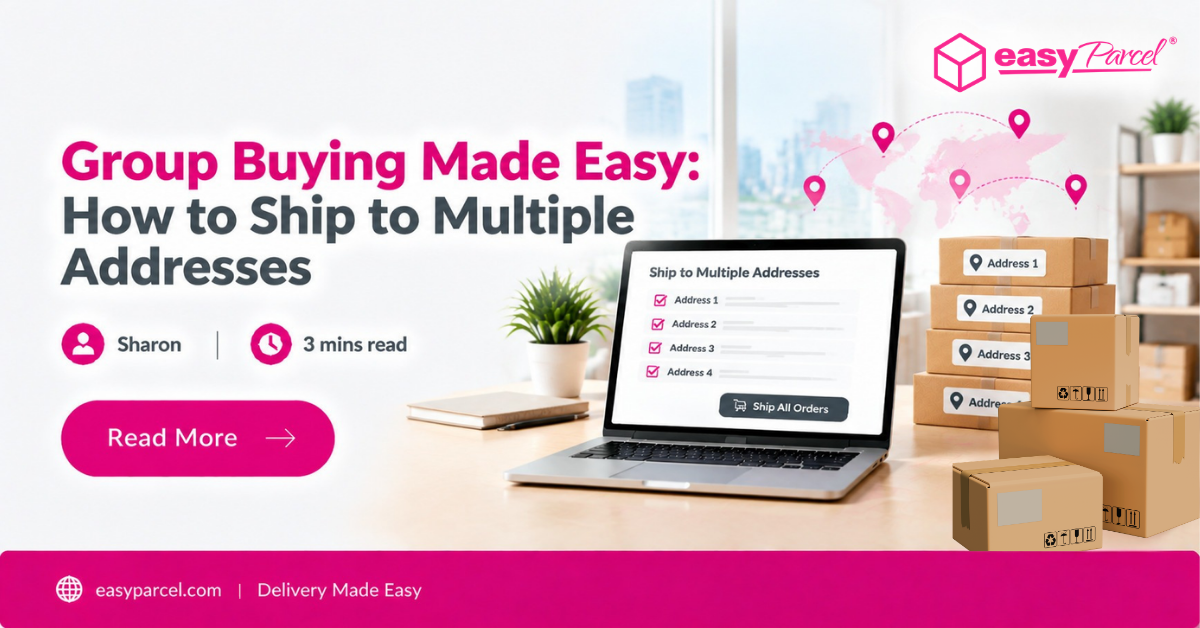
EasyParcel enables management of multiple group-buy shipments from a single source, with different delivery addresses handled in one centralized dashboard.
Compare Courier Options in One Platform
Users can view an instant side-by-side comparison of courier services, with real-time pricing and estimated delivery times, ensuring the most suitable courier is chosen for each recipient.
Bulk Booking for Group Orders
Efficiency is enhanced with a bulk booking tool that processes multiple shipments at once, generating numerous shipping labels quickly and reducing manual data entry.
Real-Time Tracking for Every Parcel
Each parcel receives a unique tracking number, offering real-time visibility that can be shared with group members, reducing status inquiries and building trust between the organizer and participants.
Multiple Drop-off Point
The platform’s on-demand service consolidates up to 10 deliveries into one booking, using a single driver to distribute across multiple locations, reducing shipping costs and enabling fast, city-wide group order distribution.
Ready to Ship Multiple Orders Faster?

Step-by-Step EasyParcel Group Buying Shipping
1. Log in to EasyParcel Account.
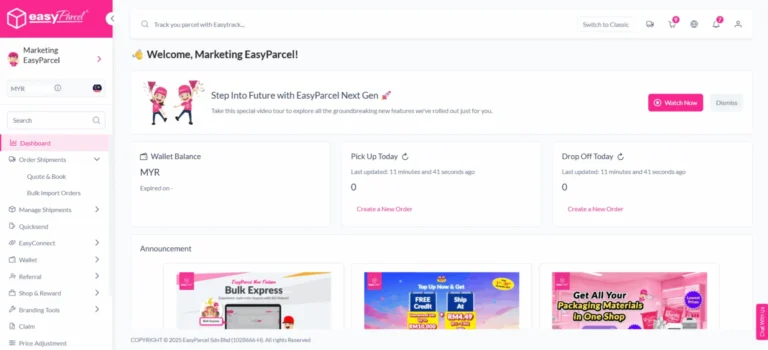
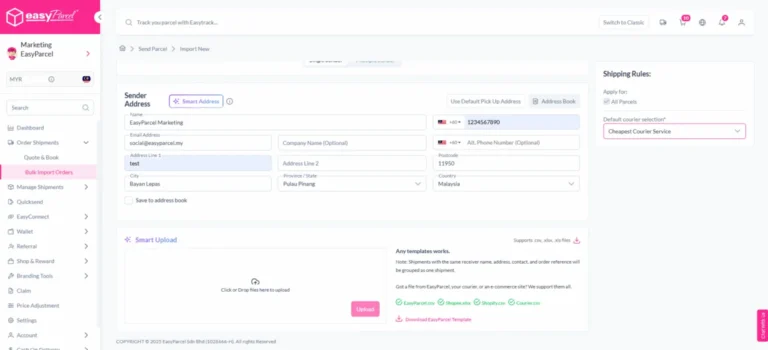
2. Click ‘Order Shipments’ > ‘Bulk Import Orders’.
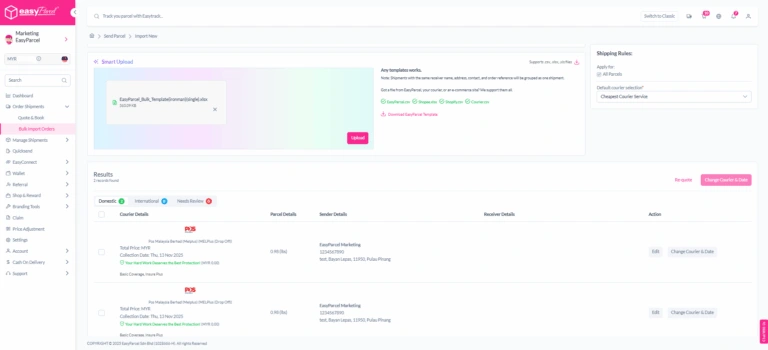
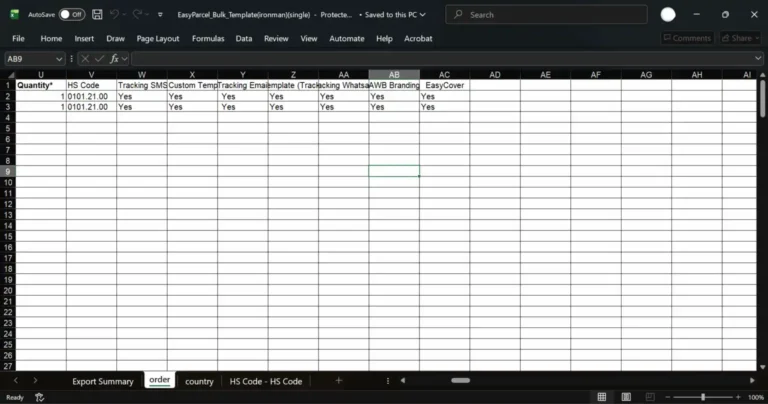
3. Click ‘Download EasyParcel Template’.
Fill in template with each member’s name, address, and parcel weight. Every group member’s delivery is entered as a separate row.
4. Click ‘Choose file’> ‘Upload’ to import bulk orders into system.
5. Review and Confirm Shipment Details.
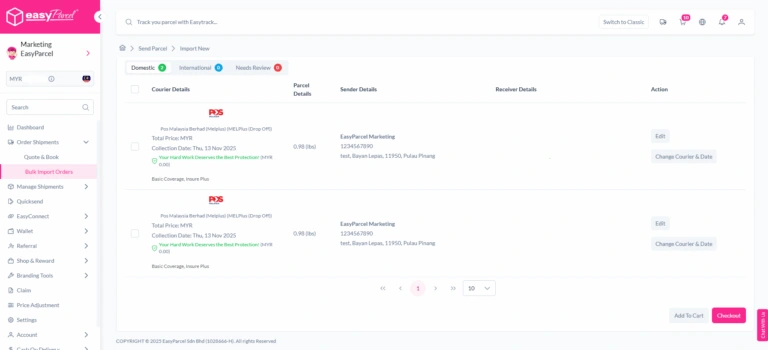
6. Make payment.
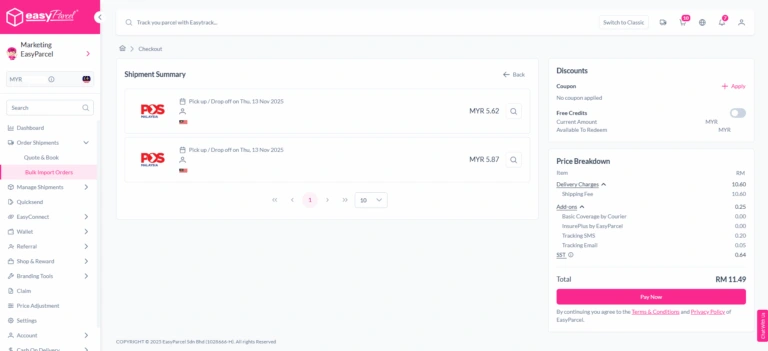
7. Print all Air Waybills.
8. Track All Bulk Orders.
To monitor delivery progress, go to ‘Manage Shipments.’