When managing a growing business with multiple staff handling bulk orders, maintaining control and consistency can become challenging. Miscommunication and inconsistent shipment information often occur without a centralized system.
EasyParcel Next Gen Team Management is built for businesses with multiple users managing shipments at once. With role-based access control, activity logs, and a centralized dashboard, it helps assign responsibilities clearly and maintain consistent shipping operations.
Table of Contents
Benefits of Using EasyParcel’s Team Management Tools
Boosted Productivity
Team members can focus on their tasks without overlapping or stepping on each other’s work.
Clear Accountability
Activity logs make it easy to track who handled which shipment or task, reducing blame games.
Fewer Errors
With defined roles, able to saw a drop in booking mistakes and customer confusion.
Faster Onboarding
New staff quickly understand their role, tools, and responsibilities within a centralized system.
Step-by-Step: Setting Up Team Management in EasyParcel
Step 1: Login EasyParcel Account.

Step 2: Under “Account”, click on “Team Management”.
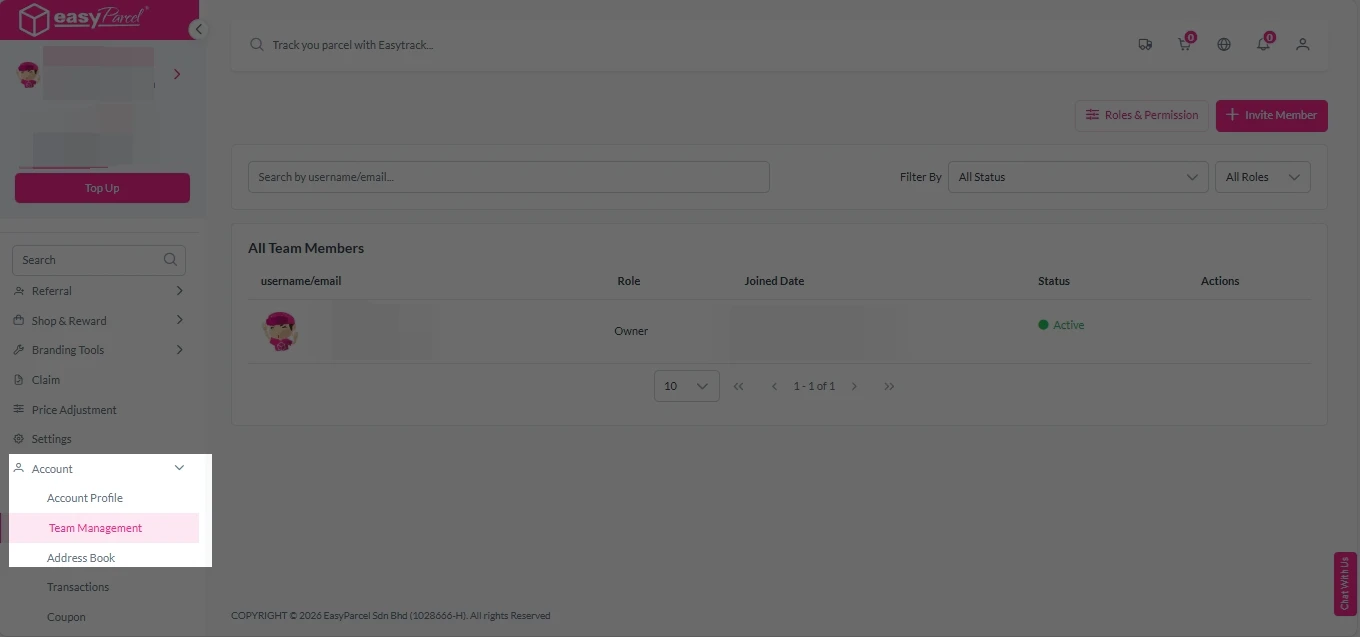
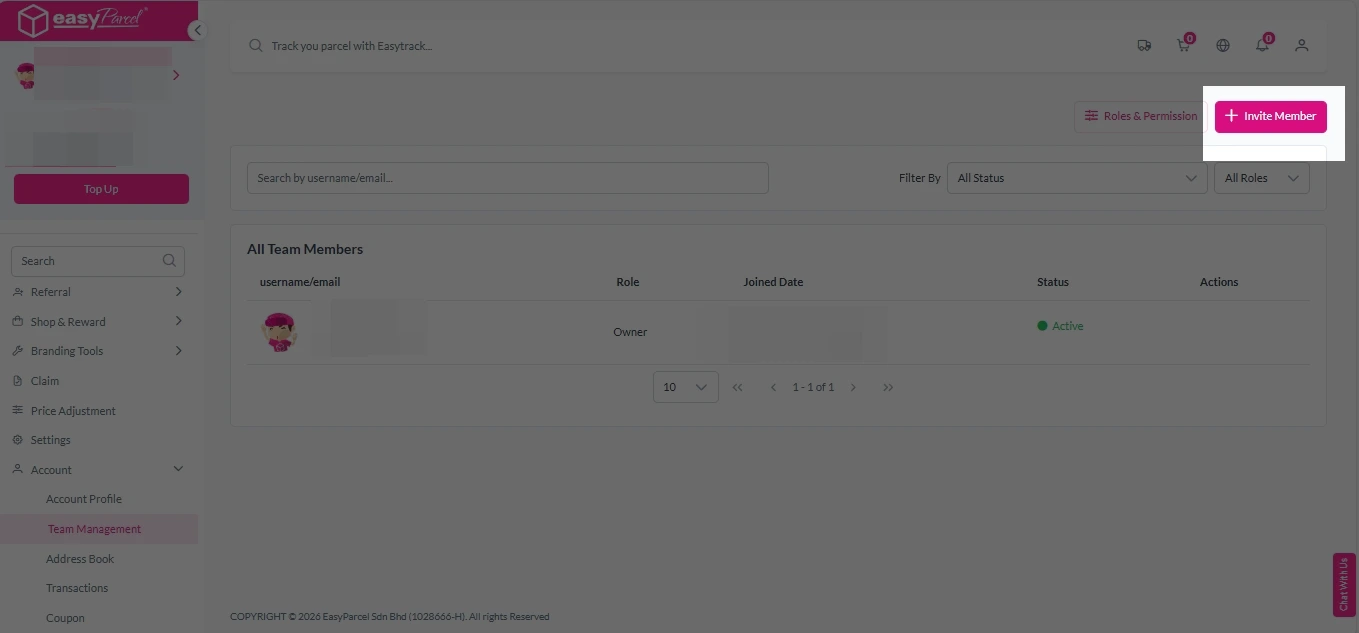
Step 3: To invite team member, click on “Invite Member”.
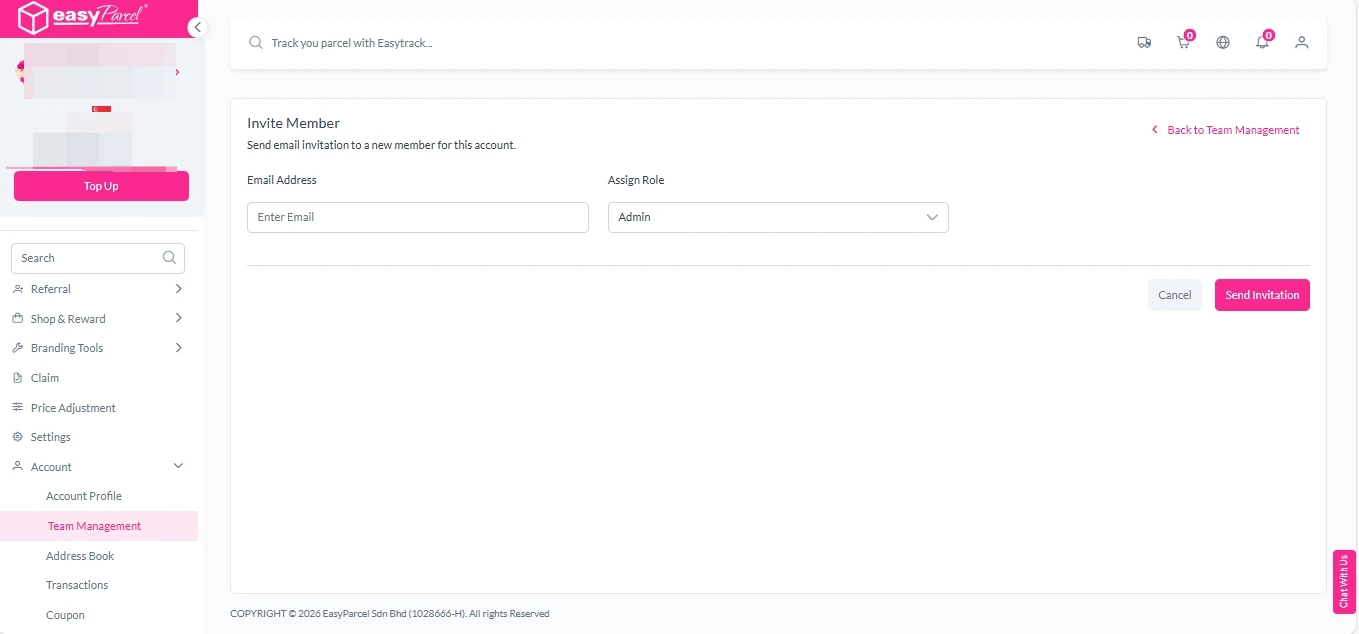
Step 4: Enter team member’s email address and select assign role.
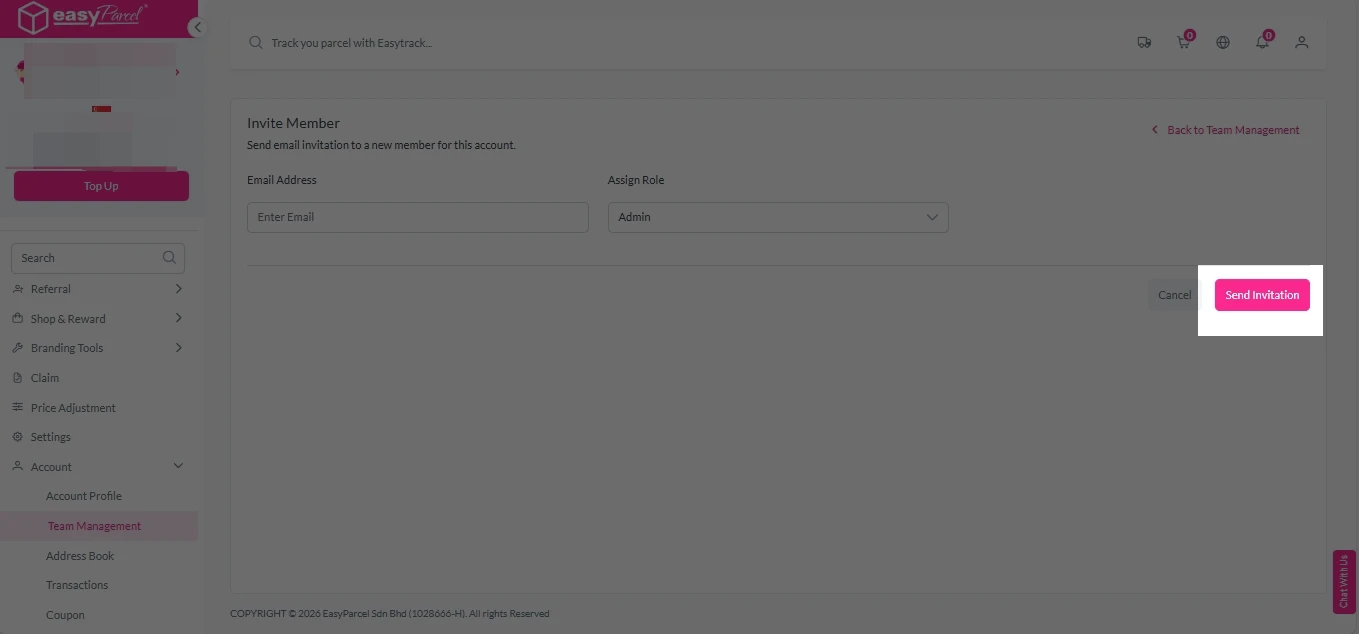
Step 5: After entering the details, click on “Send Invitation”.
Step 6: The invited member will receive an email. They should click the link provided in the email to proceed.
How to Set Permission For Each Role
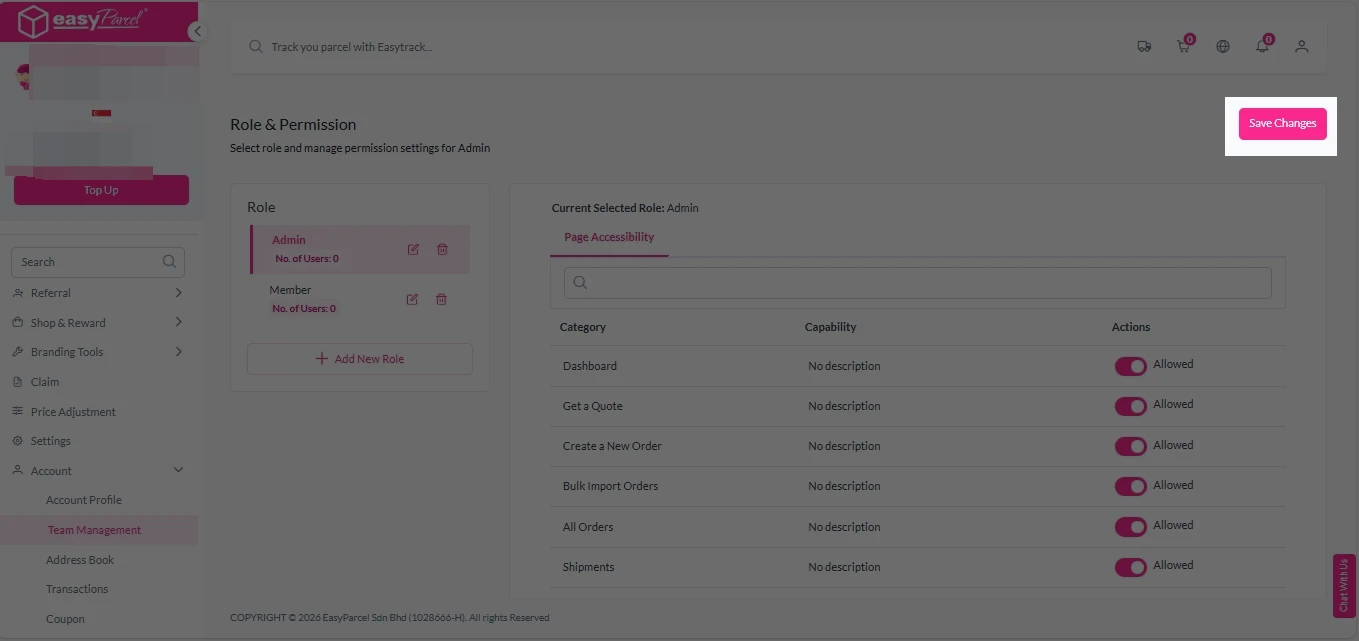
Step 1: Go to “Team Management”, Click on “Roles & Permission”.
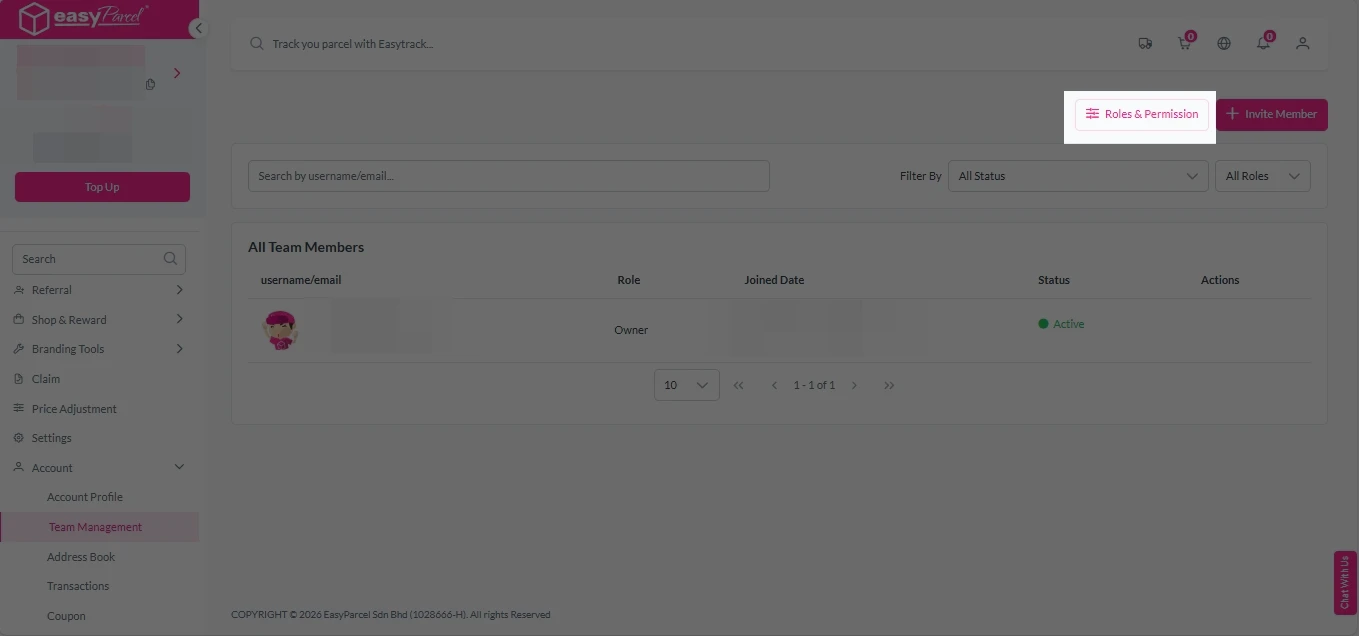
Step 2: Click on “Admin” or “Member”, and set the permission by clicking the toggle switch.
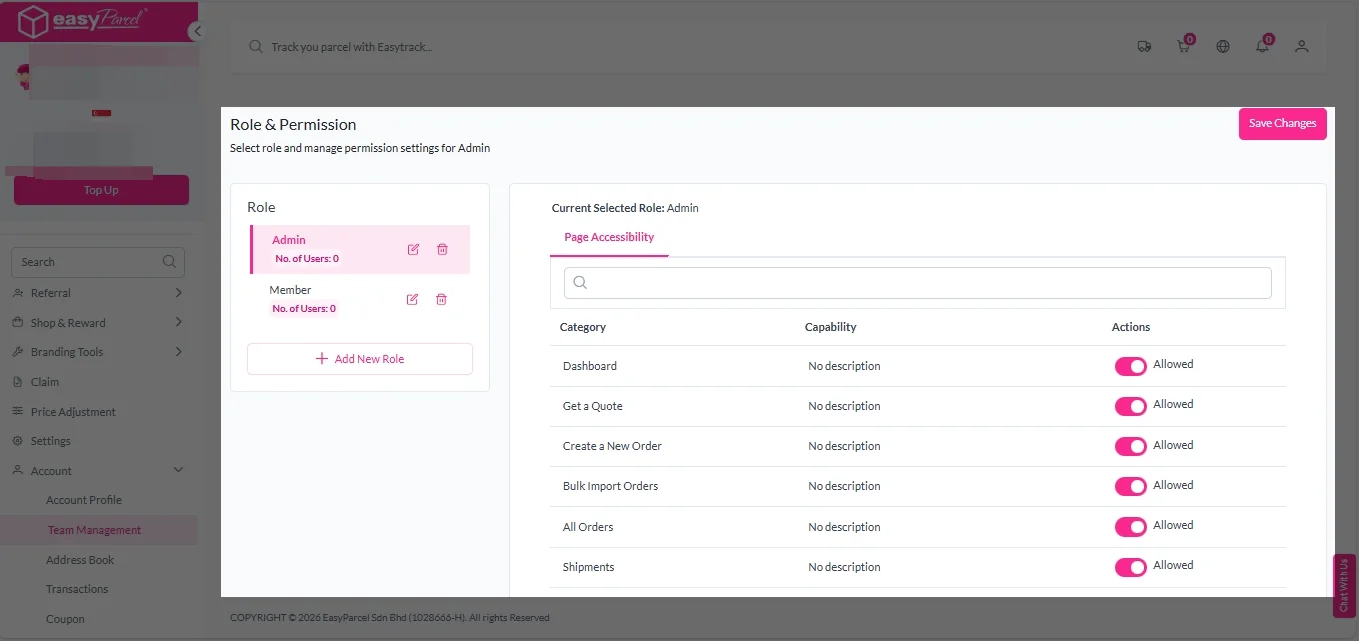
Step 3: After setting, click on “Save Changes”.