If you’re running a Wix store, you’ve already made a smart choice for building your online presence. Wix is known for its ease of use, allowing entrepreneurs to create professional websites without technical expertise . But when it comes to shipping, manual processes can quickly become a bottleneck.
That’s where EasyParcel comes in. By integrating your Wix store with EasyParcel, you can transform your shipping workflow from a time-consuming chore into an automated, cost-saving operation.
Table of Contents
Why Integrate Wix with EasyParcel?
One Platform, All Shipments
Manage domestic, international, and on-demand deliveries from a single dashboard—no more switching between courier websites.
Reduce Manual Work
Orders sync automatically from your Wix store, eliminating manual data entry and saving hours of administrative time.
Best & Cheapest Rates
Compare 60+ couriers side-by-side to find the most affordable option for every parcel based on weight and destination.
Free Marketing Tools
Access branded tracking pages, email, Air Waybill and SMS that promote your store with every delivery—at no extra cost.
Exclusive Parcel Protection
Add EasyCover parcel protection to safeguard shipments against loss, giving you and your customers peace of mind.
Reward Points for Free Gifts
Earn points on every shipping spend and redeem them for free gifts, vouchers, and exclusive rewards.
Step-by-Step: Integrate your Wix Store in EasyParcel Website

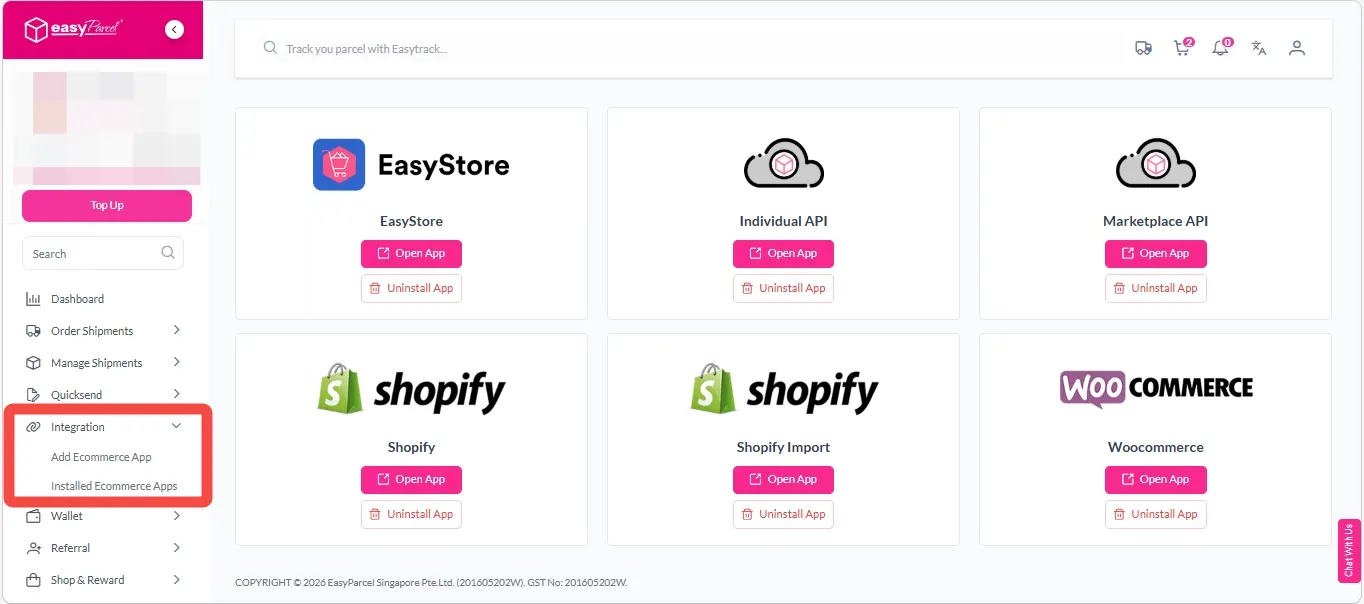
Step 2: After login, click on “Add Ecommerce App” under “Integration” section, find “Wix” and click on “Install App”.
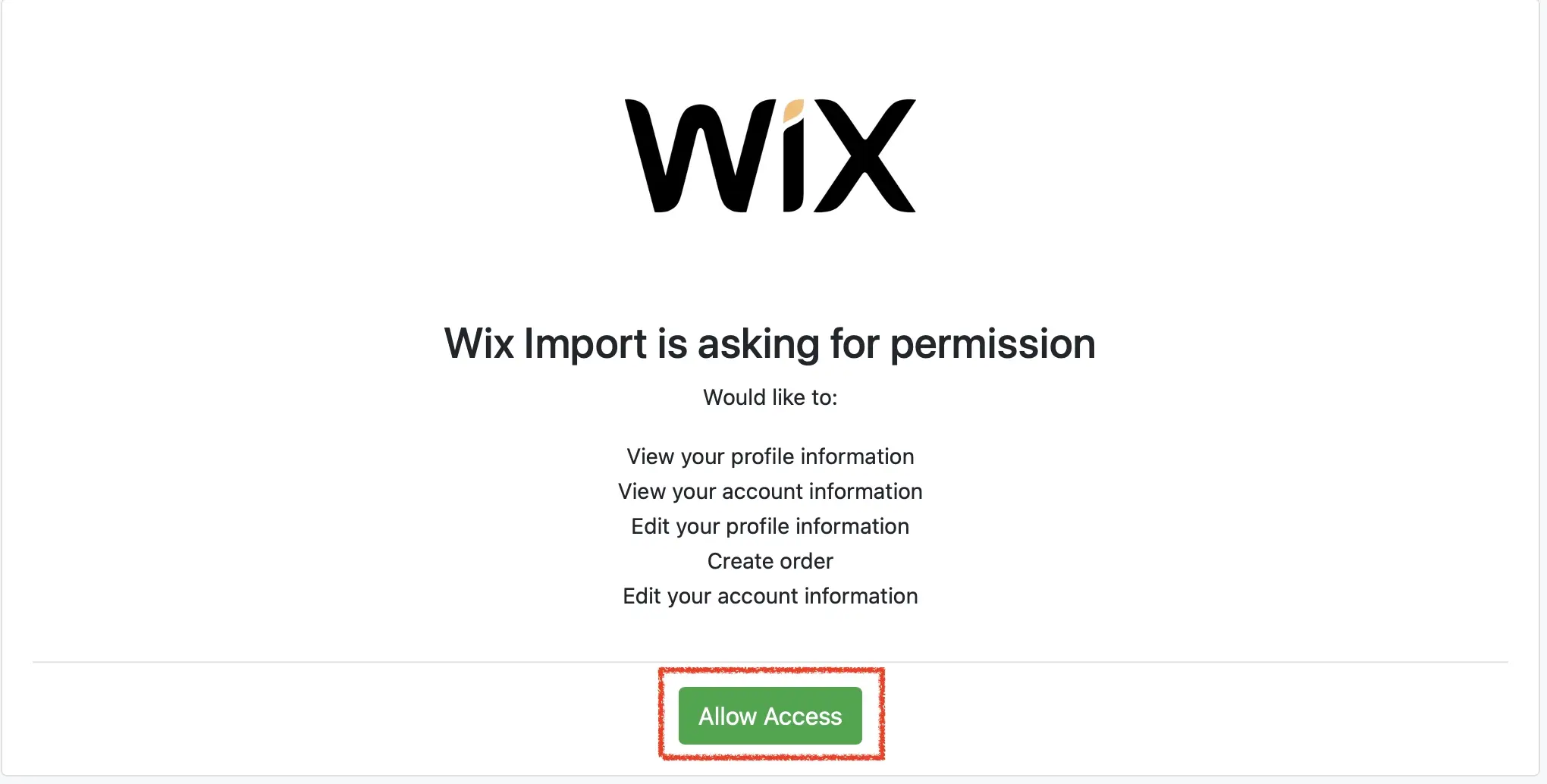
Step 3: Click “Allow Access” to authorize EasyParcel to access your Wix store data
Step 4: Enter your store name and store url, then click “Connect”.

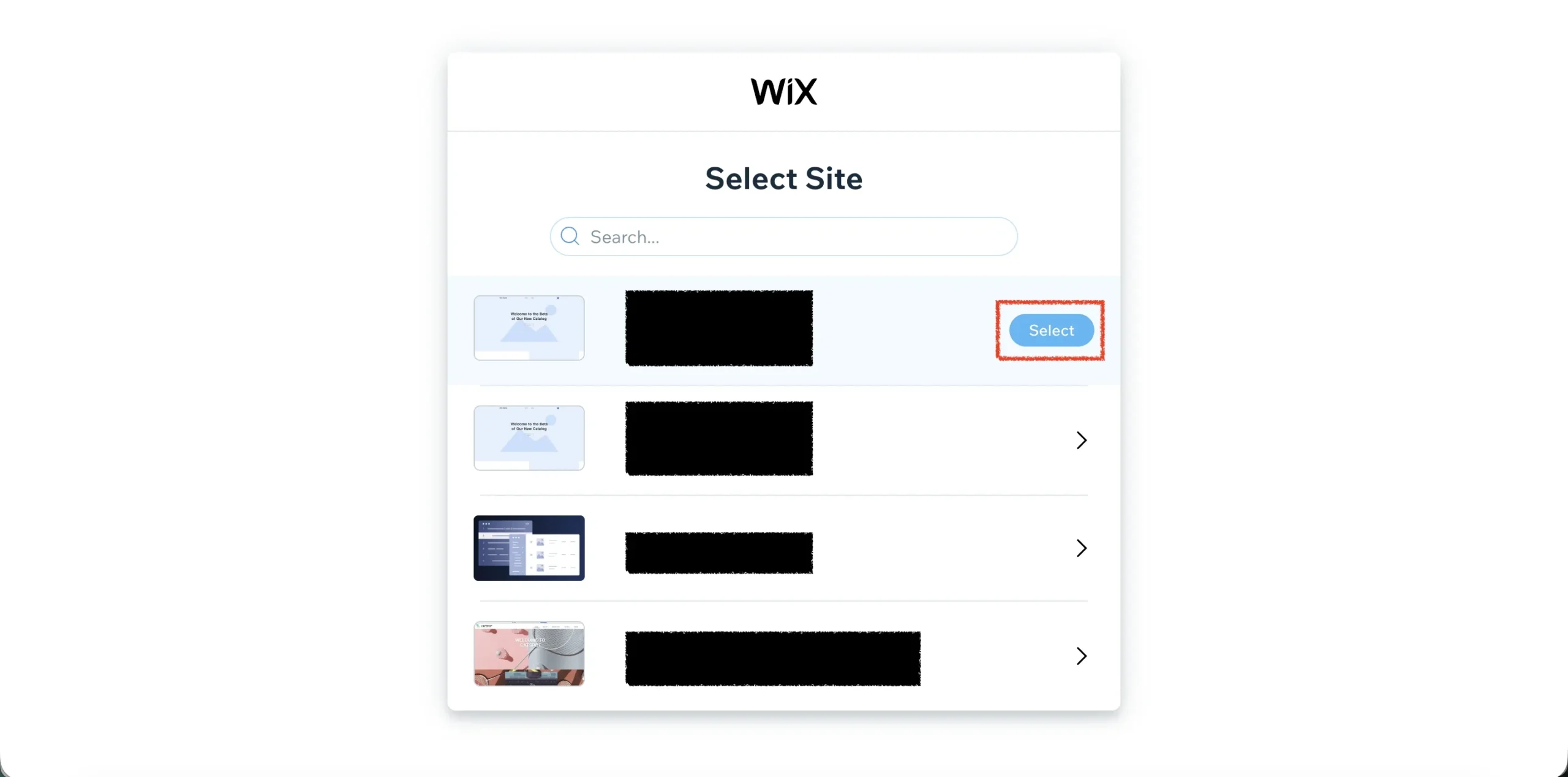
Step 5: You will be redirected to wix to grant app permissions. Select the store you wish to integrate.
Step 6: Grant the app permission by clicking “Agree & Add”.
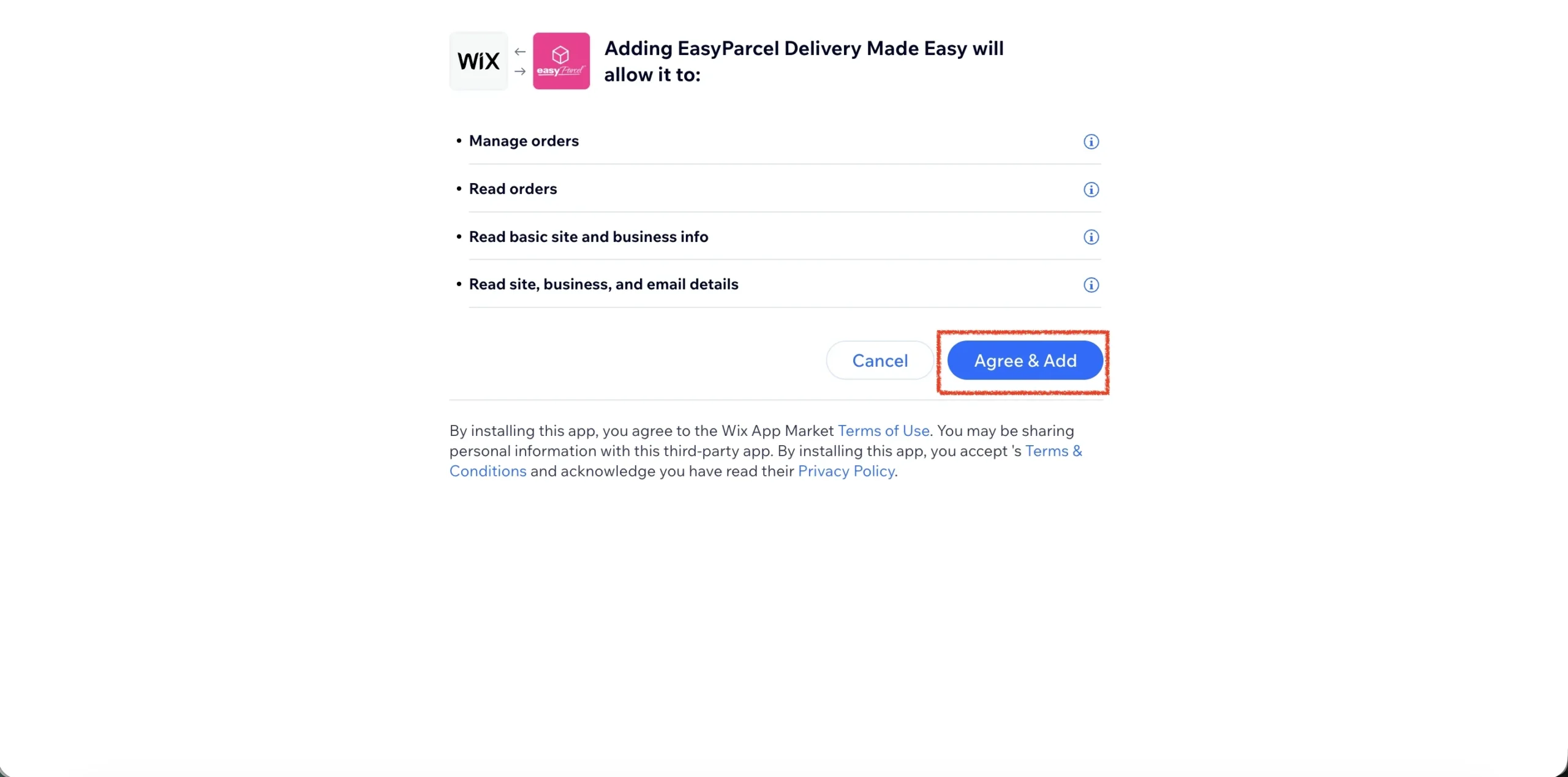
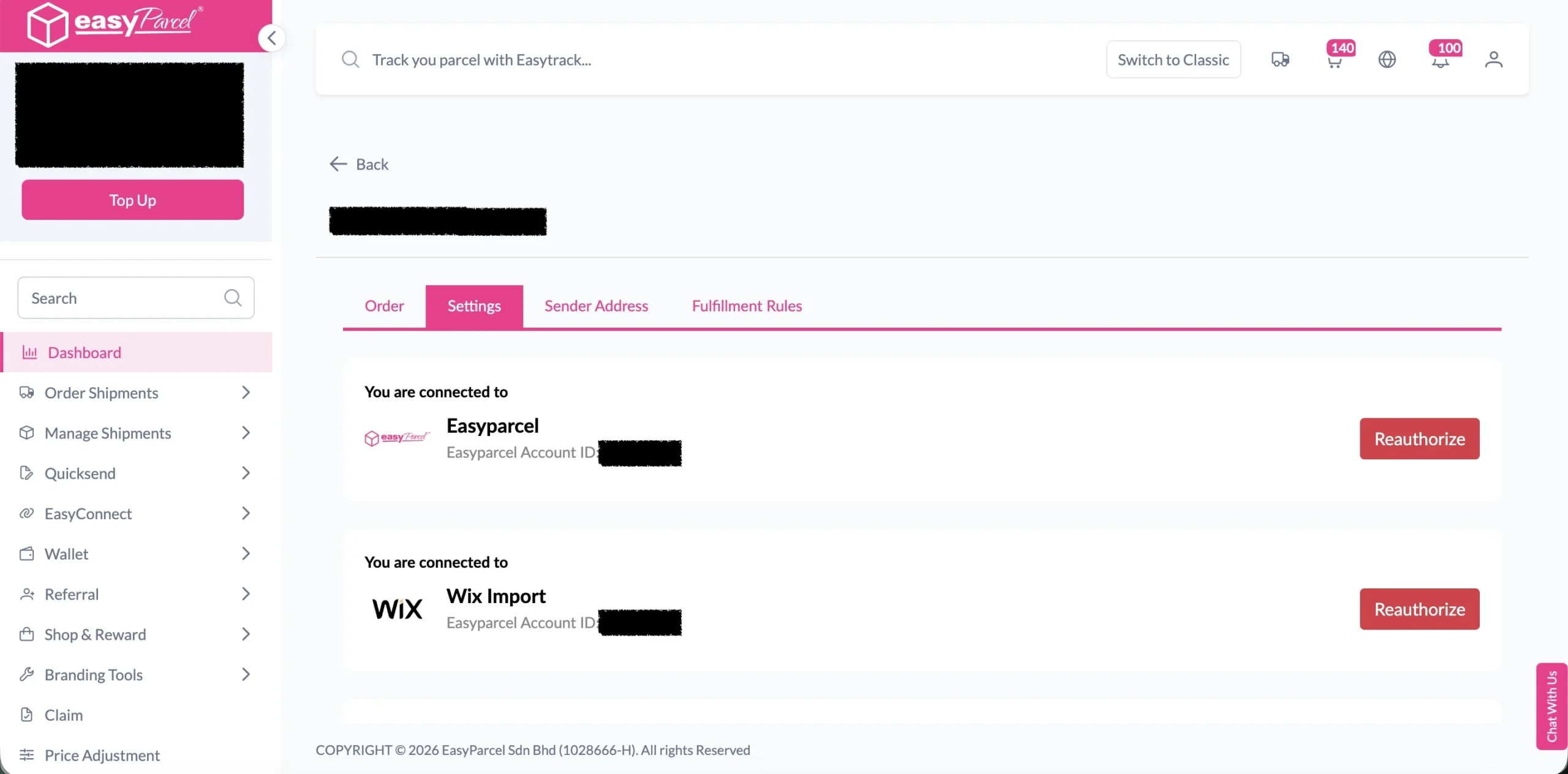
Step 7: You will be redirected back to EasyParcel, now the integration is complete.
Step-by-Step: Setup Integrated App
Step 1: Under “Integration”, click on “Installed Ecommerce Apps”, find “Wix” you may find your Wix app successfully install.
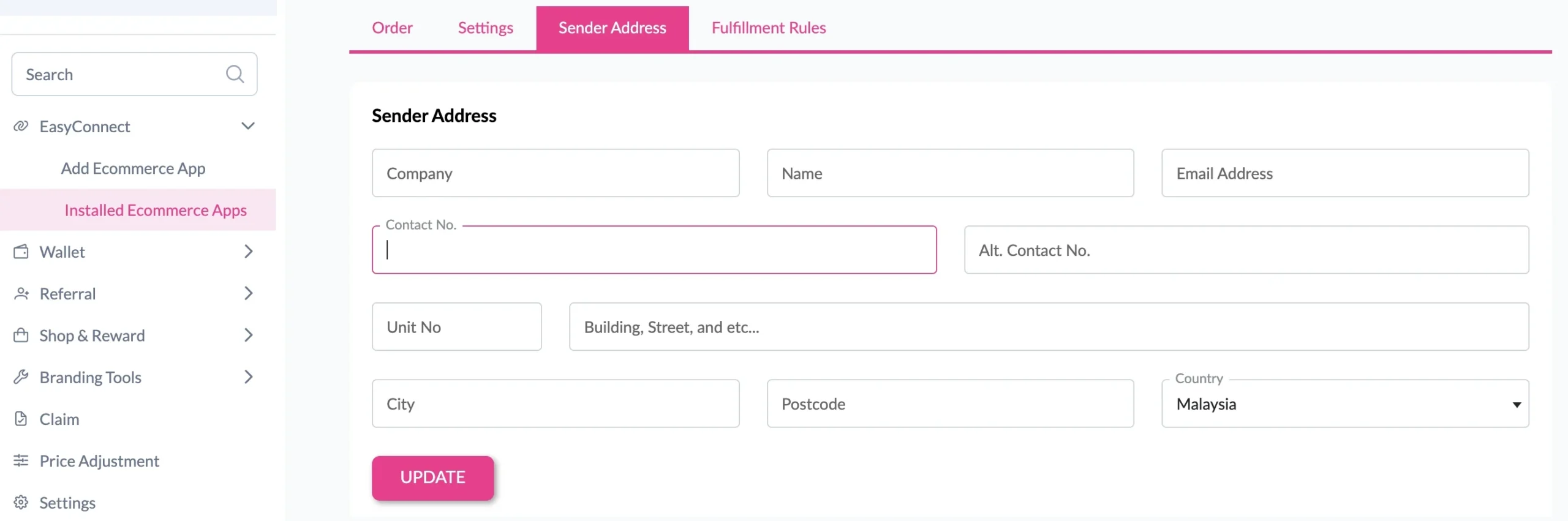
Step 2: In the store, click “Sender Address” and key in your sender details and click on the “Update” button.