Manually processing orders, copying addresses, and jumping between courier sites eats hours you could spend growing your business.
Here’s the fix: Integrate eBay with EasyParcel to auto-import orders, compare 60+ courier rates, and fulfill shipments in minutes. This step-by-step tutorial shows you exactly how.
Table of Contents
Integrate Ebay Store in EasyParcel Website
Step 1: Login to your EasyParcel account.
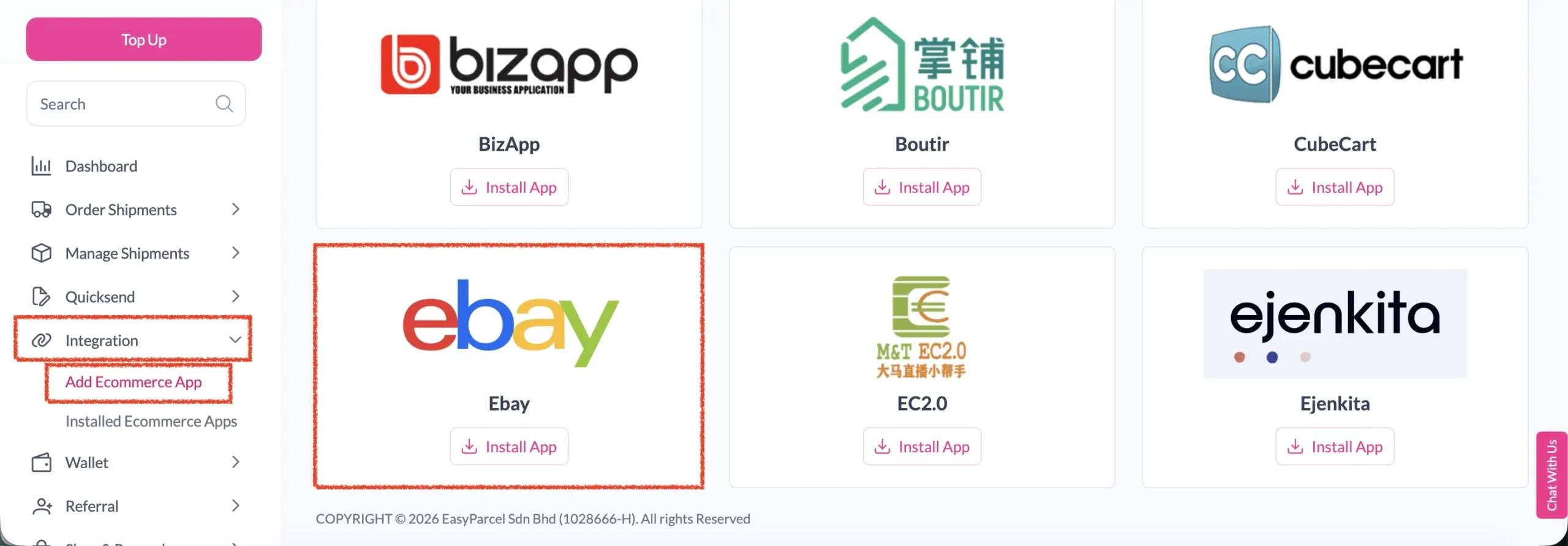
Step 2: After login, click on Add Ecommerce App under Integration section, find Ebay and click on Install App.
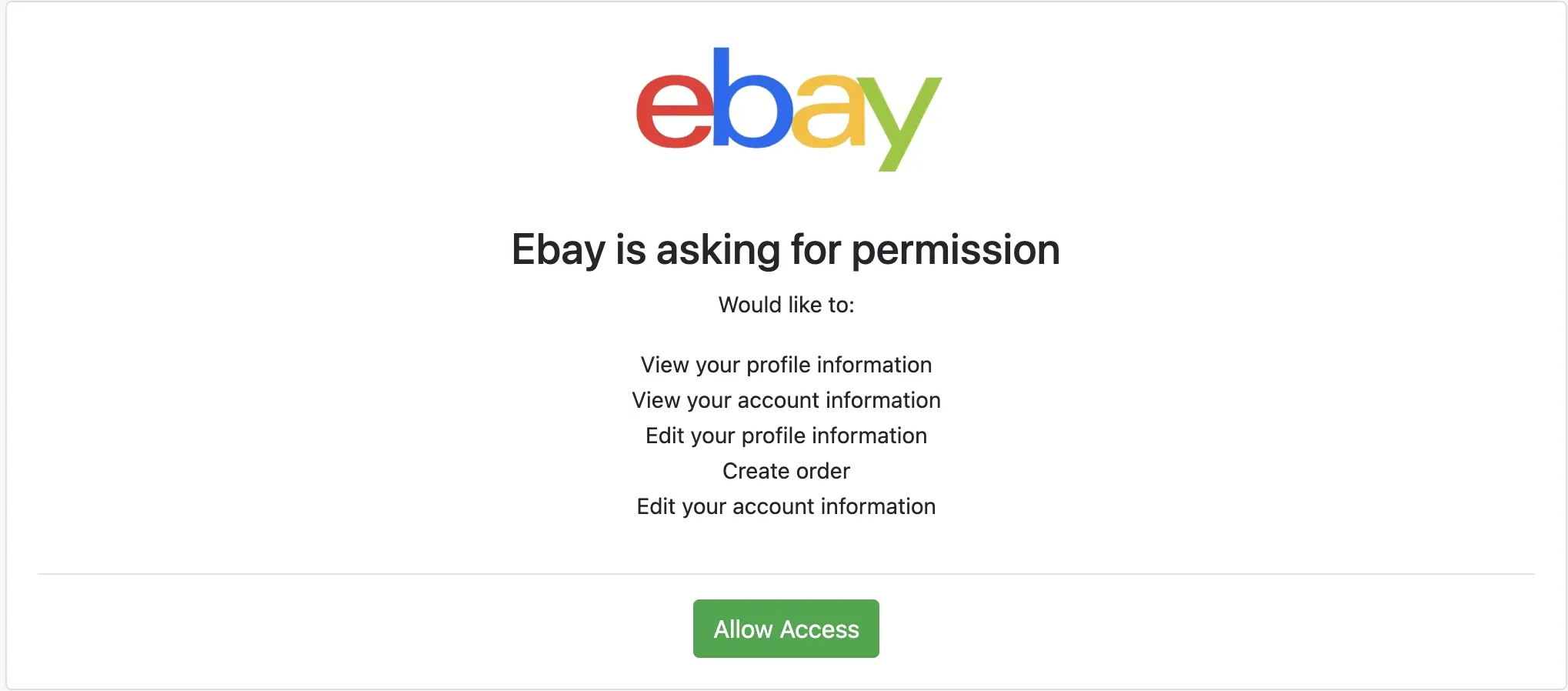
Step 3: Click Allow Access to authorize EasyParcel to access your Ebay store data
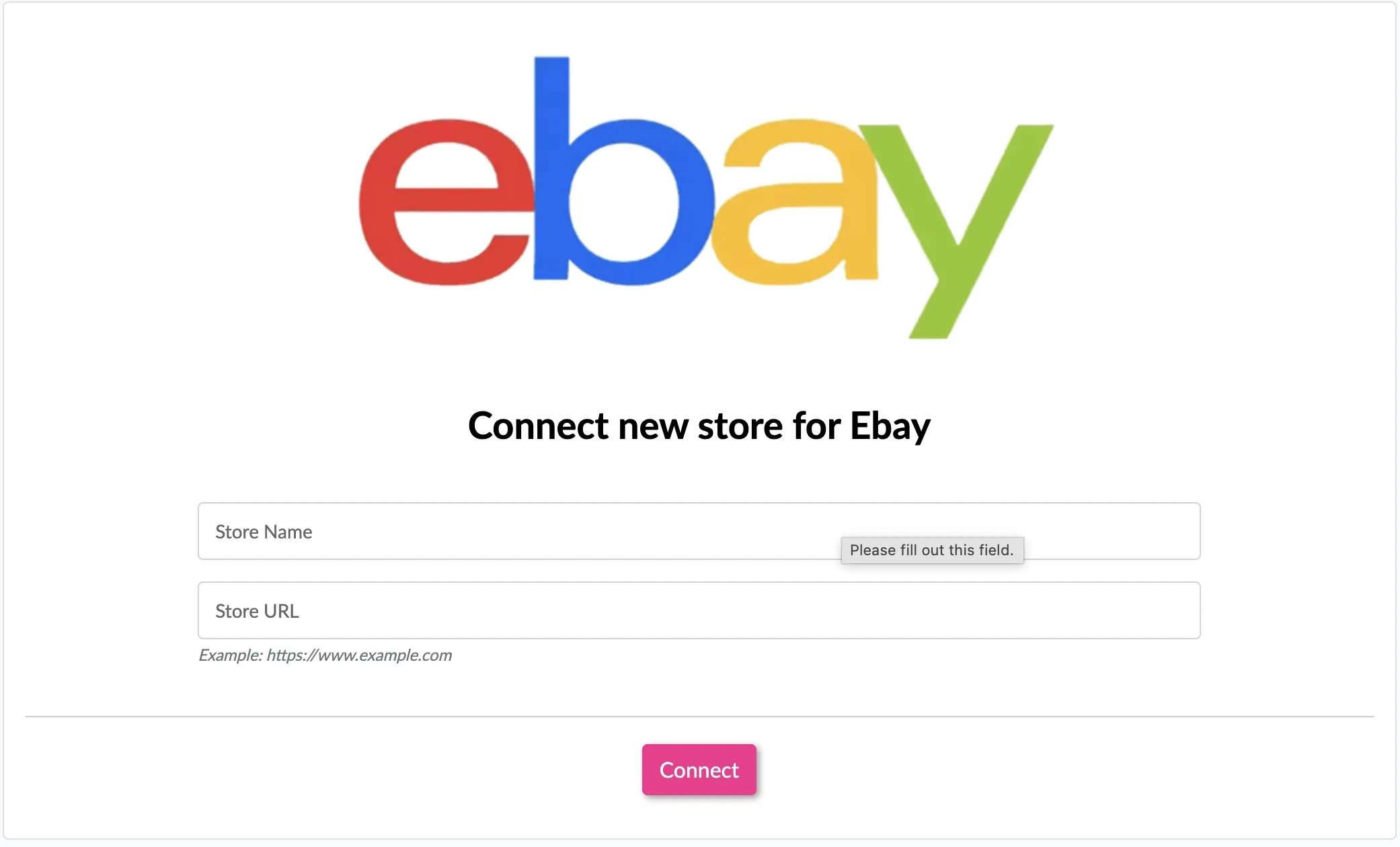
Step 4: Enter your store name and store url, then click Connect
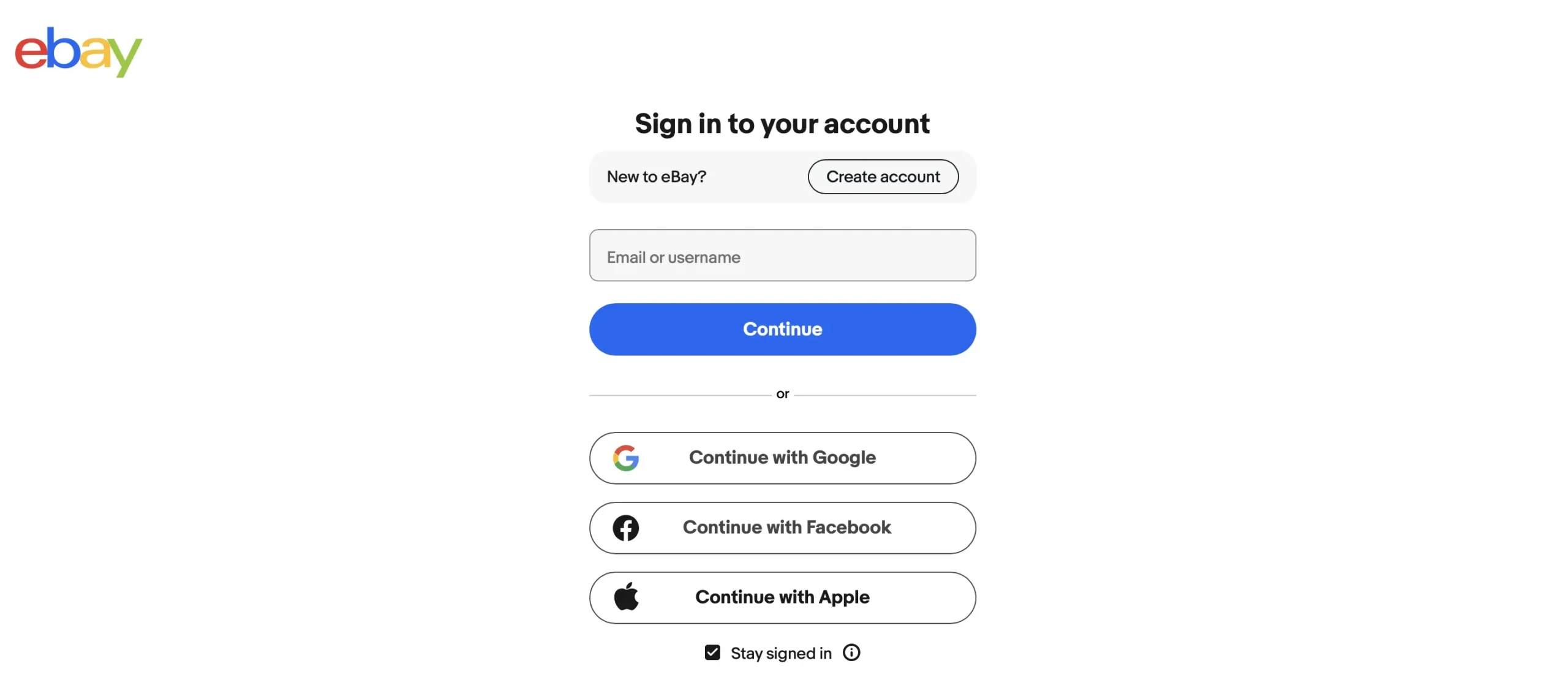
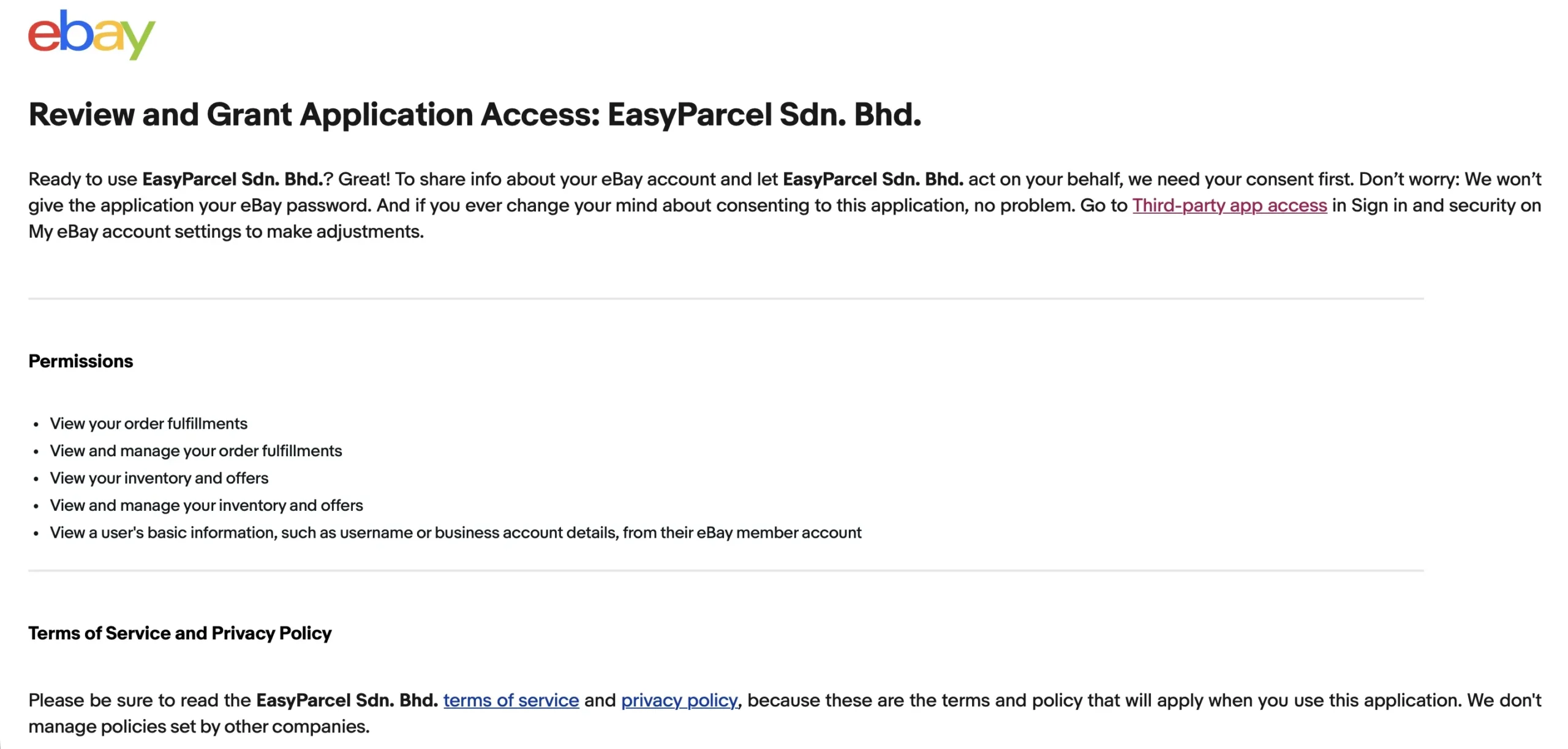
Step 5: You will be redirected to Ebay to grant app permissions. Login if you haven’t login yet
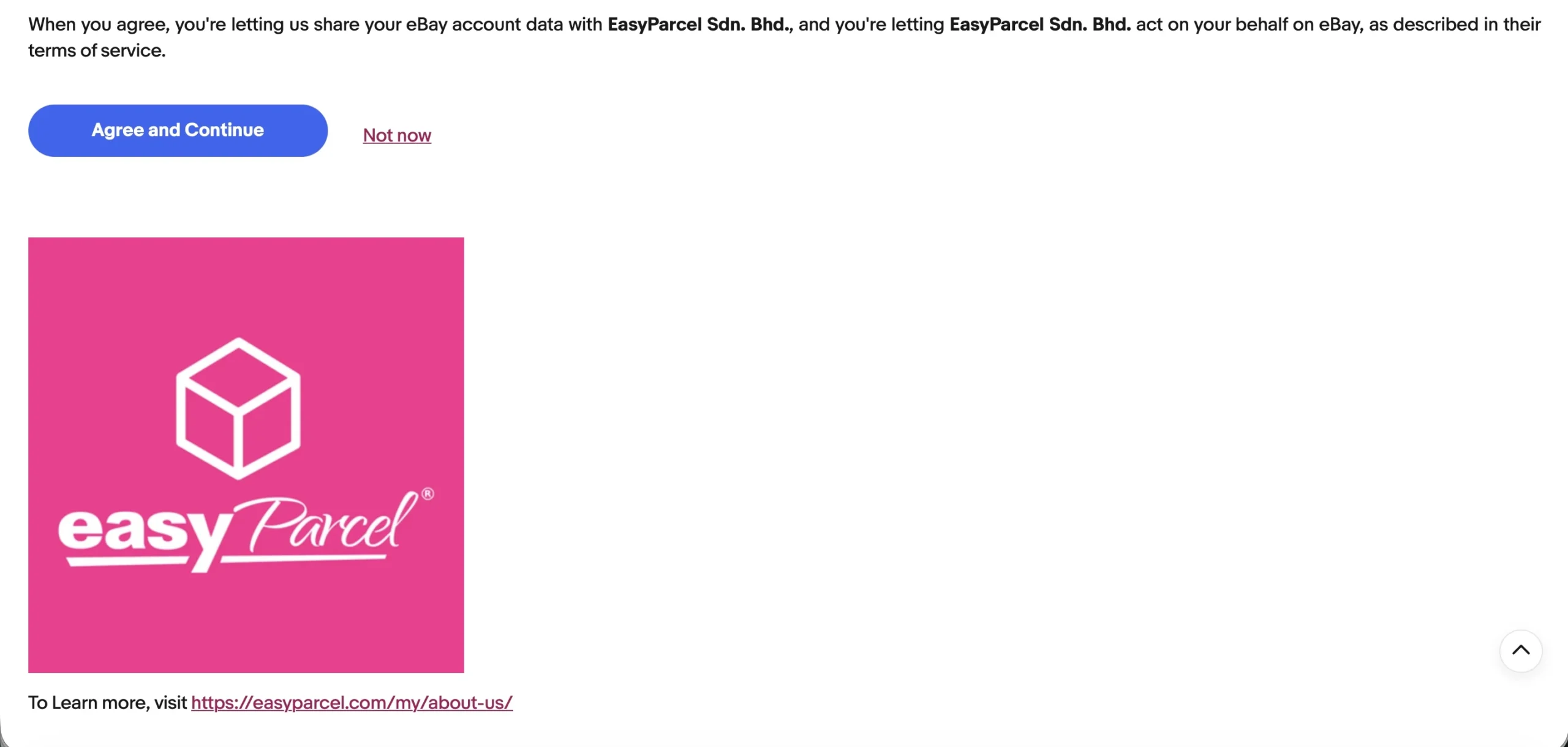
Step 6: After reviewing the permissions, click Agree and Continue to grant easyparcel the permissions
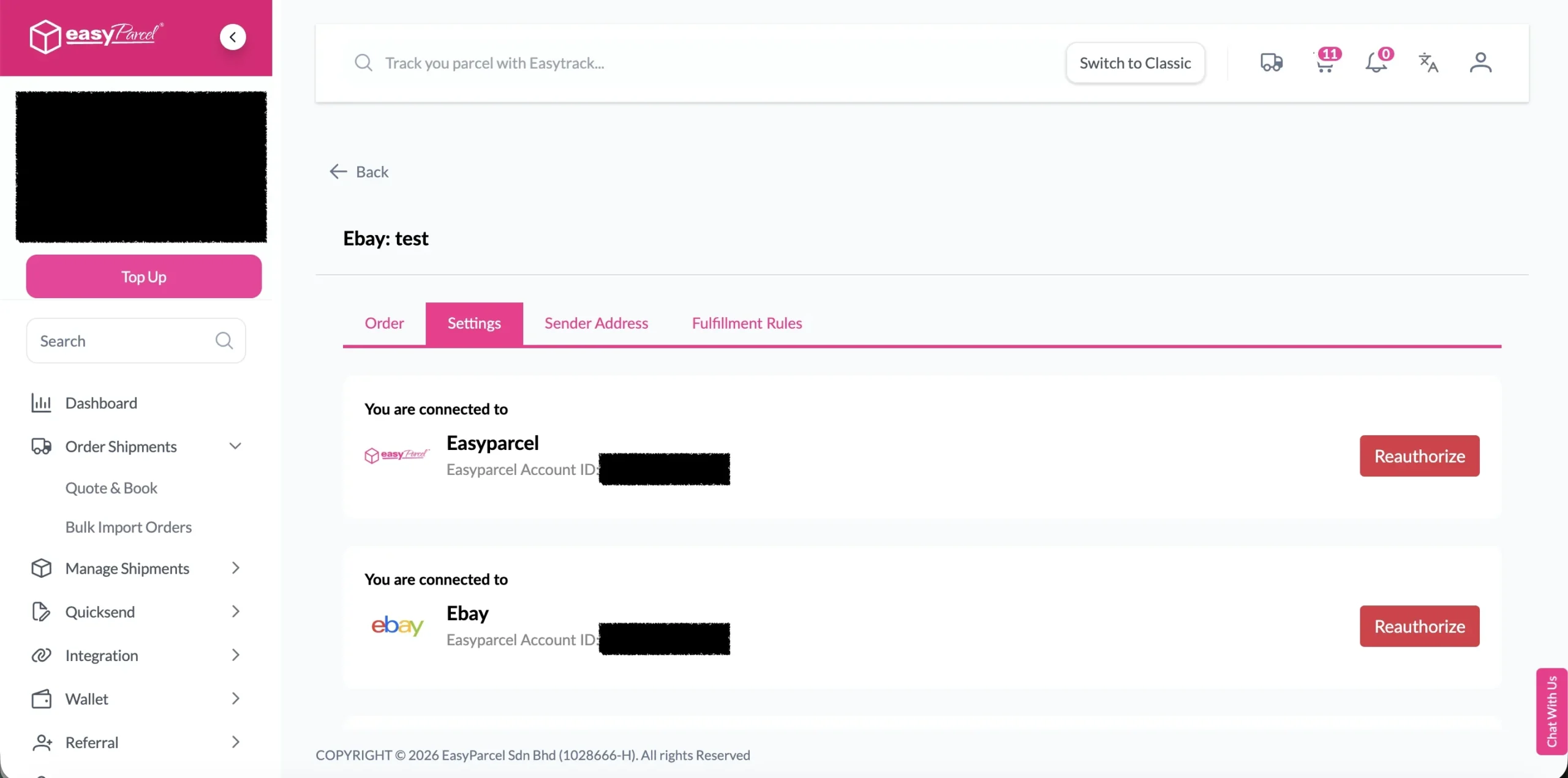
Step 7: You will be redirected back to EasyParcel, now the integration is complete
Setup Integrated App
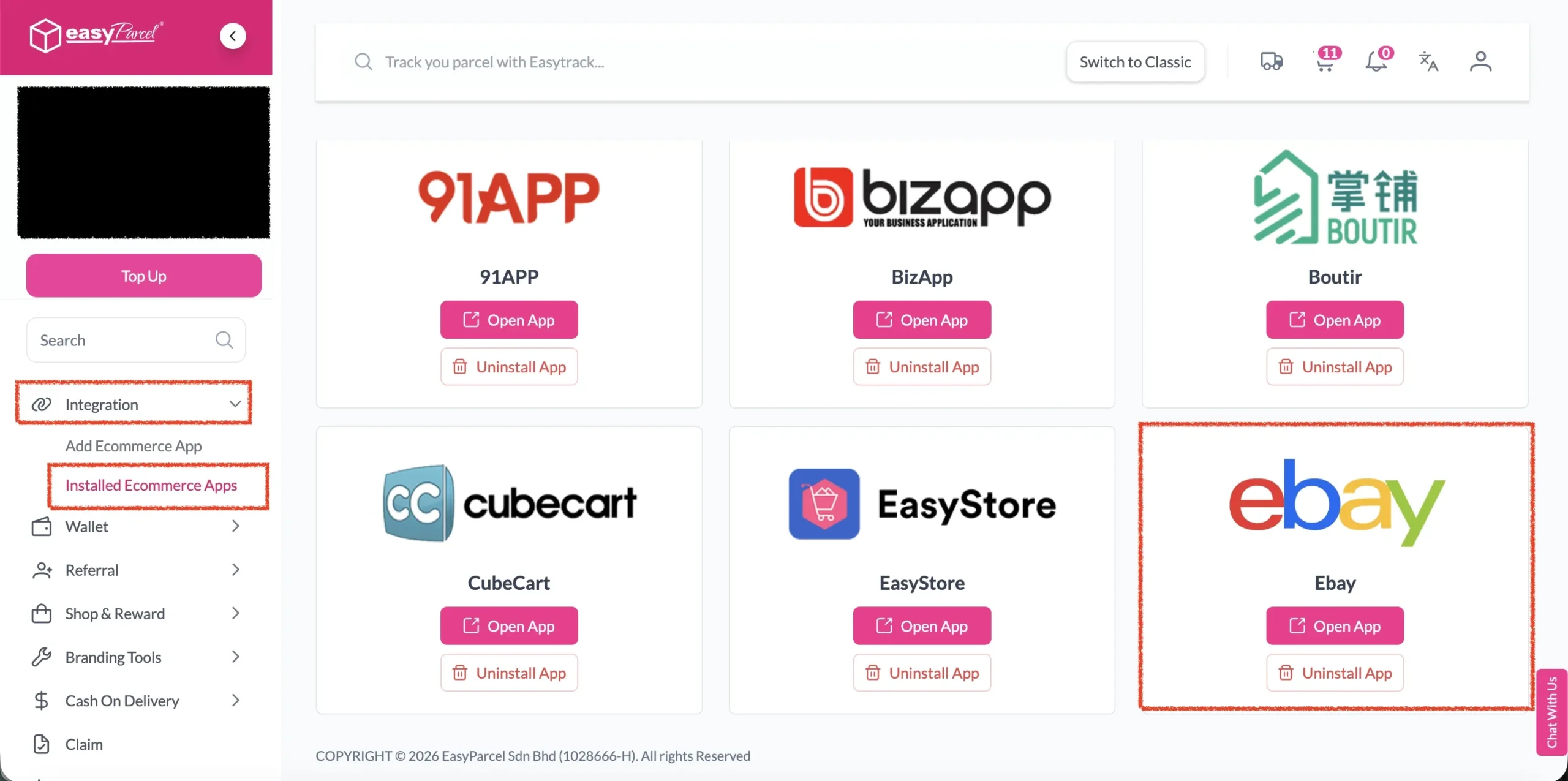
Step 1: Under Integration, click on Installed Ecommerce Apps, find Ebay you may find your Ebay app successfully install.
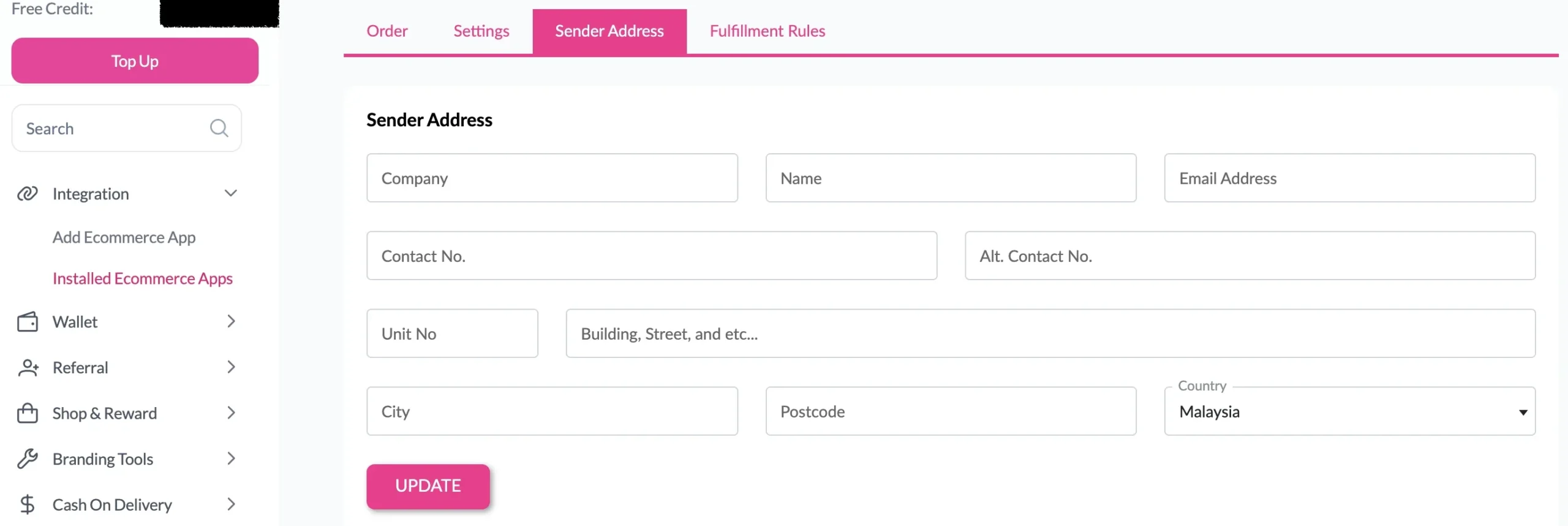
Step 2: In the store, click Sender Address and key in your sender details and click on the Update button.
Malaysia
Thailand
Indonesia