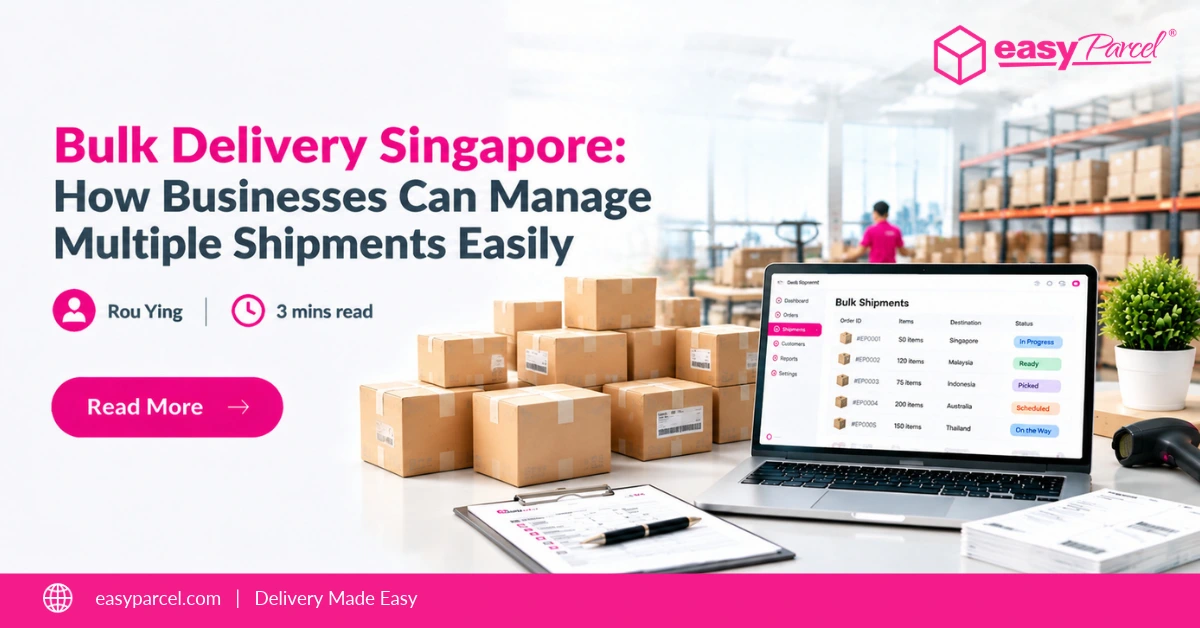
Managing multiple shipments can be time-consuming as your business grows. Creating bookings one by one and comparing courier options can take valuable time away from other tasks.
With a bulk shipment solution, you can prepare multiple shipments together. EasyParcel also lets you compare available courier services and manage your deliveries through one platform.
Table of Contents
What Is Bulk Delivery?
Bulk delivery refers to preparing and managing multiple shipments together instead of creating each delivery order separately.
Rather than entering shipment details one by one, businesses can use bulk shipment tools to upload and organise parcel information in a simpler way.
How EasyParcel Supports Bulk Delivery Management
Managing bulk shipments becomes easier when you have the right tools. EasyParcel helps simplify the process with features designed to support shipment upload, courier selection, and delivery management.
Upload Multiple Shipments at Once
Upload multiple shipment details at once with Bulk Import Orders. EasyParcel supports .csv, .xls, and .xlsx file formats, with up to 1,000 shipments per file. Review details before checkout.
Manage Different Pickup Addresses
Choose between single or multiple sender options based on your pickup needs. Use ready-to-use templates to prepare sender details easily for bulk shipments.
Select Courier Preferences Easily
Choose your preferred and backup courier services, or compare courier options based on delivery speed and pricing preferences.
Add Extra Shipping Features
Customise shipments with options like EasyCover, tracking notifications, Privacy Masking, and branding features.
Review and Fix Shipment Details
Check shipment details, fix upload errors, and use AI Auto Fix before processing your shipments.
Ready to Simplify Your Bulk Deliveries?
Upload multiple shipments, compare couriers, and ship with ease using EasyParcel.

Need Help Booking Bulk Shipments?
Not sure how to get started with bulk shipping? EasyParcel provides a step-by-step guide to help you create domestic parcel orders using Bulk Upload. Follow the instructions to prepare your shipment details, upload your file, select a courier, and complete your booking.
Read our guide on how to create domestic parcel orders using Bulk Upload.