Just got your new Bluetooth Thermal Printer from EasyParcel? Congratulations!
This blog guide walks you through everything you need to know – from installing drivers on your Windows or macOS system to printing via Bluetooth, Wi-Fi, and Ethernet.
Get ready to print shipping labels, receipts, and more with ease. Let’s dive in!
Table of Contents
What Is a Bluetooth Thermal Printer?
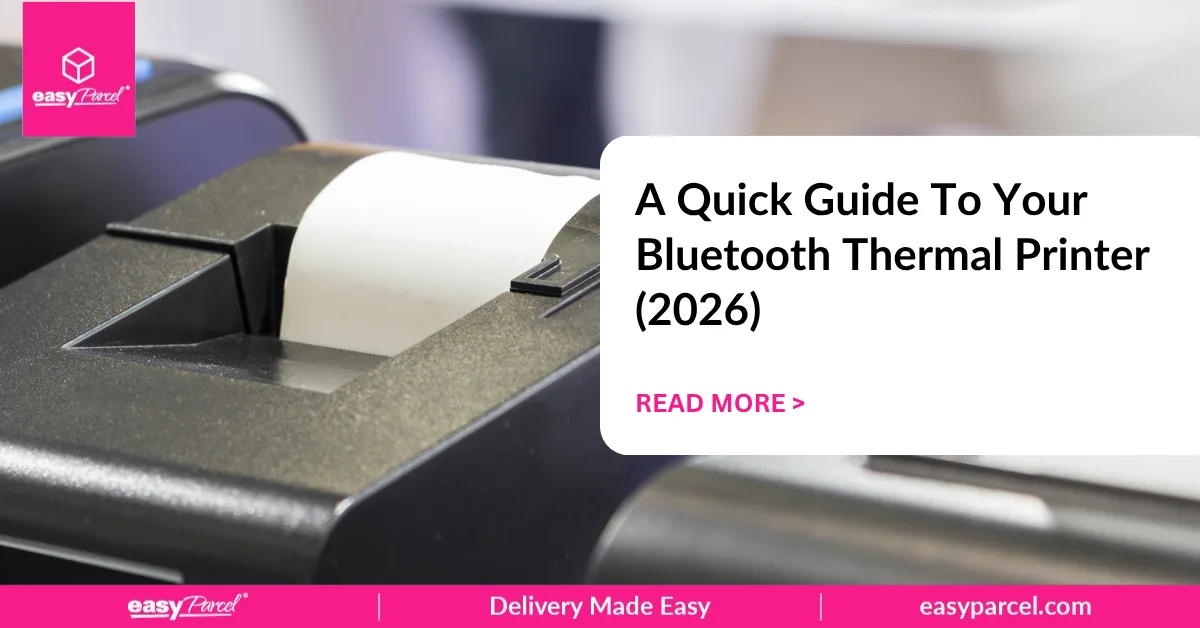
A Bluetooth thermal printer is a wireless printing device that uses heat to transfer images onto special thermal paper or labels. Unlike traditional printers, it doesn’t require ink or toner – saving you money on supplies.
For EasyParcel users, this printer is perfect for printing shipping labels (Air Waybills) directly from your computer or mobile device, making your shipping workflow faster and more efficient.
How to Install Printer Driver on Windows
How to Install Printer Driver on macOS
No Printer? No Problem. Try Paperless Delivery.
Skip printing altogether—just handwrite receiver details on your parcel and ship with J&T Express and Park N Parcel.

Driver for ChromeOS
How to Print via Bluetooth
How to Print via WiFi
How to Print via Ethernet
Frequently Asked Question (FAQs)
What are Bluetooth thermal printers used for?
Bluetooth thermal printers are used to print shipping labels, receipts, barcodes, and invoices wirelessly – perfect for EasyParcel users who need to print Air Waybills without ink or toner.
How to set up a Bluetooth thermal printer?
You can follow these tutorial videos to set up your Bluetooth thermal printer easily.