Need To Impress? Send Professionally Branded Email With Custom Tracking Email

Custom-Tracking-Email-Guideline (1)

Looking for a tool that can build strong customer relationship to boost retention? There is nothing better than our marketing tool that is hot off the press – Custom Tracking Email!

Designed with all the SMEs and social commerce in mind, we have created the best tracking email editor there is. Whether you need to send out parcel details for your customers via email in your favorite theme color or along with your own logo and promotional text/banner to boost your sales, we’ve got you covered in one place.

To help, we’ve prepared you a ready-to-go tracking email template which can save time in the design stage. All you need to do is just choose whichever theme color at your preference, slot in your logo and promotional text/banner will do.

Table of Contents

How Much Do I Need to Pay?

Tracking Email
Free!
Custom Tracking Email
add on S$0.05
Remove EasyParcel Branding + Replace Social Media Link
Free feature of custom tracking email

How To Create Custom Tracking Email?

Step 1: Head over to “Marketing Tools” and click on “Email” > “Custom Tracking Email”.

Step 2: Key in Email Subject with the variations listed above.

Step 3: Upload your own company/business logo and decide your theme color. You can have Email Preview on the right side.

Step 4: Insert your marketing message in the format of text/banner or both.

Step 5: You can choose to remove EasyParcel branding (now FREE!) and display your own social media links. Once everything is ready, click on “Submit to Review” and wait for the approval from EasyParcel team.
Terms & Conditions:-

  • All contents created for your own marketing purposes under EasyParcel Marketing Tools must NOT fall under:
    – Illegal products or services
    – Discriminatory practices
    – Alchohol & tobacco products
    – Drugs & drug-related products
    – Weapons, ammunition, or explosives
    – Adult products, services & content
    – Violent & gore content
    – Political, religious and racial content
    – Misleading or false content
    – Profanity and vulgar languages
    – Gambling
    – Counterfeit products & services
    – Prohibited financial products and services
    – Controversial content
  • All contents created will be reviewed by EasyParcel team and approval will be granted within 24 to 48 working hours.
  • Only English and Bahasa Malaysia language is allowed for all EasyParcel Marketing Tools – except for Custom Tracking Email (Mandarin language and emoji supported)
  • NO refunds will be given:
    – Once payment for EasyParcel Marketing Tools is completed
    – If the design does not comply to our guidelines
    – For the day loss due to designs failure in complying to our guidelines

Frequently Asked Question (FAQs)

What is a tracking email?
A tracking email is a message sent to customers with shipment and delivery status updates, including tracking numbers and links. EasyParcel’s tracking notifier can automate these emails to keep recipients informed.
How to write an email for delivery status?
When writing a delivery status email, include a friendly greeting, the tracking number, a link to track the parcel, expected delivery dates, and any important notes. Using EasyParcel’s custom tracking email feature, you can personalize and automate these notifications for your customers.
🚨 Campaign Spotlight 🚨

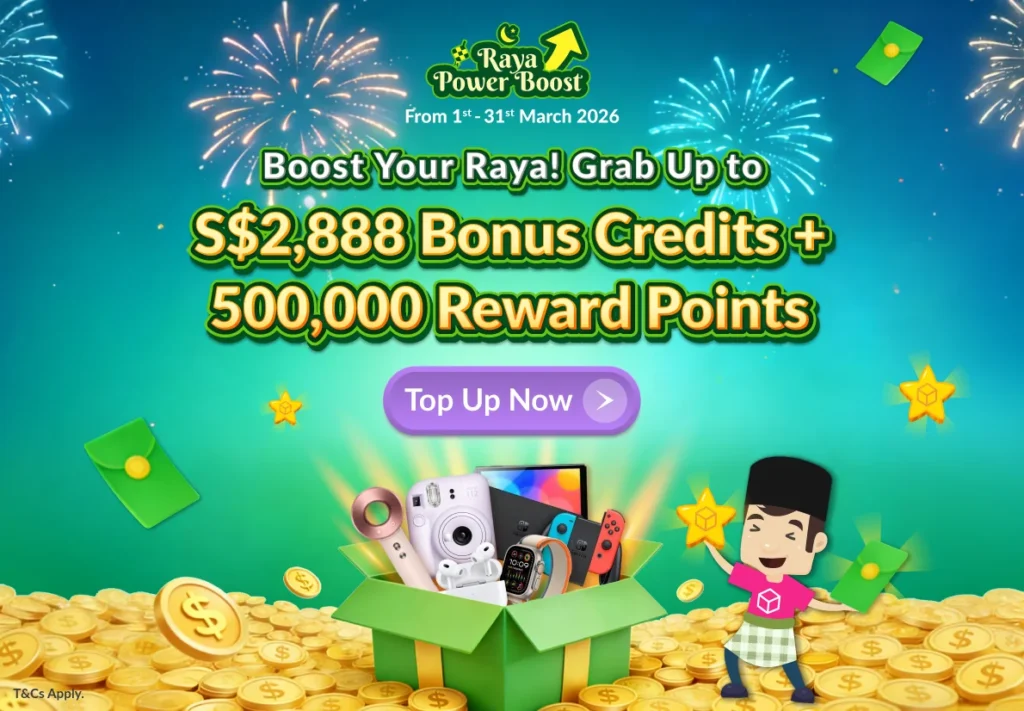
Final 2 Days to grab up to 2,888 Bonus Credits & 500,000 Reward Points!

Celebrate the festive season with rewards made to help your business huat bigger and better! 🧧✨ With the HorSeh Bonanza, when you top up, you’ll earn up to 2,888 Bonus Credits and 500,000 Reward Points, depending on your top-up amount. Don’t miss out — this exclusive HorSeh Bonanza runs only until 28th February 2026, 11:59PM.

Haven’t Join EasyParcel?​

Shipping newbie? No worries! EasyParcel welcomes you with a sweet FREE S$6 for your first shipment. And that’s just the beginning! Sign up today and join the fun!

×