Manually processing orders, copying addresses, and jumping between courier sites eats hours you could spend growing your business.
Here’s the fix: Integrate eBay with EasyParcel to auto-import orders, compare rates from 60+ courier services, and fulfill shipments in minutes. This step-by-step tutorial shows you exactly how.
Table of Contents
Integrate Ebay Store in EasyParcel Website
Step 1: Login to your EasyParcel account.
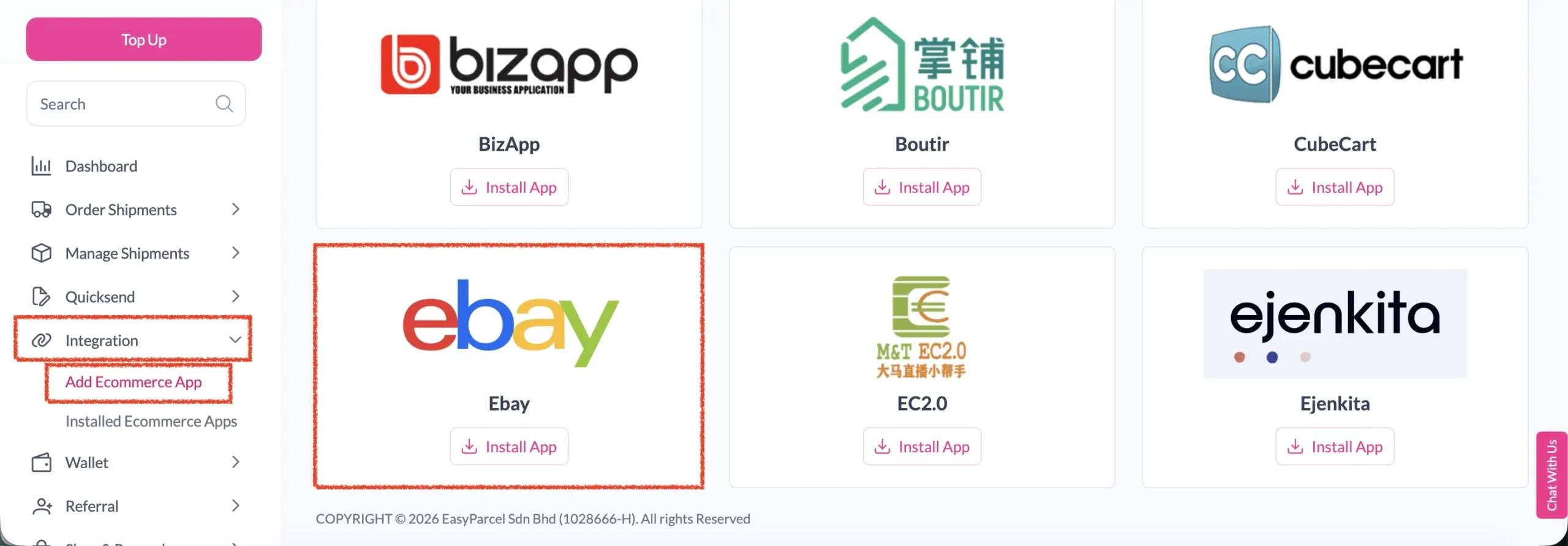
Step 2: After login, click on Add Ecommerce App under Integration section, find Ebay and click on Install App.
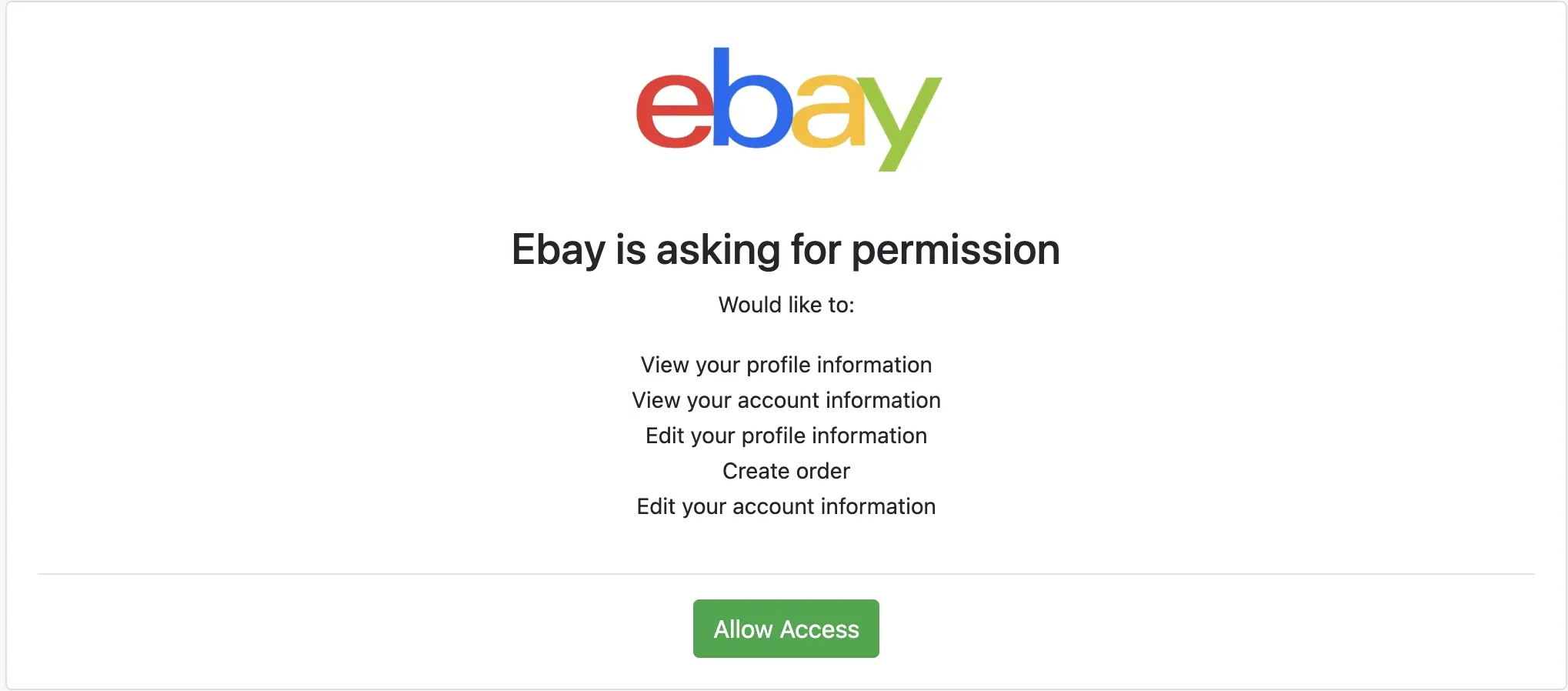
Step 3: Click Allow Access to authorize EasyParcel to access your Ebay store data
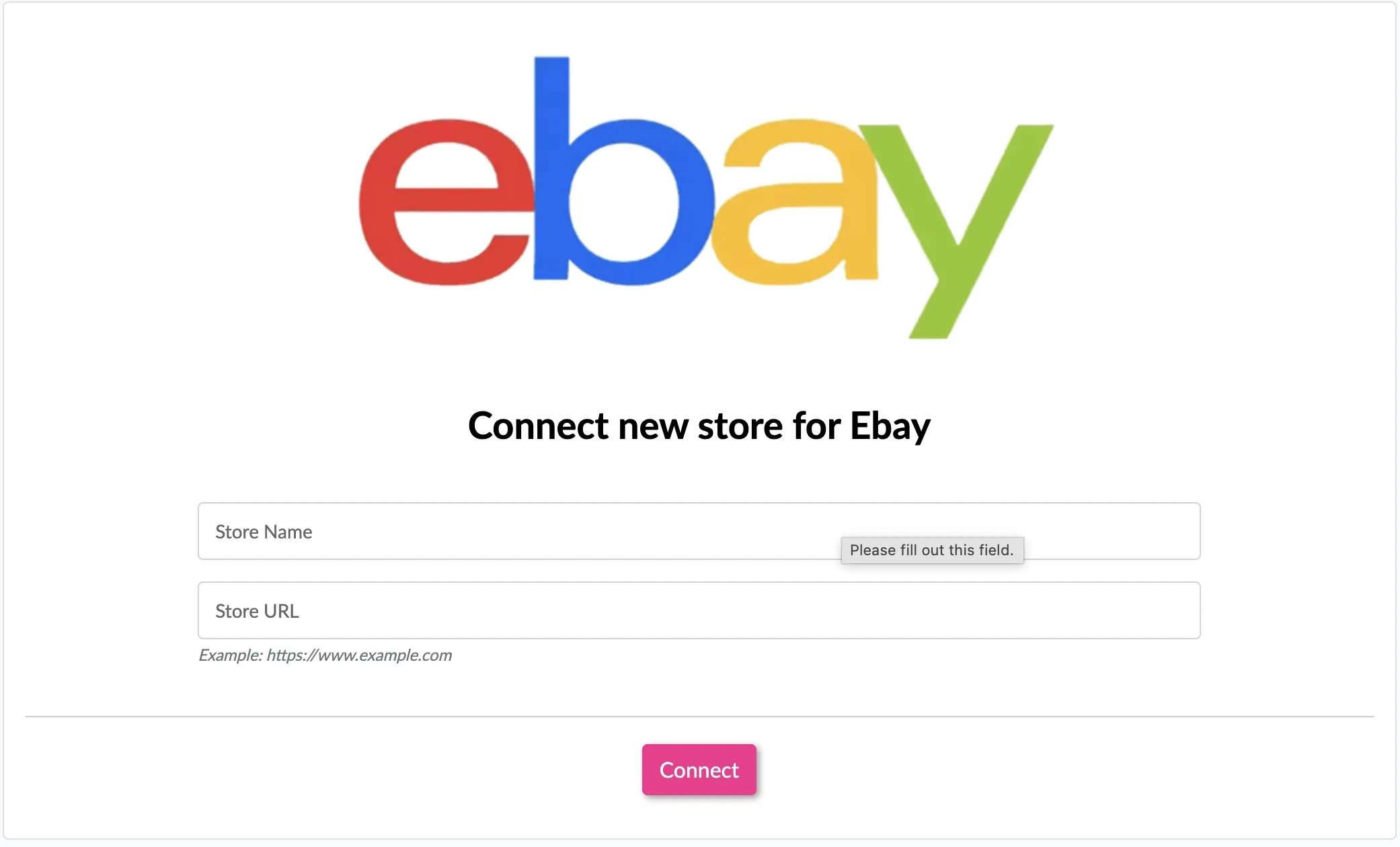
Step 4: Enter your store name and store url, then click Connect
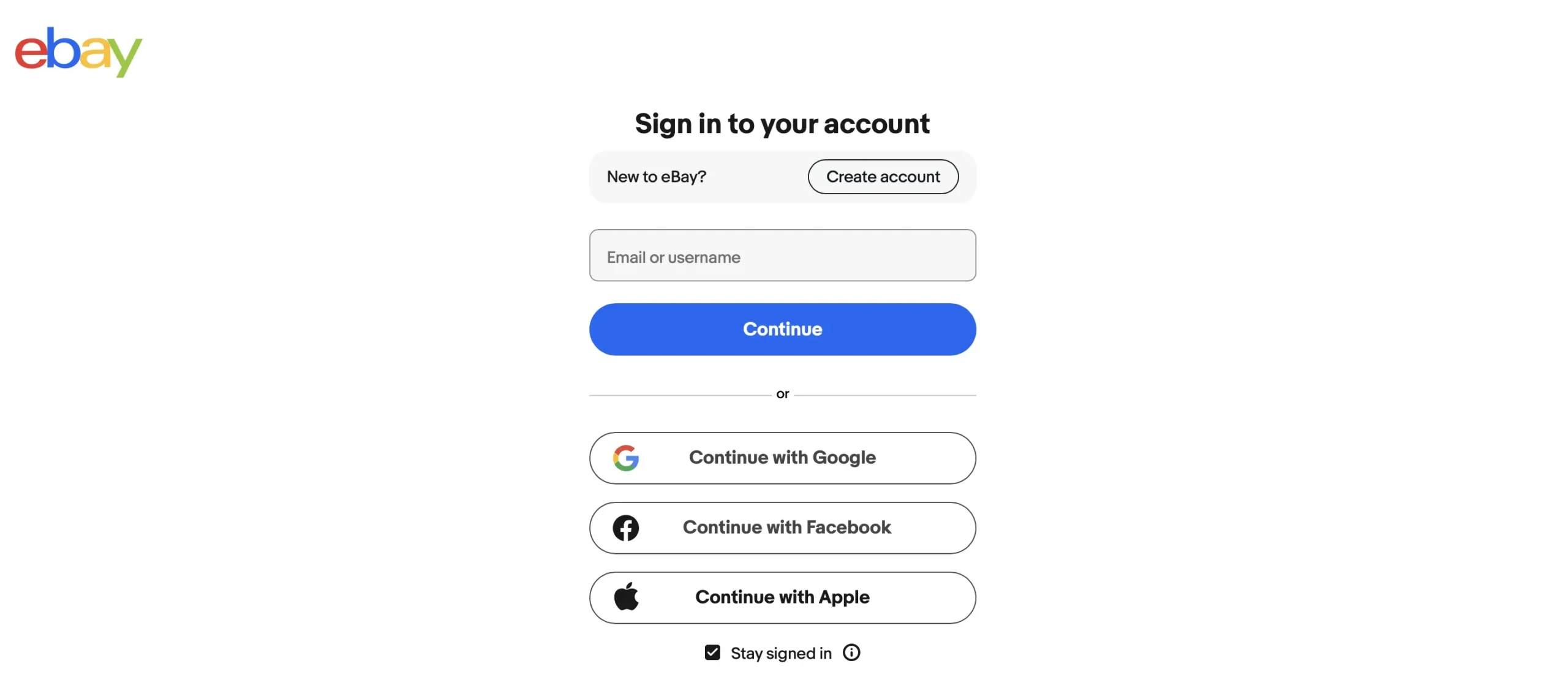
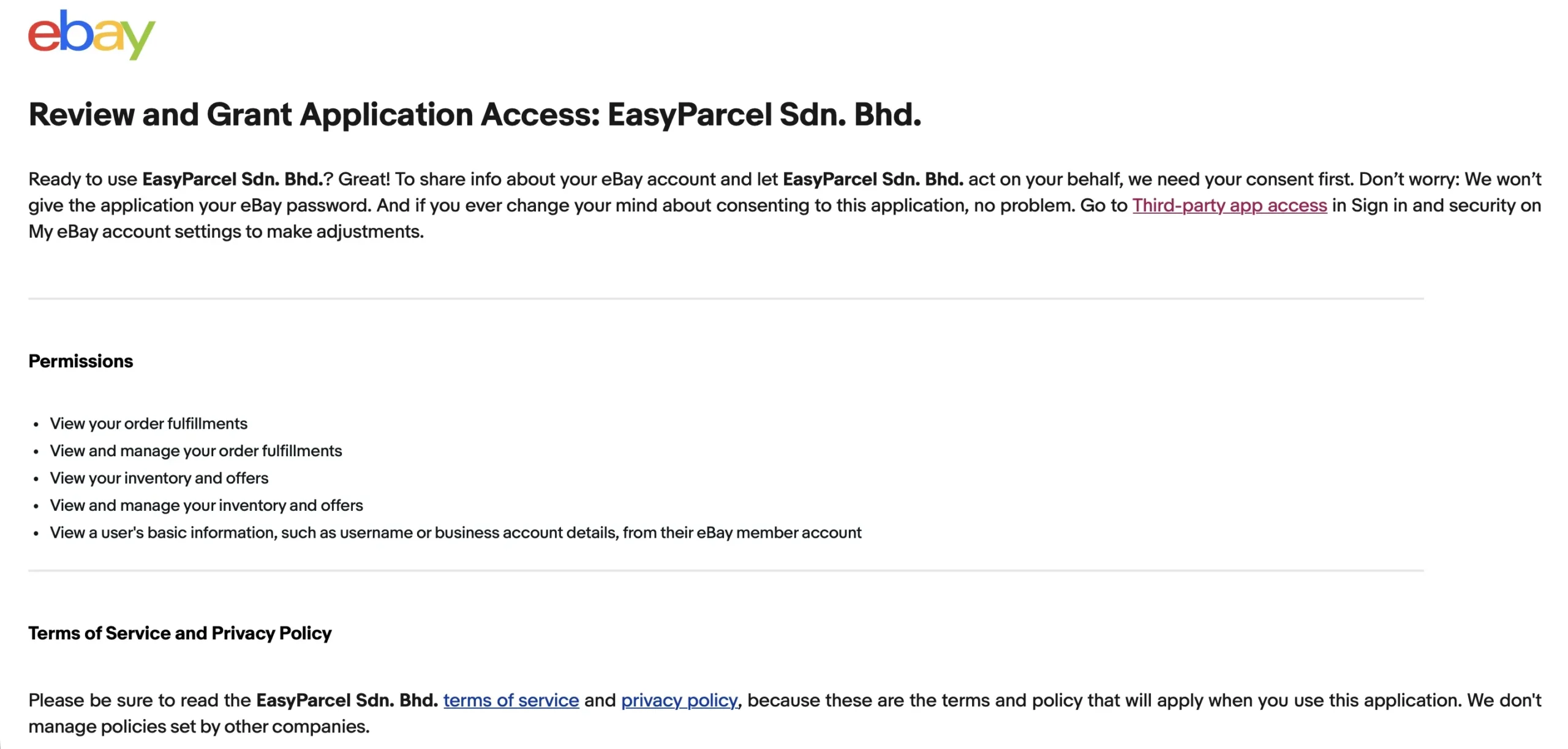
Step 5: You will be redirected to Ebay to grant app permissions. Login if you haven’t login yet
Ready to Simplify Your eBay Shipping?
Connect your eBay store to EasyParcel to import orders, compare rates from 60+ courier services, and manage your shipments in one place.
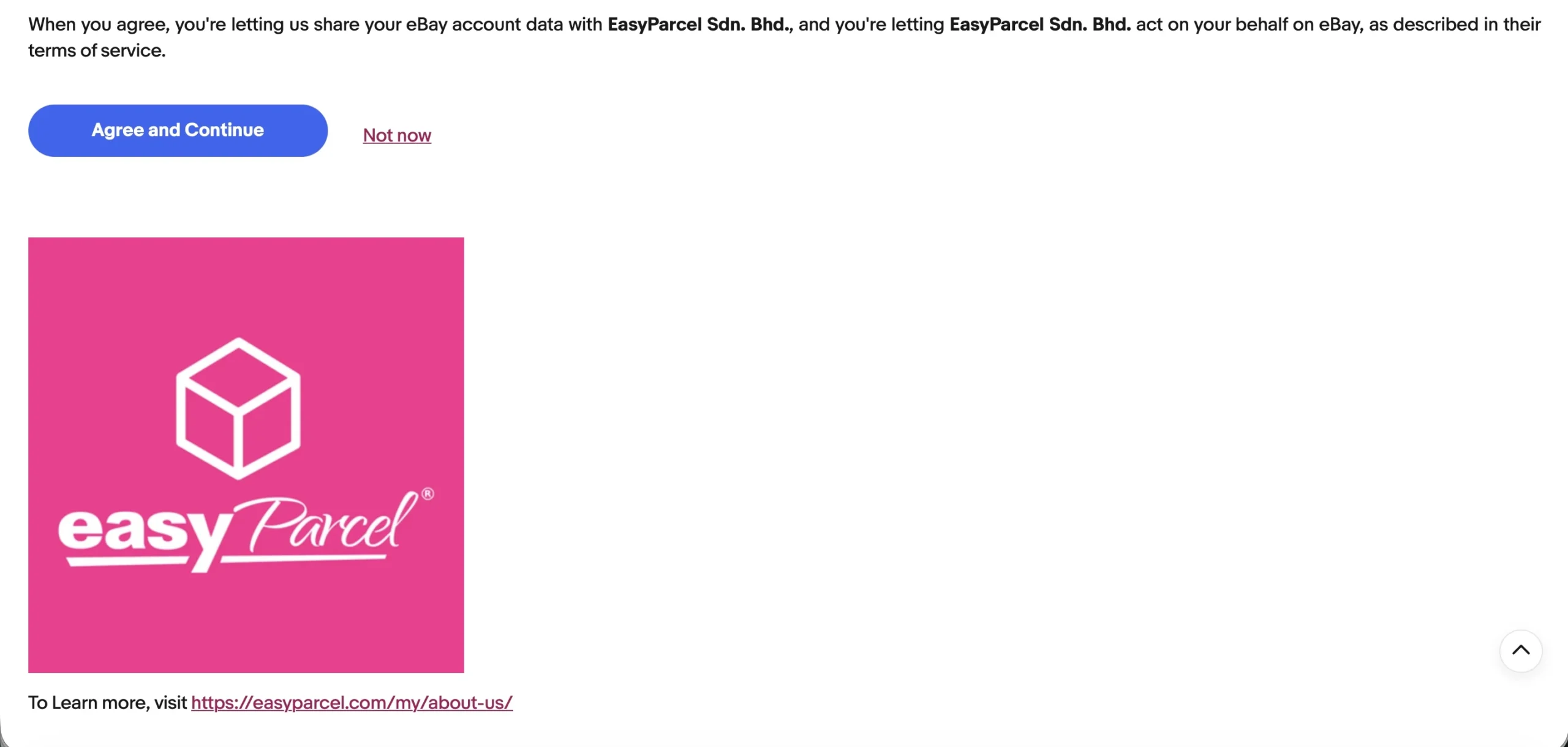
Step 6: After reviewing the permissions, click Agree and Continue to grant easyparcel the permissions
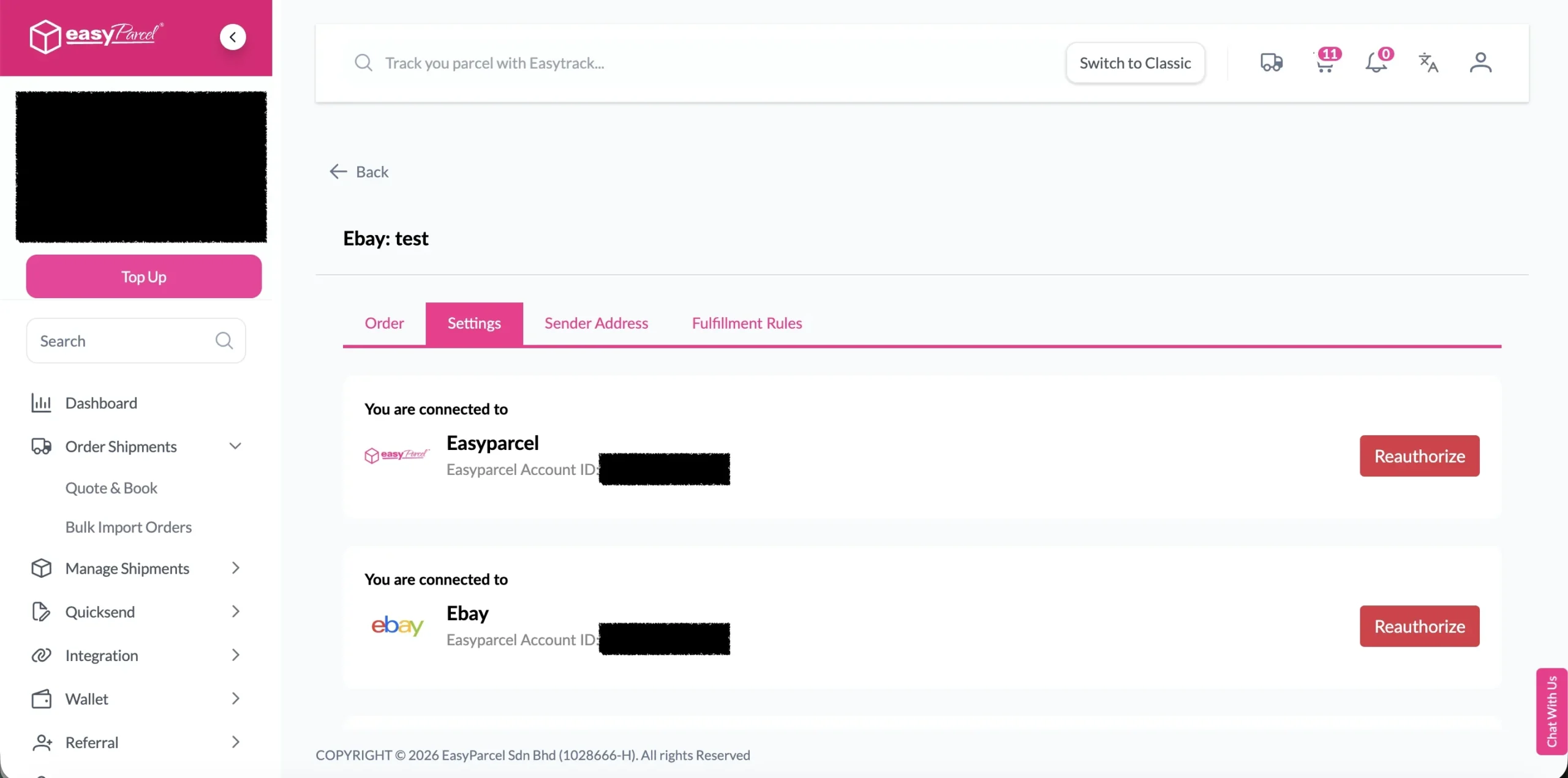
Step 7: You will be redirected back to EasyParcel, now the integration is complete
Setup Integrated App
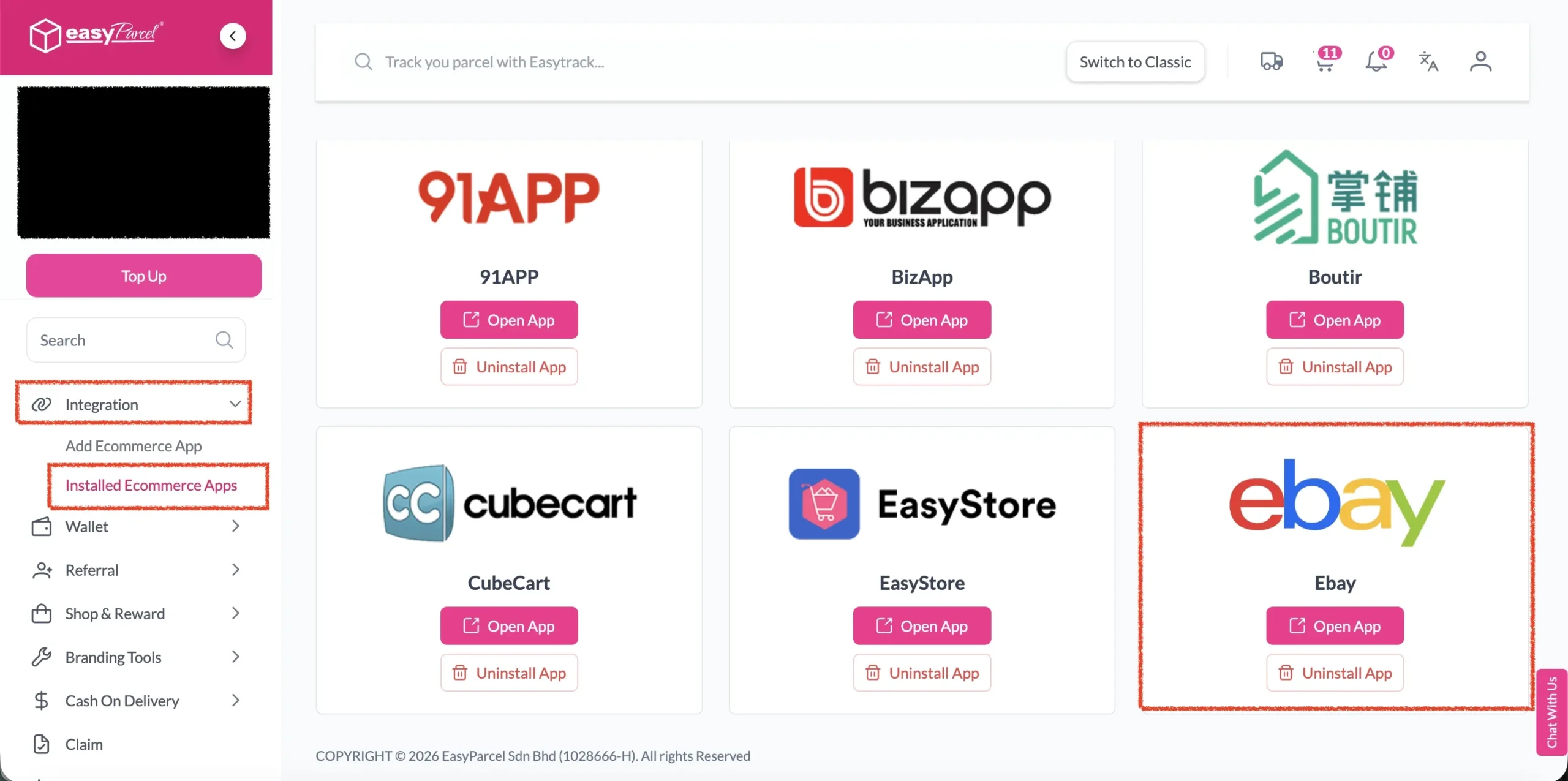
Step 1: Under Integration, click on Installed Ecommerce Apps, find Ebay you may find your Ebay app successfully install.
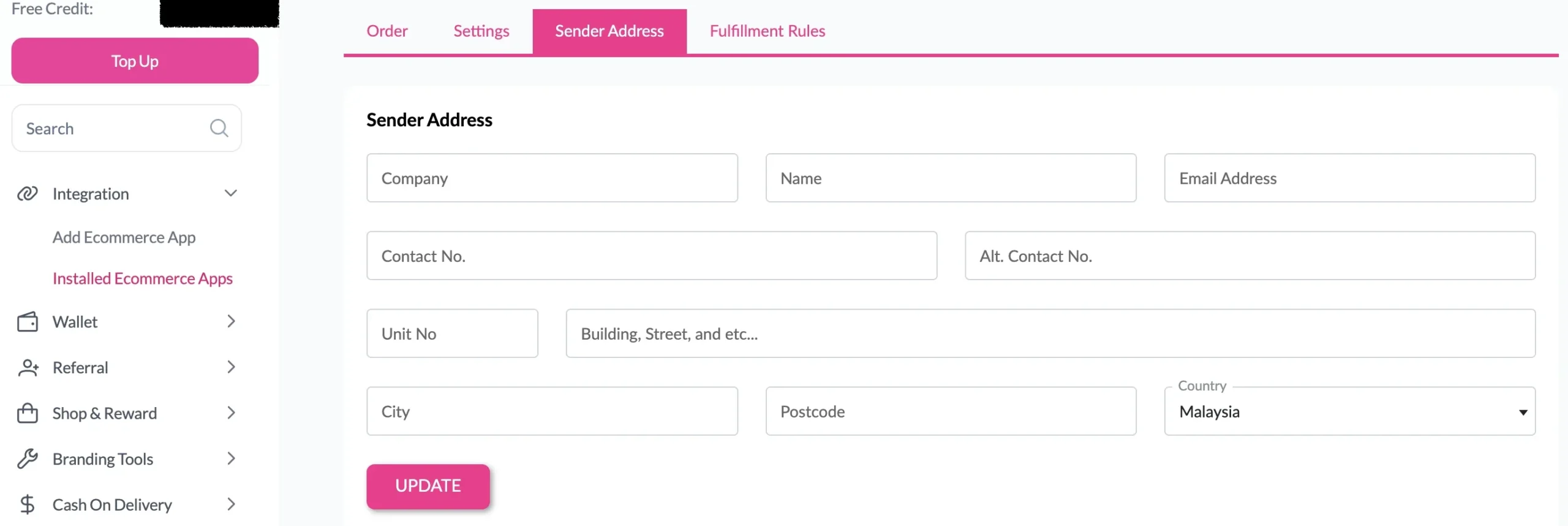
Step 2: In the store, click Sender Address and key in your sender details and click on the Update button.
Malaysia
Thailand
Indonesia