Your customer just placed an order, and now they are asking: “Where is my parcel?” You send them to SingPost, then FedEx – they are confused, and you are overwhelmed.
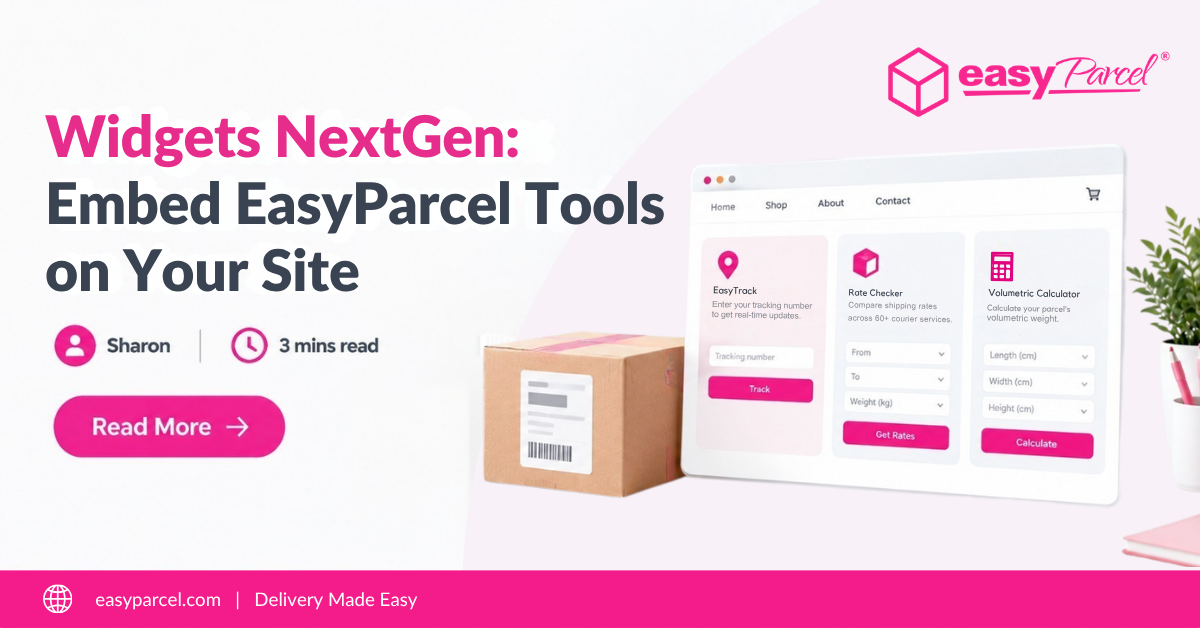
Introducing EasyParcel NextGen Widgets– free embeddable tools that bring tracking, shipping rates, and volumetric calculation to your site. Copy, paste, done. This blog covers what it is, how to embed, and the benefits.
Table of Contents
What Is EasyParcel NextGen Widgets?
EasyParcel Widgets NextGen are free, ready-to-use embeddable tools that you can add to your website or admin dashboard. They are powered by EasyParcel’s backend services and displayed through simple iframe code snippets.

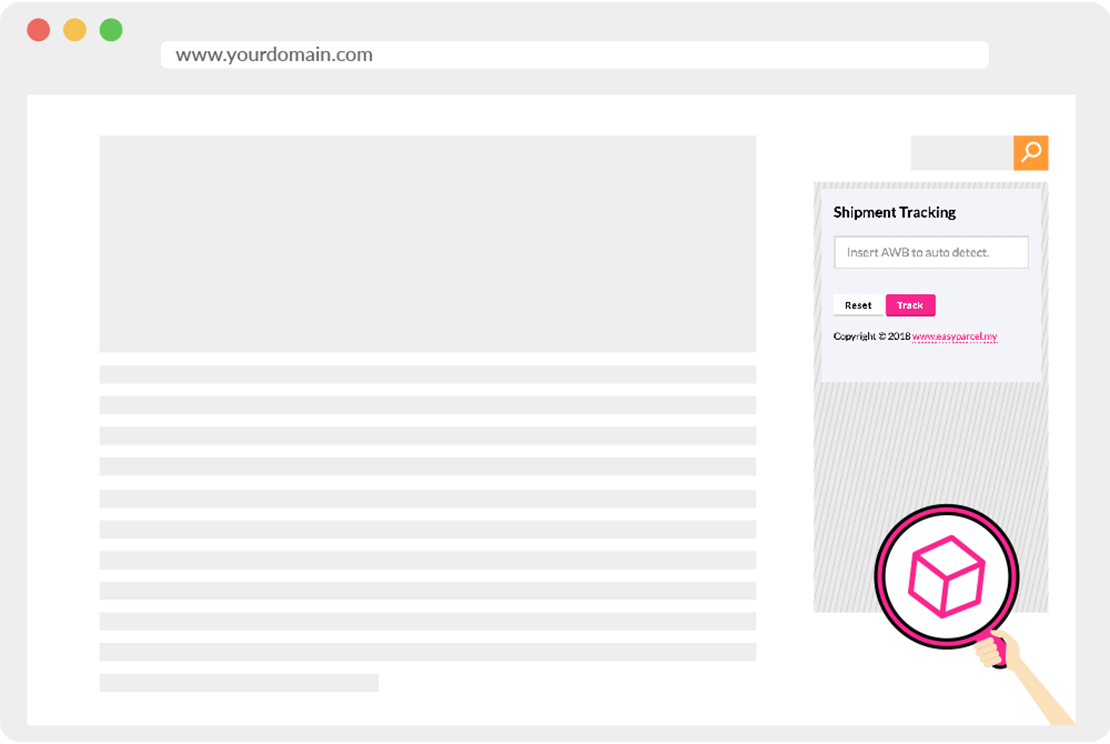
EasyTrack Tracking Widget
Let customers track parcels using any tracking number
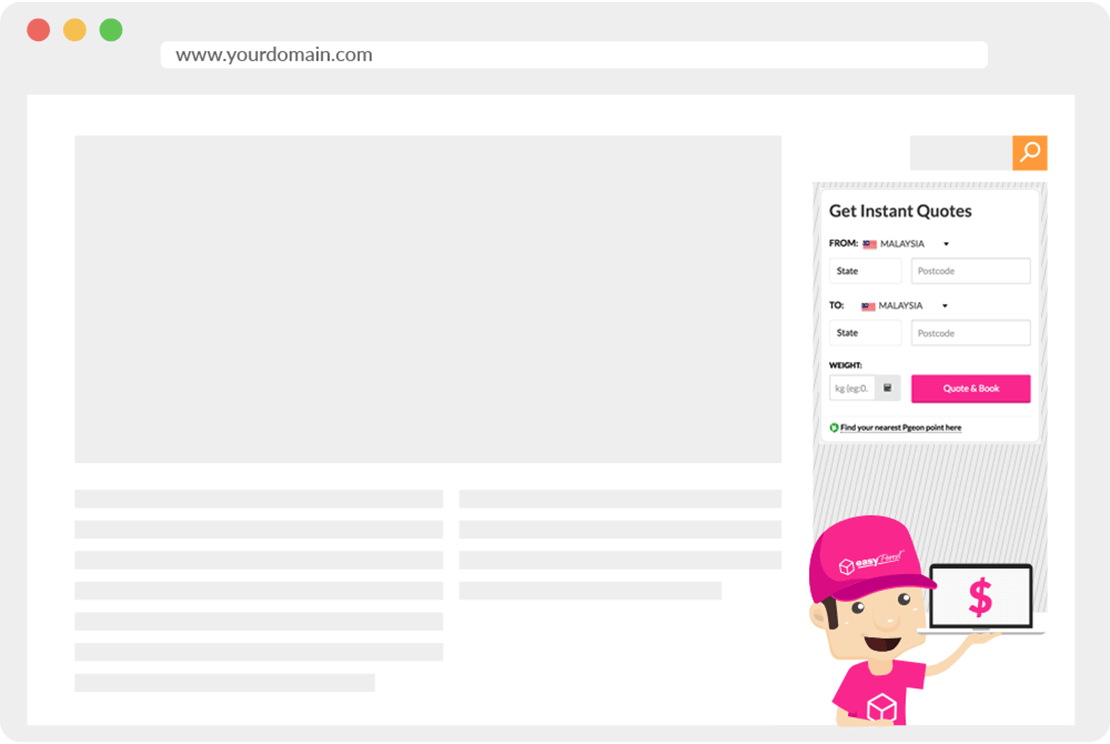
Delivery Rate Checker Widget
Display shipping rates from multiple couriers
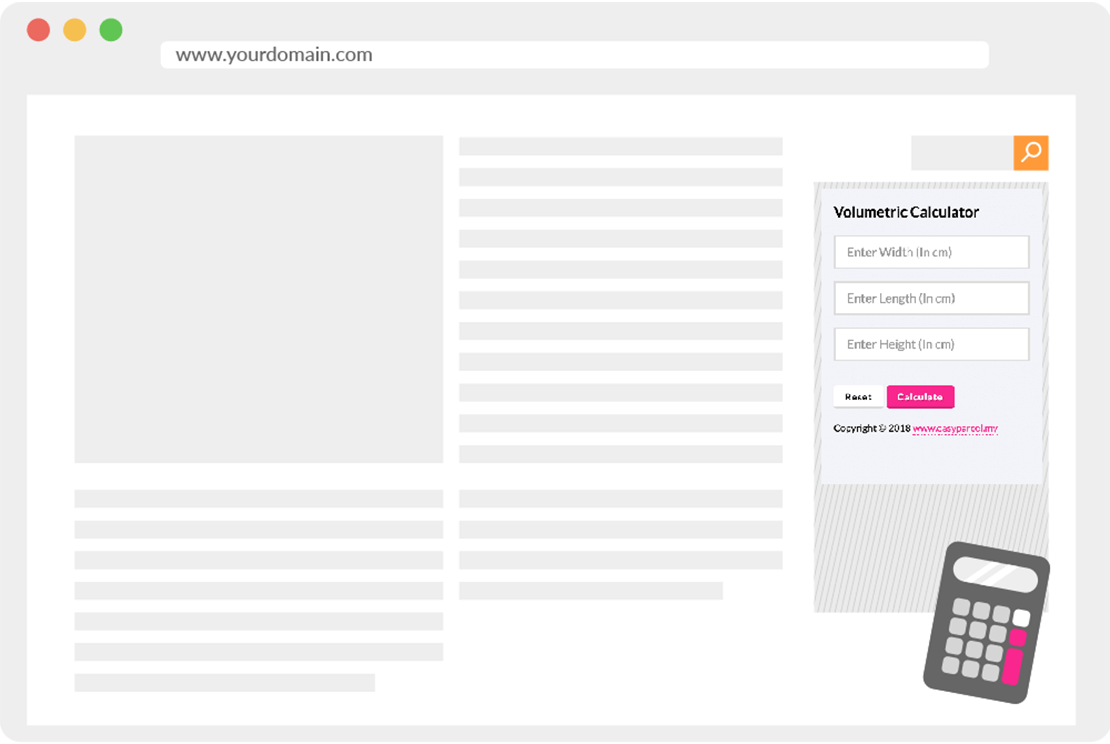
Volumetric Calculator Widget
Calculate parcel volumetric weight based on dimensions
Add Parcel Tracking to Your Website
Let customers track their parcels without leaving your site – free widget, easy installation, instant results.
Step-by-Step Guide to Embed Widgets NextGen
1. Login to EasyParcel account.
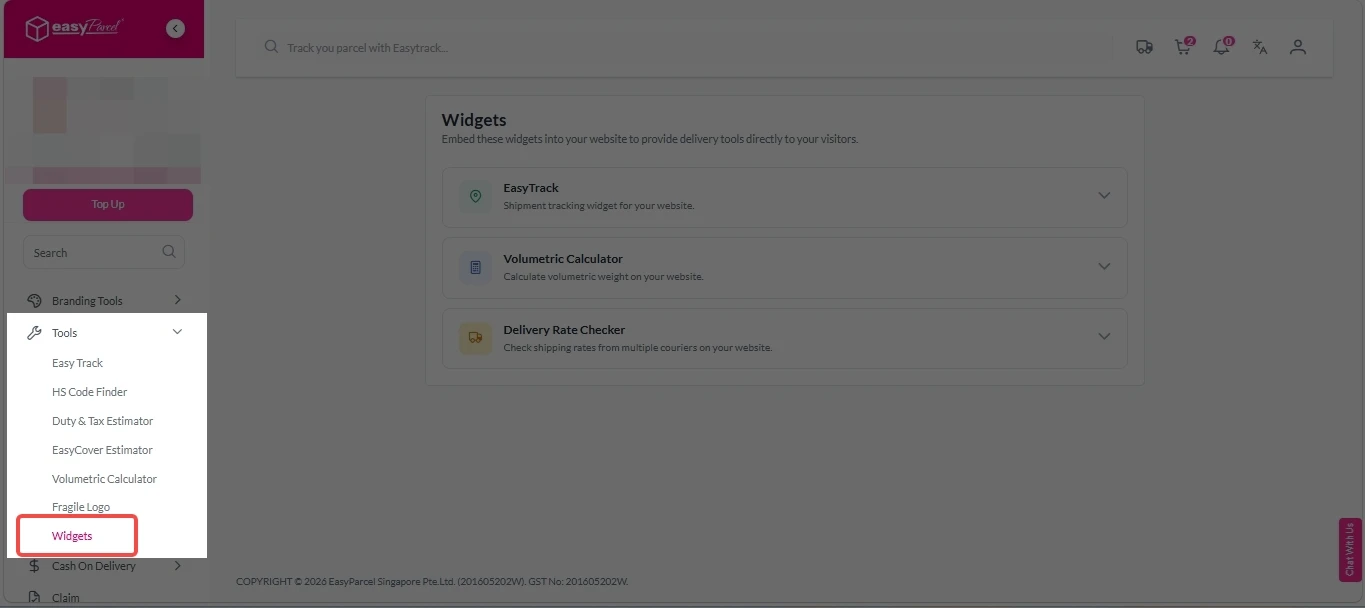
2. Under “Tools”, click on “Widgets”.
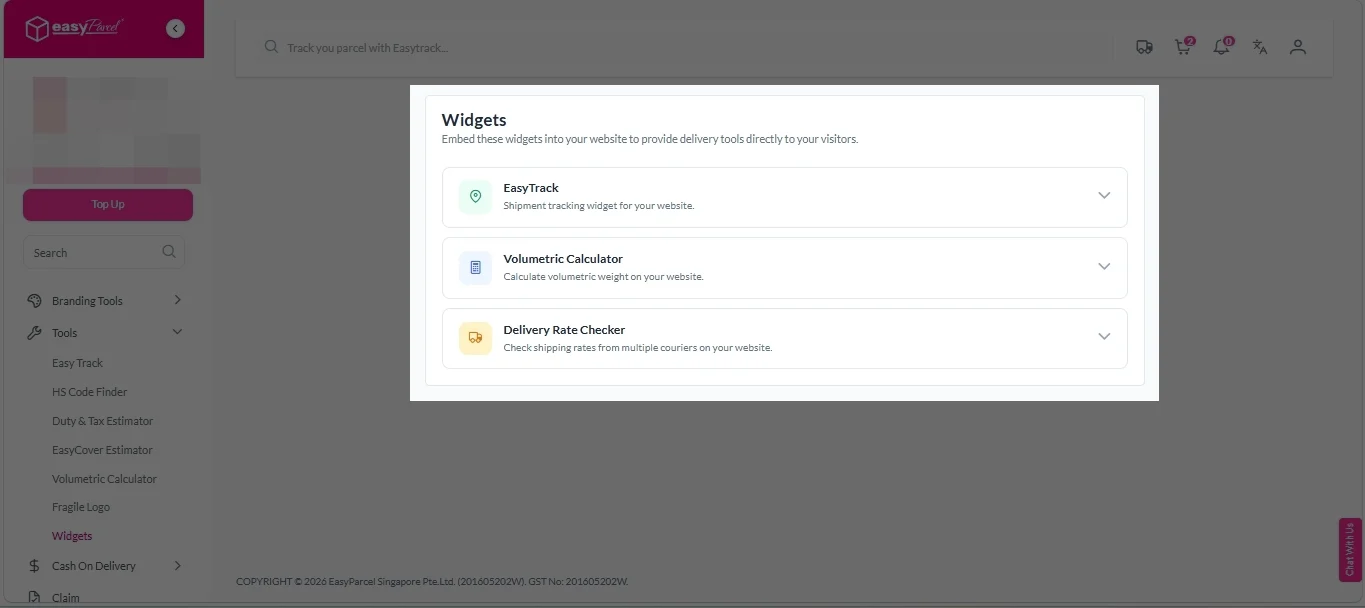
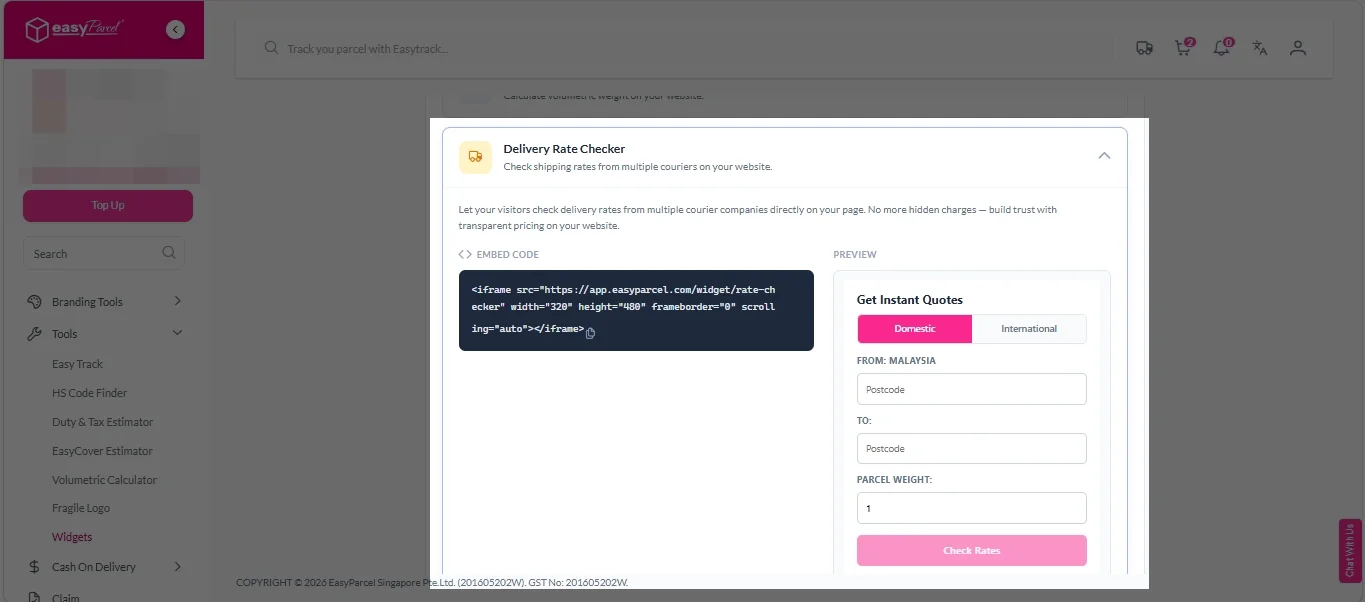
3. Decide which widget you need, and click on “EasyTrack”, “Volumetric Calculator”, or “Delivery Rate Checker”.
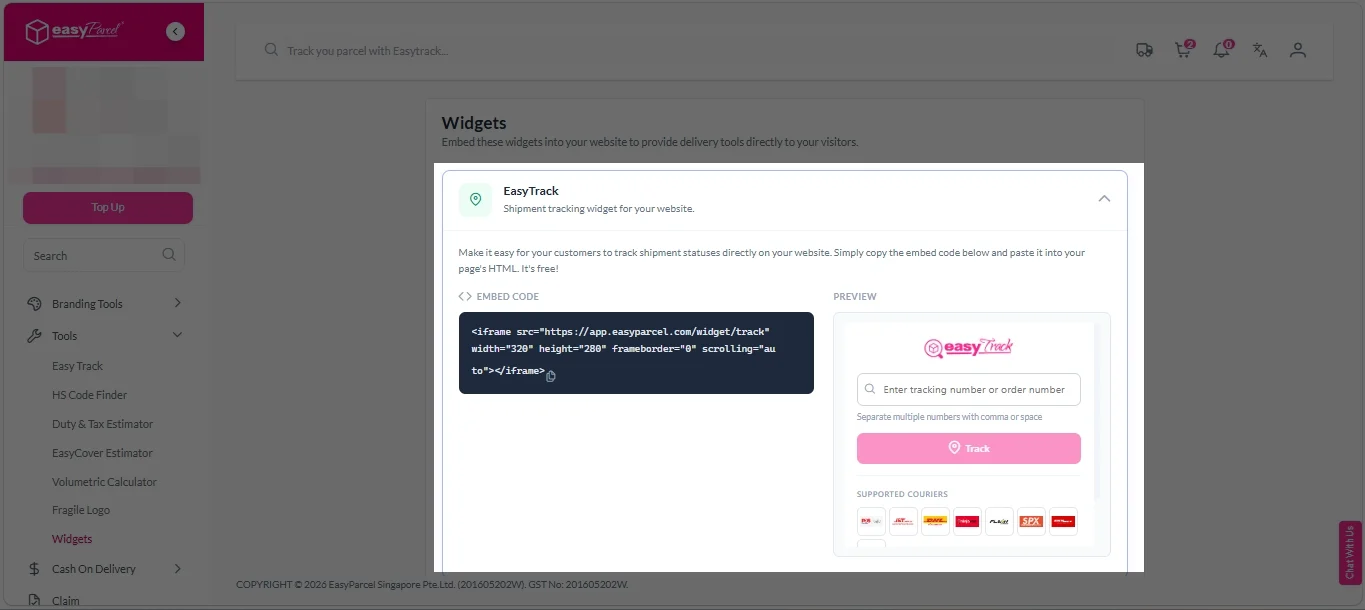
EasyTrack:
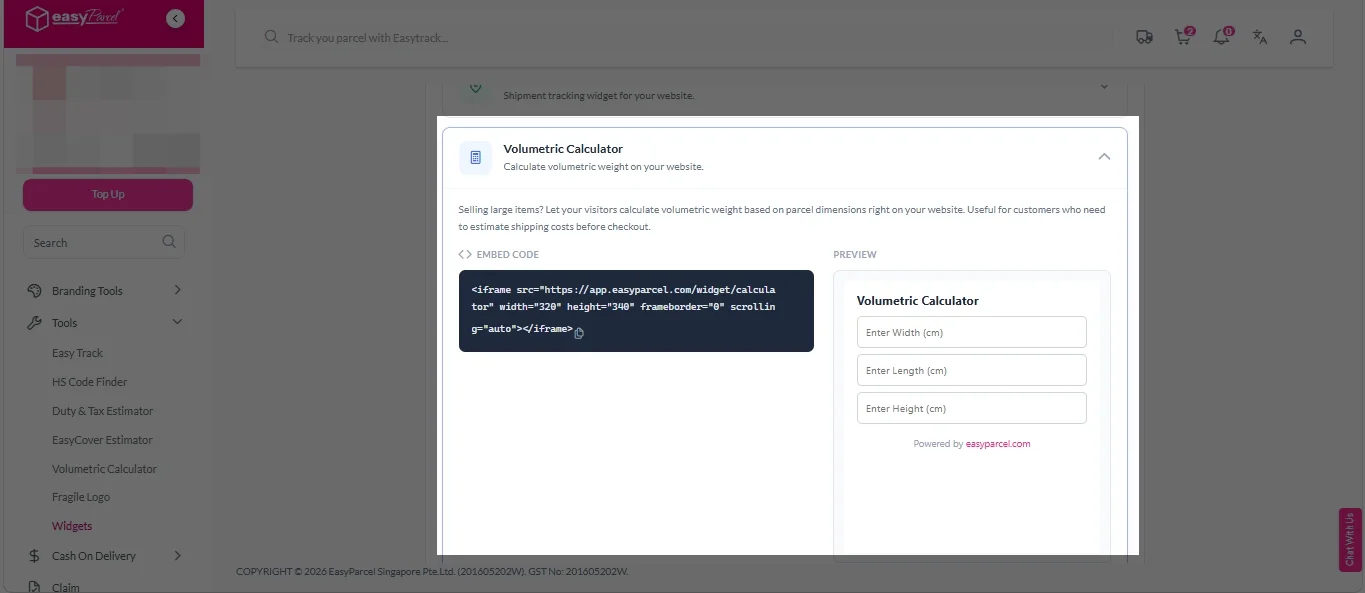
Volumetric Calculator:
Delivery Rate Checker:
4. Paste the iframe code into your website’s HTML where you want the widget to appear.
Benefits of Using Widgets NextGen
Reduce Support Inquiries
Customers track their own parcels – fewer "Where is my order?" emails for your team.
Better Customer Experience
Customers see real-time tracking updates without leaving your website.
Easy Integration
Just copy one iframe code and paste it into your website – no coding required.
Malaysia
Thailand
Indonesia