EasyParcel Widgets: Enhance Your Website with Powerful Delivery Tools

EasyParcel Widgets: Enhance Your Website with Powerful Delivery Tools

EasyParcel Widgets

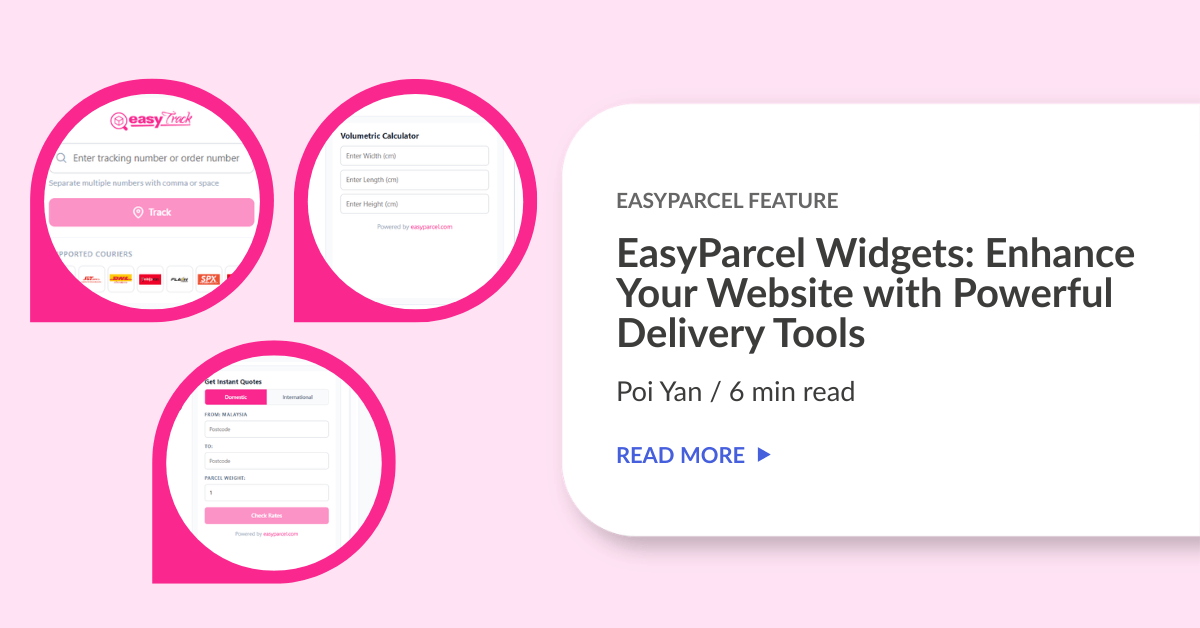
Want to make shipping easier for your customers? With EasyParcel’s Widgets, you can add useful tools directly to your website. Your customers can track their parcels, calculate volumetric weights, and check EasyParcel shipping rate without leaving your page.

Now, let’s see how these widgets work! ✨

Contents

What Widgets Are Provided by EasyParcel?

1. EasyTrack

Widgets_EasyTrack

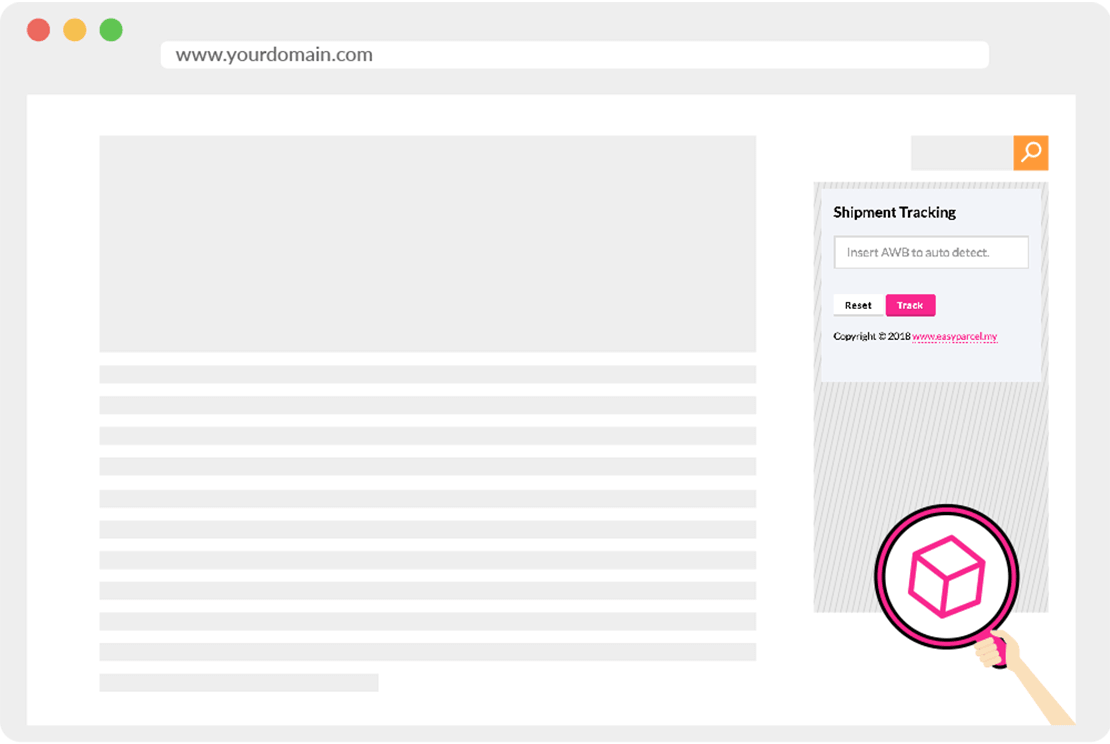
EasyTrack allows users to perform shipment tracking on your website. It provides real-time updates on parcel location and delivery status. Users can easily know where their shipment is and when it will arrive.

2. Volumetric Calculator

Widgets - Volumetric Calculator

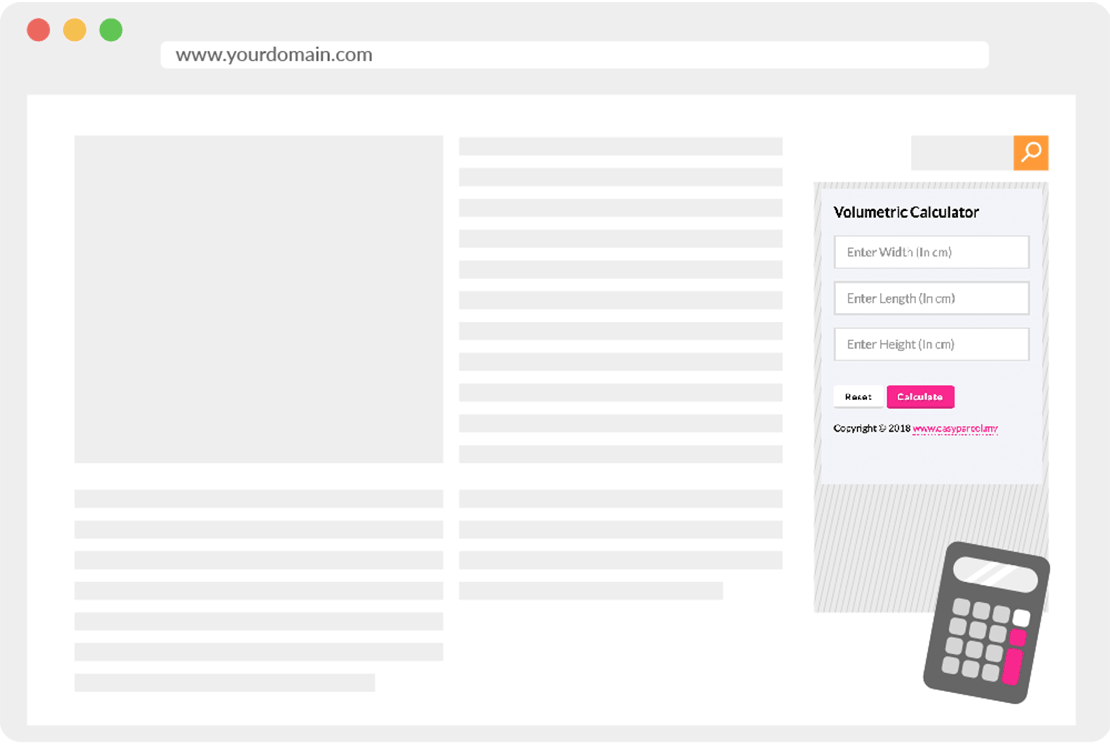
Volumetric Calculator allows users to calculate volumetric weight of the parcel on your website.  It calculates volumetric weight based on the length, width, and height of the item. It is important to book delivery based on volumetric weight when it is higher than the actual weight of the item.

3. Delivery Rate Checker

Widgets - Delivery Rate Checker

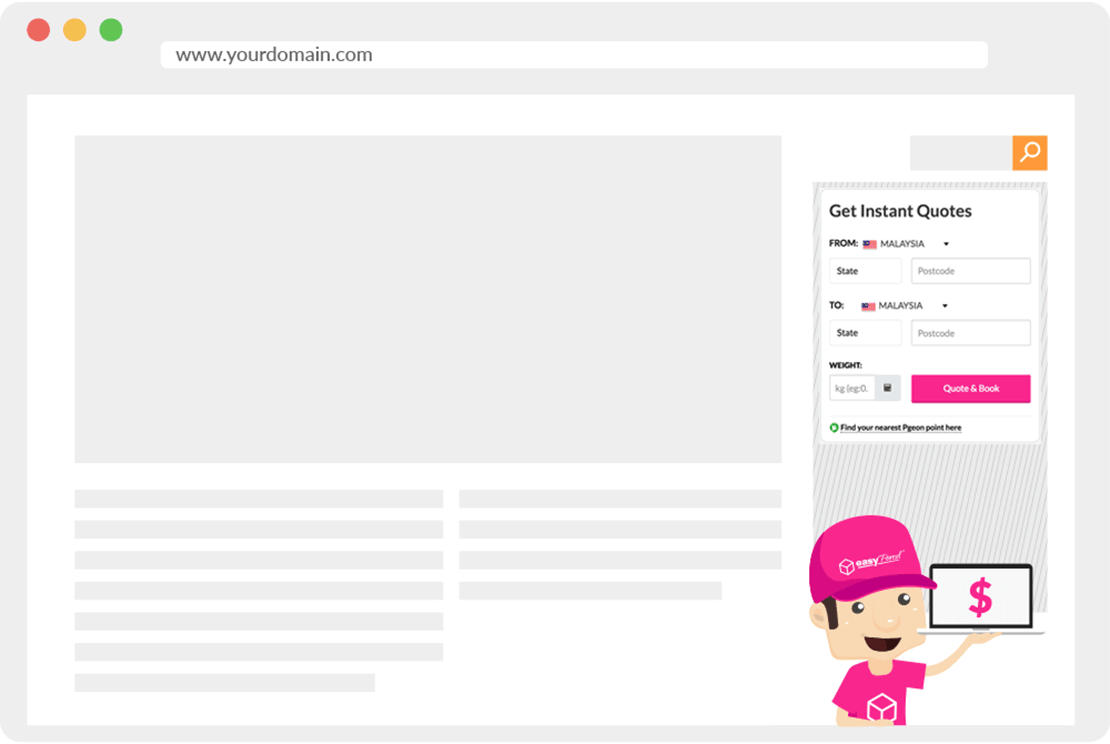
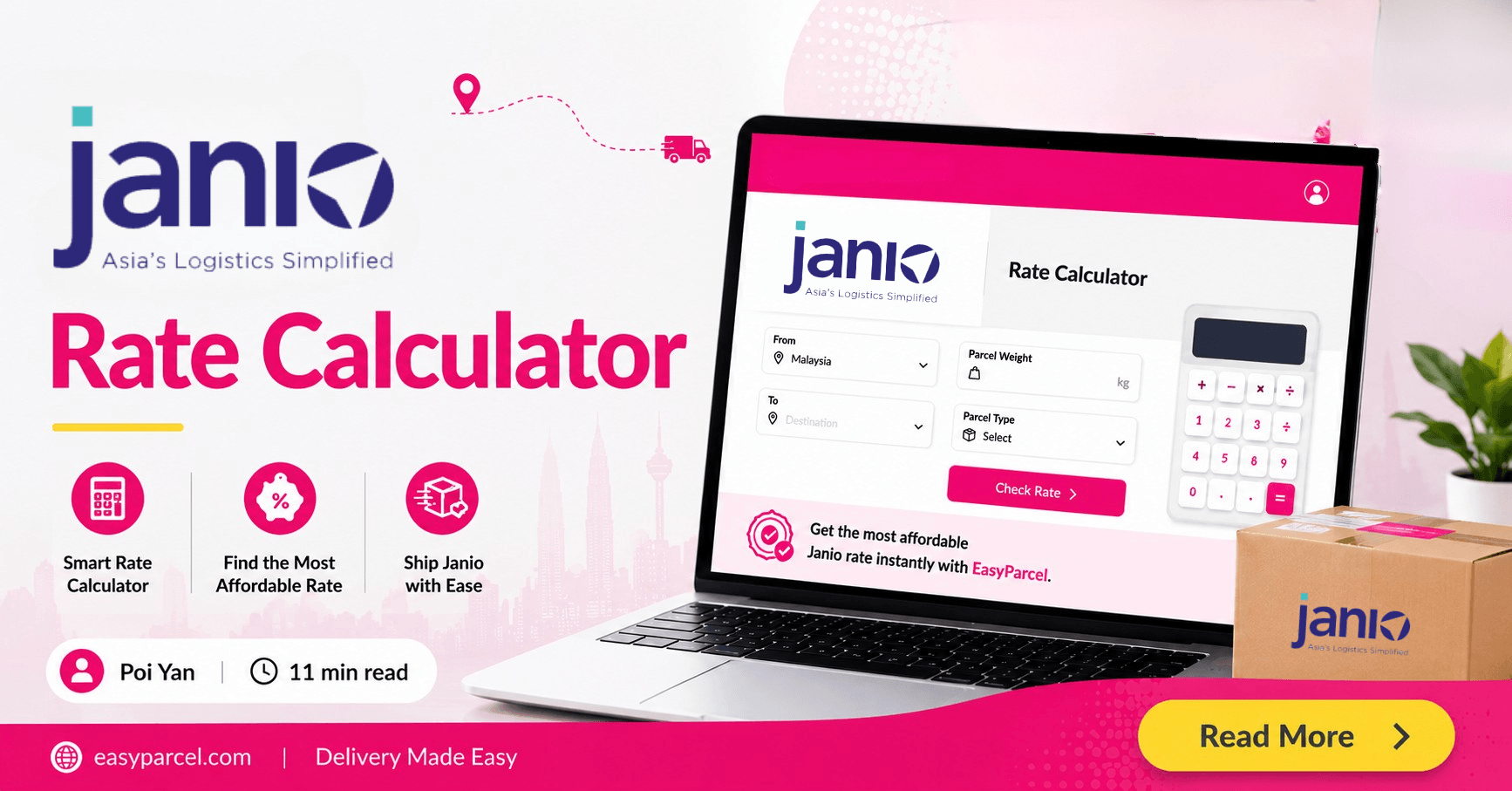
Delivery Rate Checker allows user to check EasyParcel shipping rate on your website. Users just enter parcel details like destination and weight. It then shows delivery rates from multiple courier companies in one place. This helps users compare prices easily and choose the best and most affordable option.

Why Embed Widgets In Your Website?

Easy Setup

Just simply copy the embed code provide by EasyParcel and paste it into your page's HTML. It's free!

Enhances User Experience

Your customers can access all shipping tools in one place without leaving your site, making it more convenient.

How to Embed EasyParcel Widgets In Your Website?

1. EasyTrack

Log in or sign up to your EasyParcel’s account.
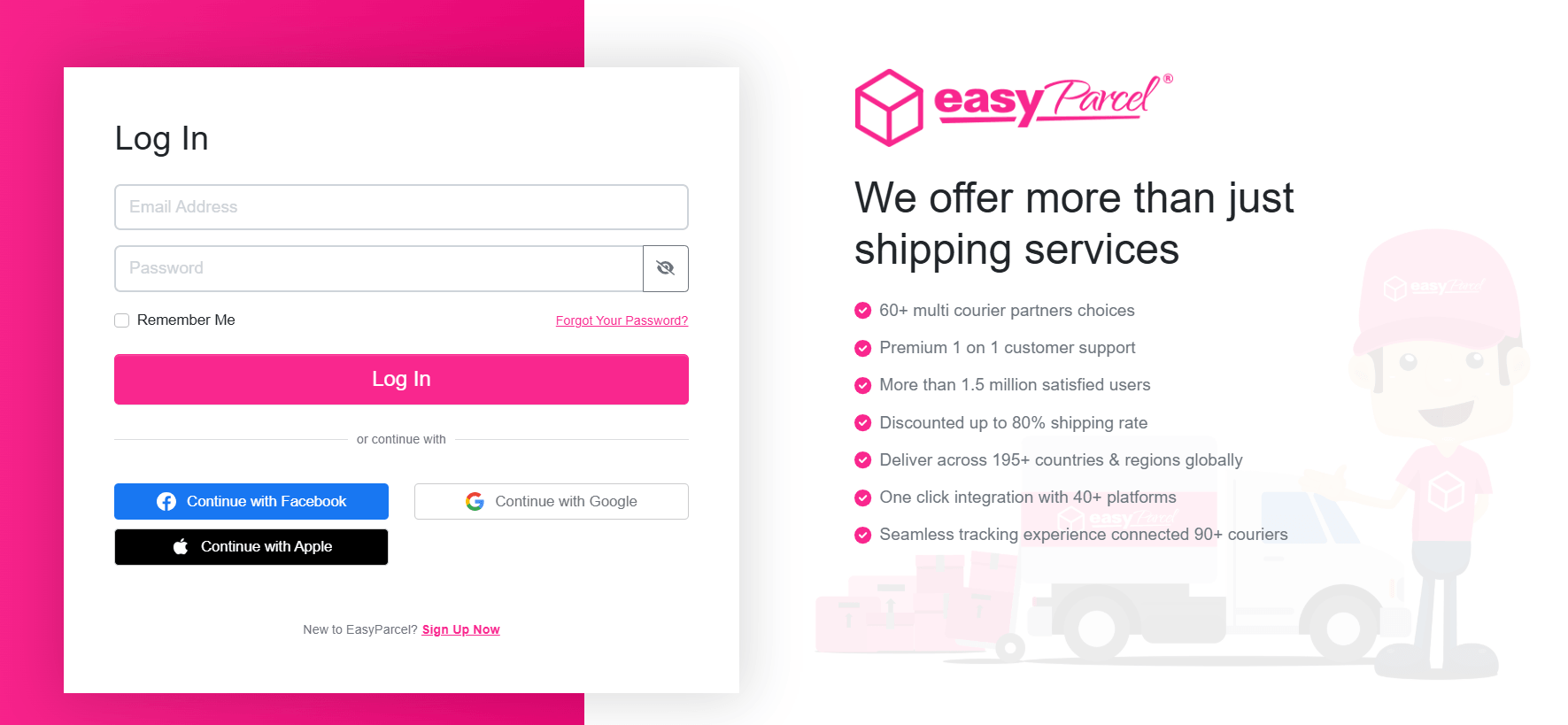
EasyParcel log in page

On the left-hand sidebar menu, scroll down go to Tools, then click on Widgets.
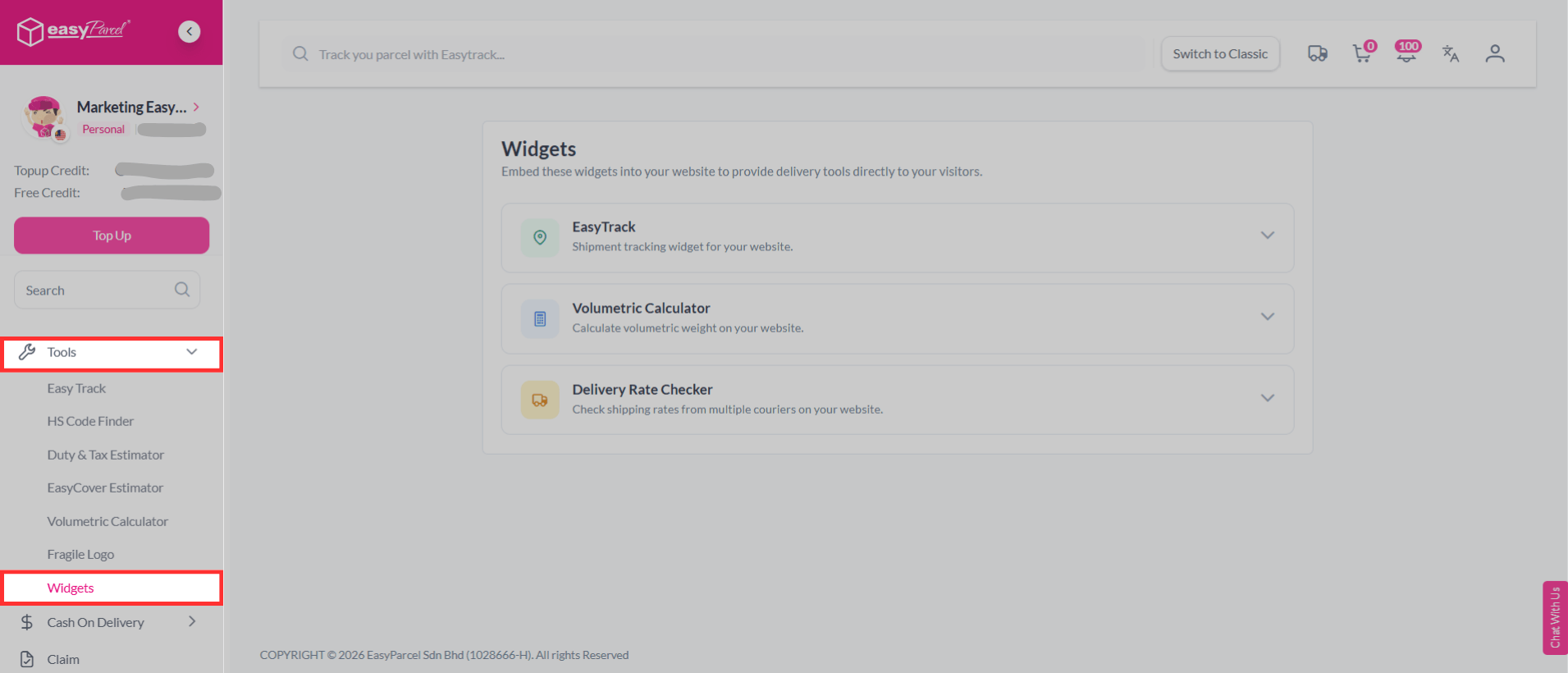
Widgets

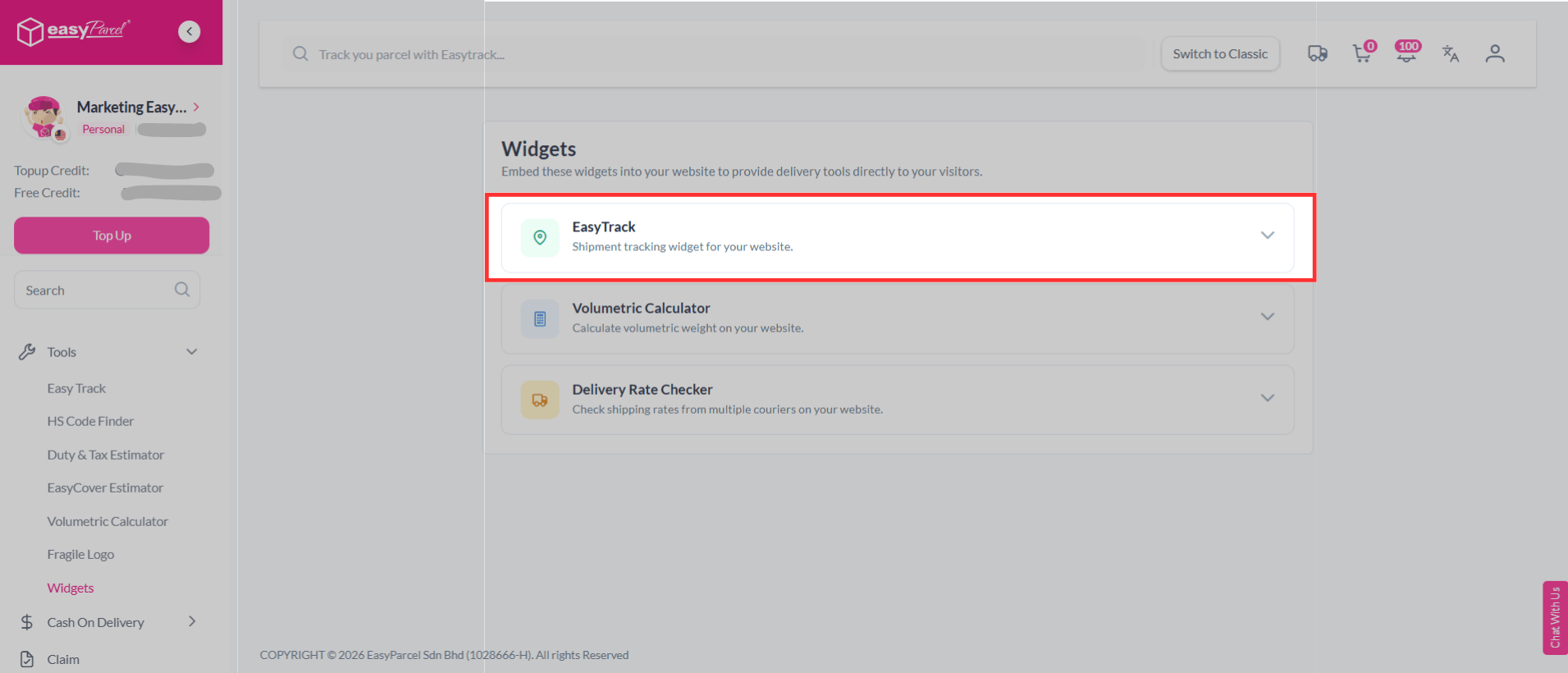
Click on EasyTrack.

EasyTrack

Simply copy the embed code and paste it into your page’s HTML. It’s free!🤩
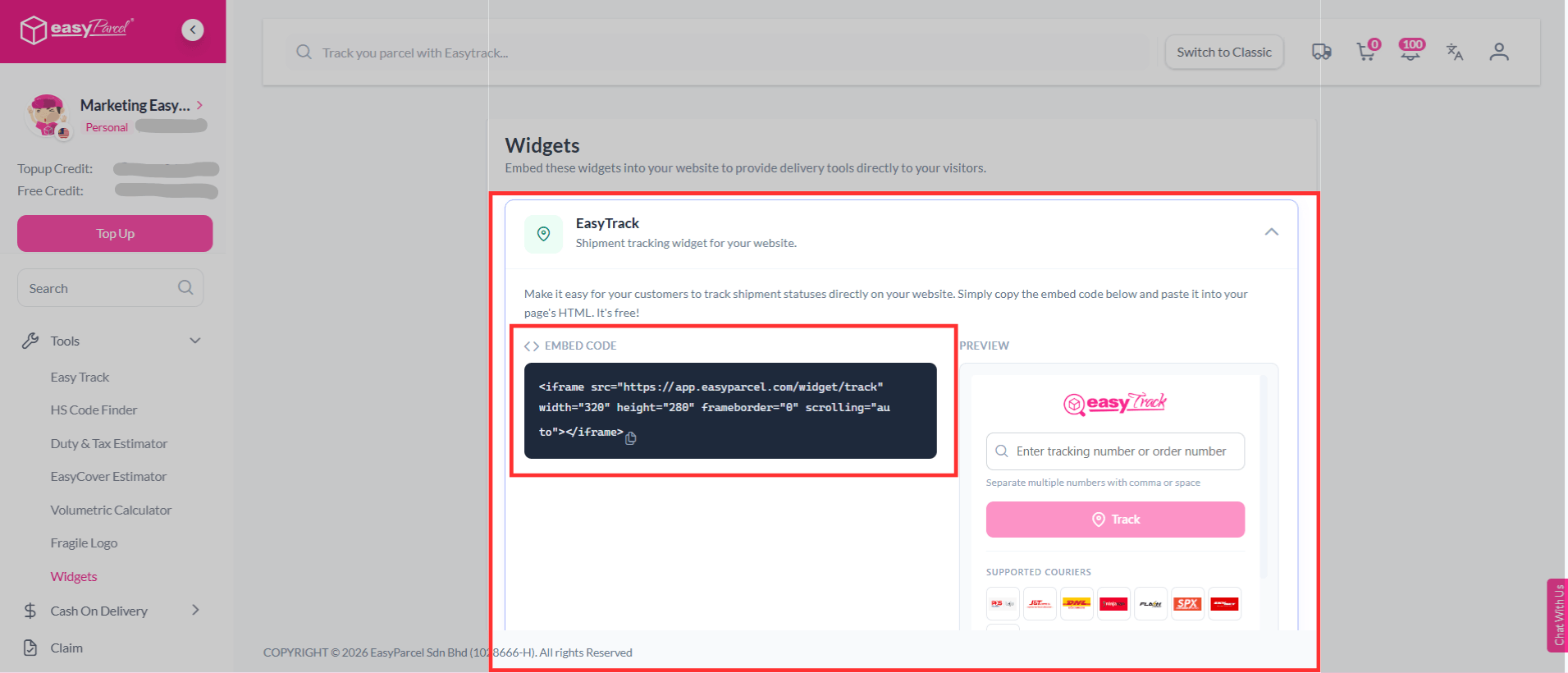
EasyTrack

2. Volumetric Calculator

Log in or sign up to your EasyParcel’s account.

EasyParcel log in page

On the left-hand sidebar menu, scroll down go to Tools, then click on Widgets.

Widgets

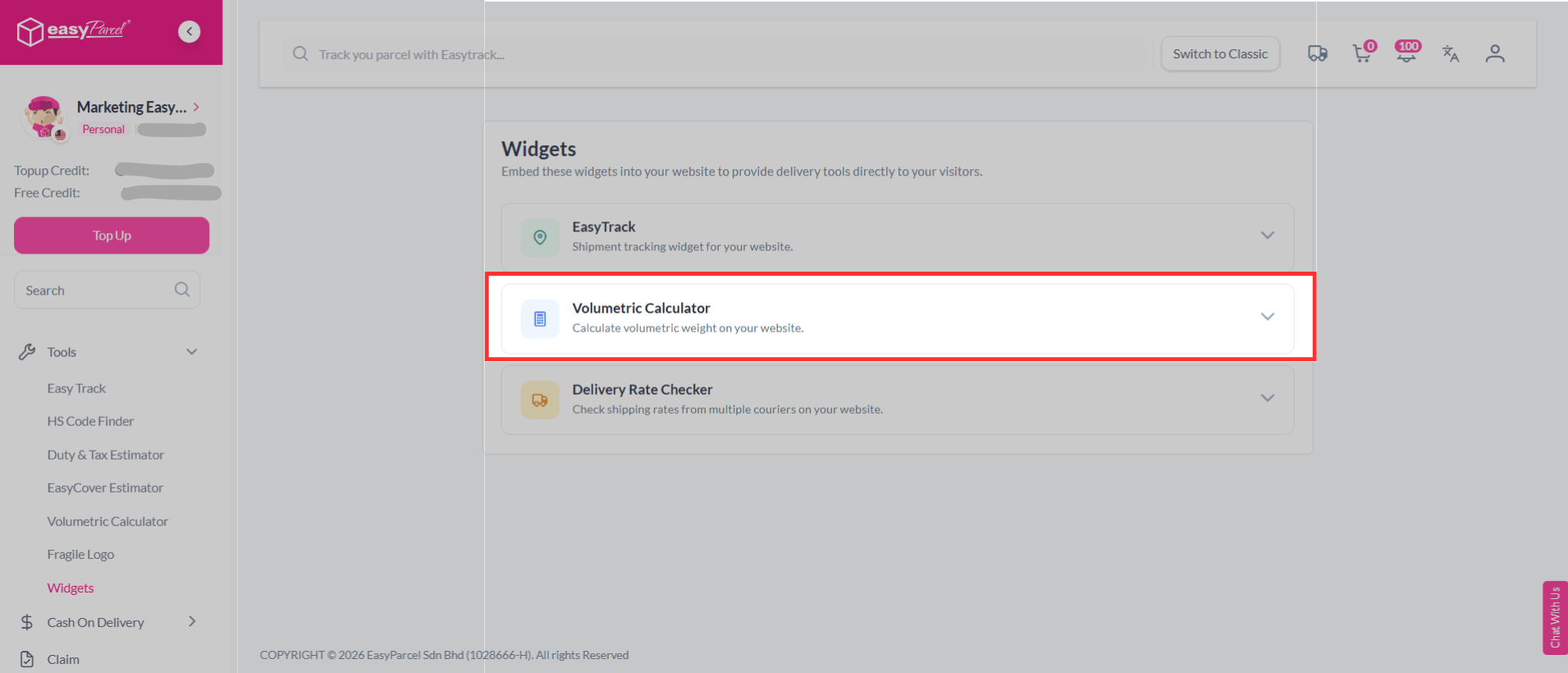
Click on Volumetric Calculator.

Volumetric Calculator

Simply copy the embed code and paste it into your page’s HTML. It’s free!🤩
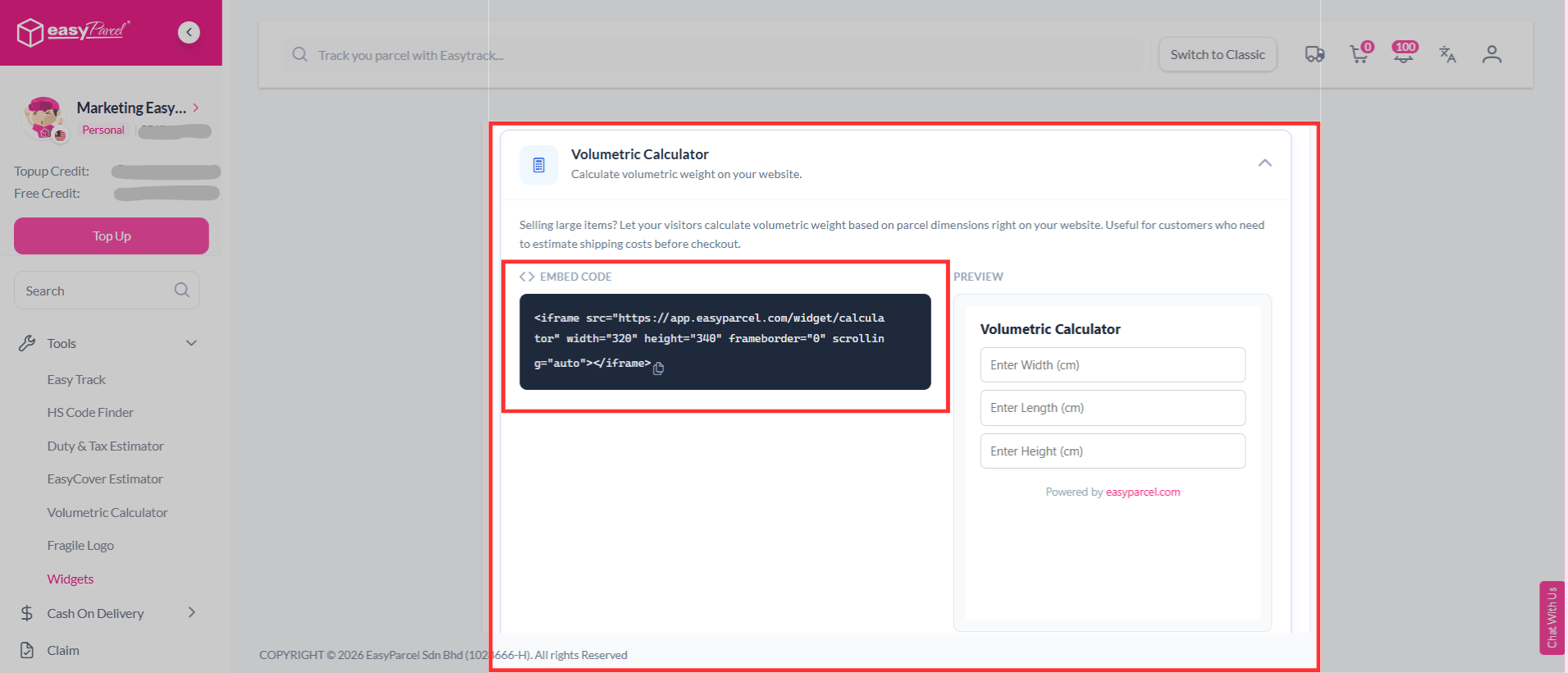
Volumetric Calculator

3. Delivery Rate Checker

Log in or sign up to your EasyParcel’s account.

EasyParcel log in page

On the left-hand sidebar menu, scroll down go to Tools, then click on Widgets.

Widgets

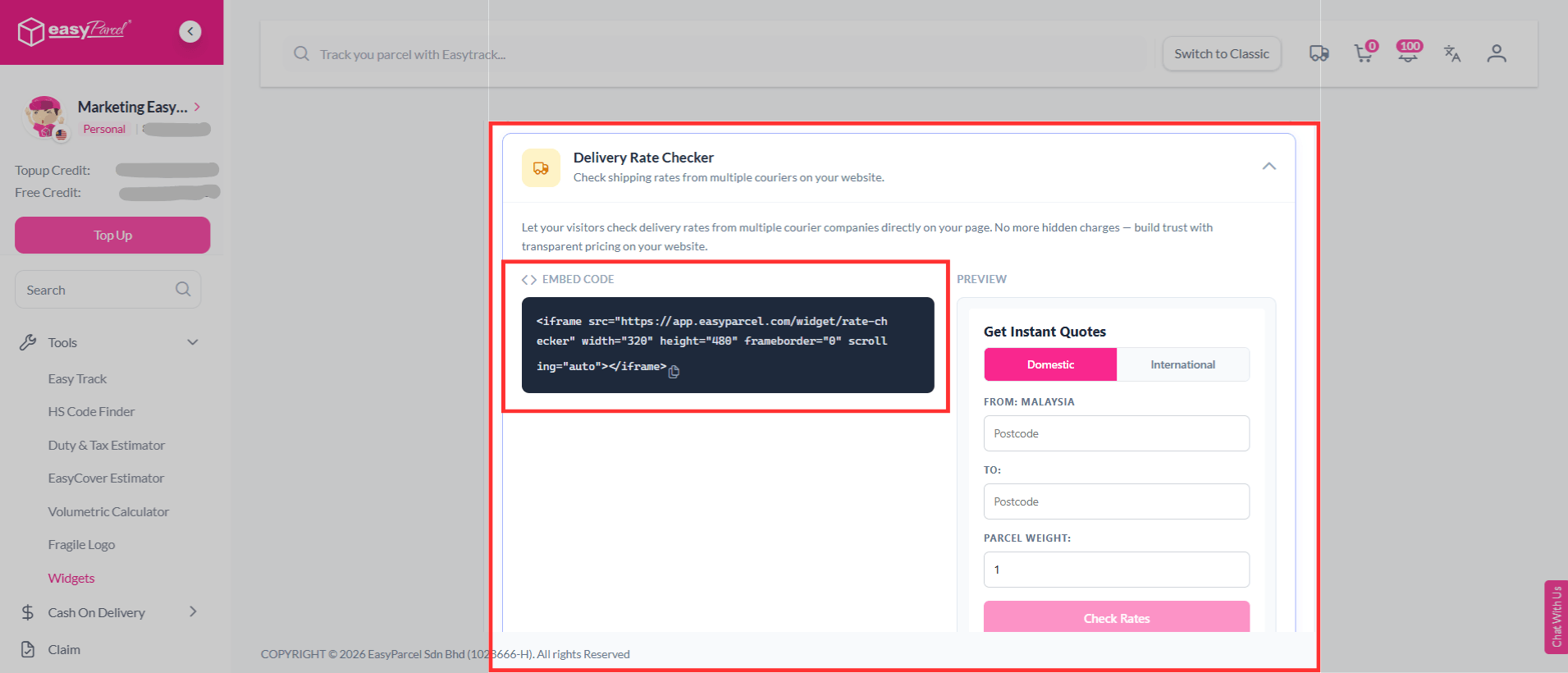
Click on Delivery Rate Checker.

Delivery Rate Checker

Simply copy the embed code and paste it into your page’s HTML. It’s free!🤩
Volumetric Calculator

Let’s Start to Embed Widgets In Your Website

EasyParcel’s Widgets help you enhance your storefront with professional tools that make shipping simple and efficient. It allow your customers to track parcels, calculate volumetric weight, and check delivery rates easily in your website.

Start using EasyParcel’s Widgets today. Just copy the embed code and paste it into your website. It’s free and easy to set up!

FAQs

1. Are EasyParcel’s Widgets free to use?
Yes, Widgets are completely free to use on your website.

2. Do I need coding skills to embed the code?
No, you don’t need advanced coding skills. Just copy and paste the code.

Join 1.5 Million Happy Customers & Start Saving

Create your free account today and receive RM10 shipping coupon to start saving from your very first parcel. Compare courier rates, book in minutes, and start saving immediately.
×
10.10 Super Rewards Fiesta