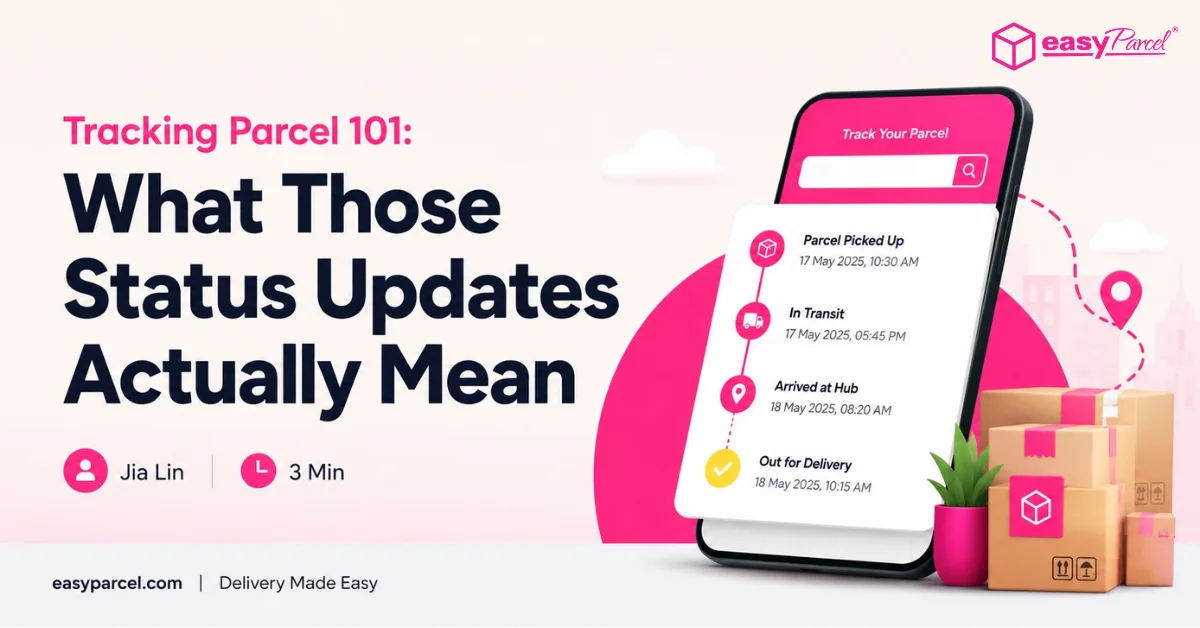
You are waiting for an important parcel. You refresh the tracking parcel page. It says “In Transit.” What does that actually mean? Is it moving? Is it stuck? Should you be worried?
Tracking parcel updates can be confusing. Different couriers use different wording. Some updates are informative. Others are vague.
This blog decodes every common tracking parcel status – what it means, how long it usually takes, and when you should actually be concerned.
Table of Contents
Tracking Parcel Statuses – Complete Reference Table
|
Status
|
What It Means
|
Should You Worry?
|
What to Do
|
|---|---|---|---|
|
Shipment Information Received
|
Sender has created a shipping label but parcel not yet handed to courier
|
❌ No
|
Wait 1-2 days; if no update, contact sender
|
|
Shipment Picked Up / Parcel Collected
|
Courier has physically collected the parcel from sender
|
❌ No
|
Check estimated delivery date
|
|
In Transit
|
Parcel is moving through courier's network (truck, plane, sorting facility)
|
❌ No
|
Wait for next update – as long as status updates daily, it's fine
|
|
Arrived at Destination Country
|
International parcel has landed in the destination country
|
❌ No
|
Next step is customs clearance
|
|
Customs Clearance in Progress
|
Parcel is being inspected by customs authorities
|
⚠️ Only if exceeds 10 days
|
Ensure paperwork is correct; choose DDP for future shipments
|
|
Out for Delivery
|
Parcel is on delivery vehicle – will be delivered today
|
❌ No
|
Ensure someone is home to receive it
|
|
Delivered
|
Parcel has been handed to recipient or left at address
|
⚠️ Only if recipient claims non-receipt
|
Check ePOD (photo/signature proof) for evidence
|
|
Delivery Attempted / Failed Delivery
|
Courier tried to deliver but no one was home
|
⚠️ Yes – take action
|
Contact courier to reschedule or arrange pickup
|
|
On Hold / Pending Clearance
|
Parcel delayed due to missing documents, unpaid duties, or security check
|
✅ Yes – investigate
|
Contact courier immediately to understand why
|
Make Every Tracking Link Work for Your Brand
Turn parcel tracking into a marketing opportunity. Add your logo, colours, banners, and products – all with EasyTrack Branding.

How EasyTrack Makes Tracking Parcel Simpler
Multiple Couriers
Track parcels from 80+ couriers– all in one dashboard
Save Time
Enter up to 15 tracking numbers at once
Real-Time Updates
Statuses update automatically – no manual refreshing
Free Customize Tools
Add your logo to tracking pages – customers see your brand
Customer Sharing
Share tracking links – customers track their own parcels
Free to Use
EasyTrack is completely free – no hidden fees, no subscription
How to Use EasyTrack
1. Key in your tracking number in the column provided.
Note: You may enter up to 15 tracking numbers. Simply separate them with a semicolon (;) or return (enter).
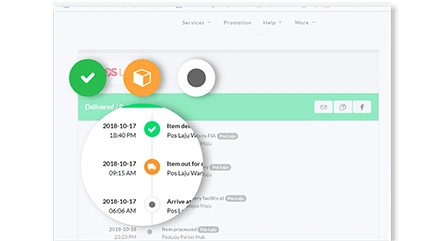
2. A timeline will be shown where you can see the delivery status and the estimated delivery time of your parcels.