Managing Amazon orders manually can quickly become time-consuming, especially as your business grows. Copying customer details, creating shipping labels one by one and updating tracking numbers manually not only slows down your fulfilment process but also increases the risk of human error.
That’s where Amazon integration comes in.
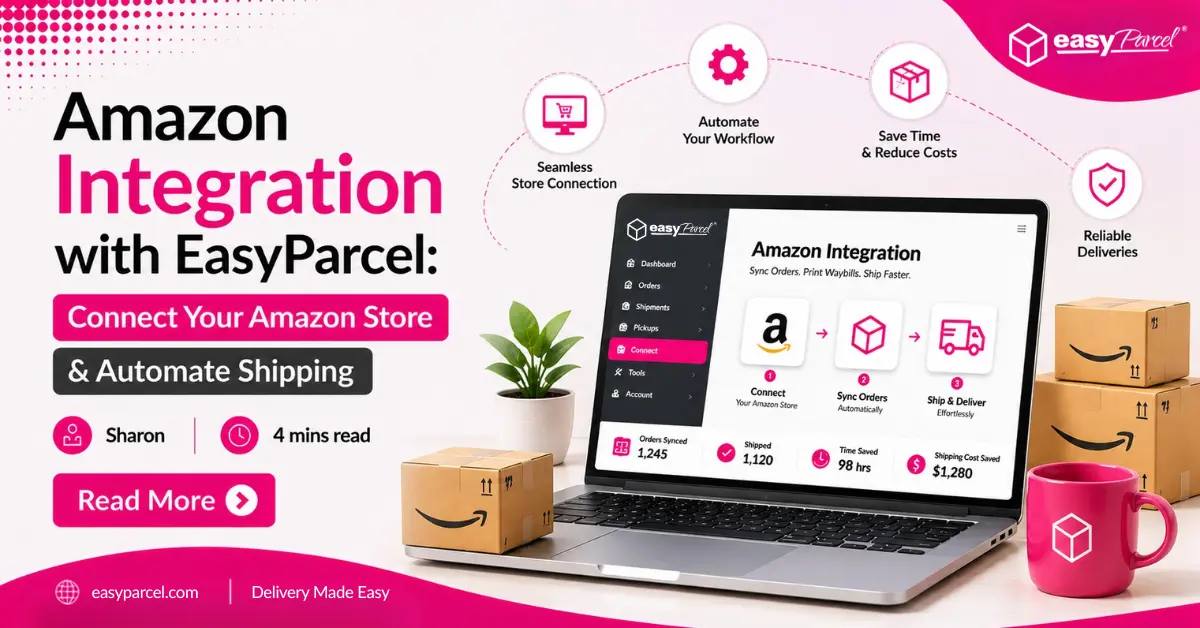
By connecting your Amazon Seller account with EasyParcel, you can automate your shipping workflow and manage your fulfilment more efficiently. Orders are automatically synced into your EasyParcel dashboard, allowing you to compare 60+ courier services, generate Air Waybills (AWBs), schedule free doorstep pickup for eligible services and track every shipment from a single platform.
Whether you’re using Amazon Self Ship to manage your own deliveries or looking to streamline your fulfilment process, EasyParcel helps reduce manual work so you can focus on growing your business instead of handling repetitive shipping tasks.
In this guide, we’ll show you how to integrate your Amazon store with EasyParcel step by step and explore the key benefits of automating your Amazon shipping operations.
Table of Contents
Why Integrate AllValue with EasyParcel?
One Platform, All Shipments
Manage all your Amazon order deliveries from a unified dashboard – no more logging into multiple courier sites.
Reduce Manual Work
Amazon orders sync automatically– no copying and pasting customer addresses.
Free Marketing Tools
Promote your Amazon store with every delivery—customize tracking pages, email, Air Waybill and SMS with your store's message at no additional cost.
Earn Reward Points
Accumulate points on every shipping dollar spent and redeem them for free gifts, vouchers, and exclusive rewards.
Best & Cheapest Rates
Instantly compare 60+ couriers side by side to find the most affordable option for every Amazon parcel.
Exclusive Parcel Protection
Safeguard your shipments with EasyCover parcel protection, providing full protection against loss.
How to Integrate Your Amazon Seller Account with EasyParcel
Step 1: Log in to your EasyParcel account
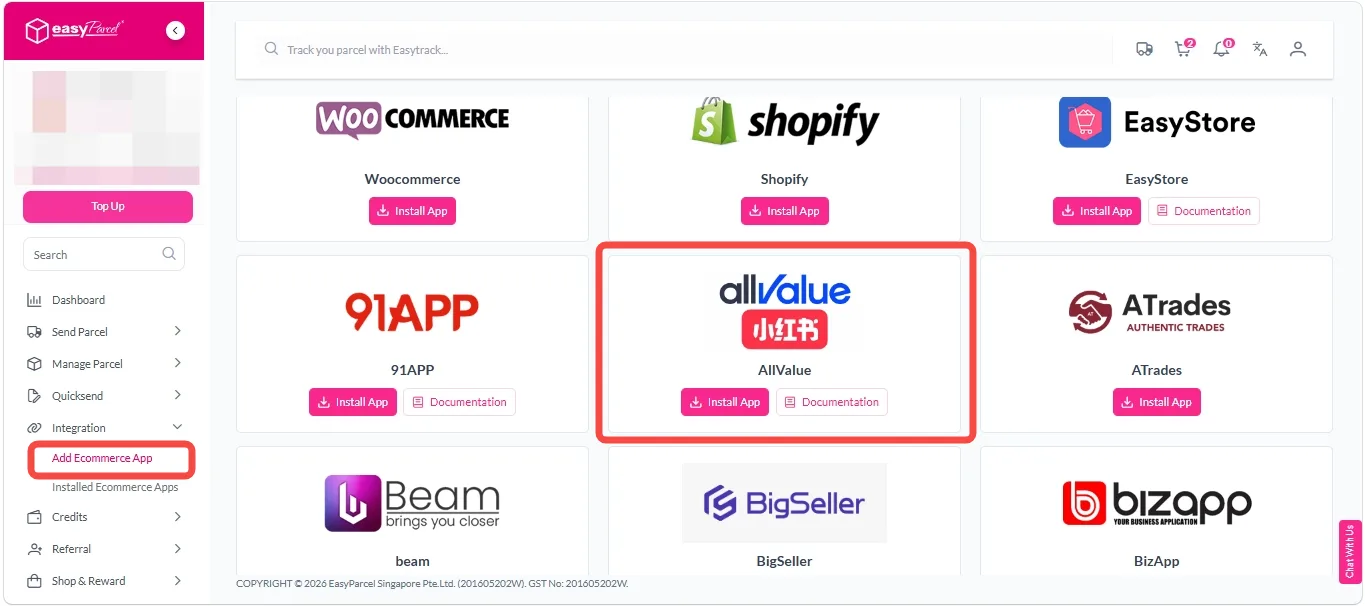
Step 2: After login, click on “Add Ecommerce App” under Integration section, find Amazon and click on “Install App“.
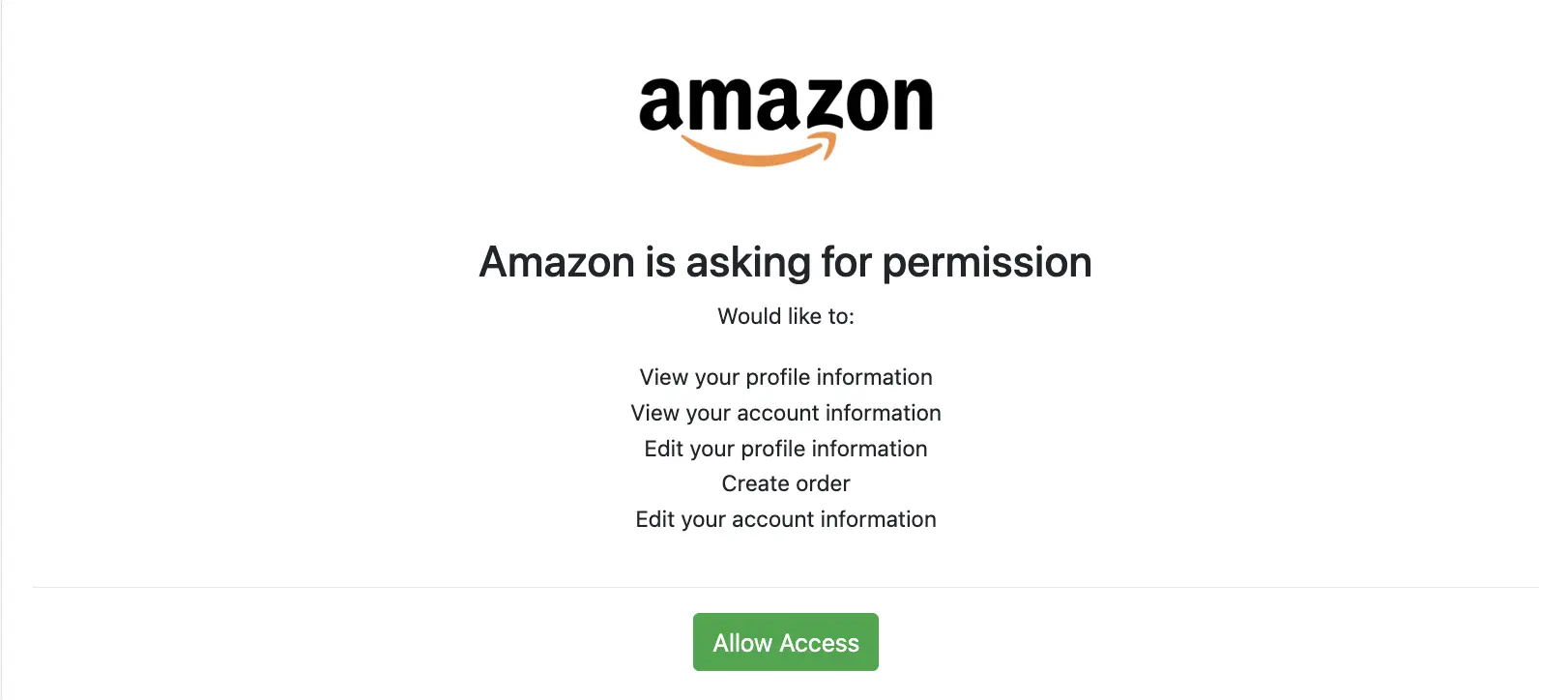
Step 3: Click “Allow Access” to authorize EasyParcel to access your Amazon store data.
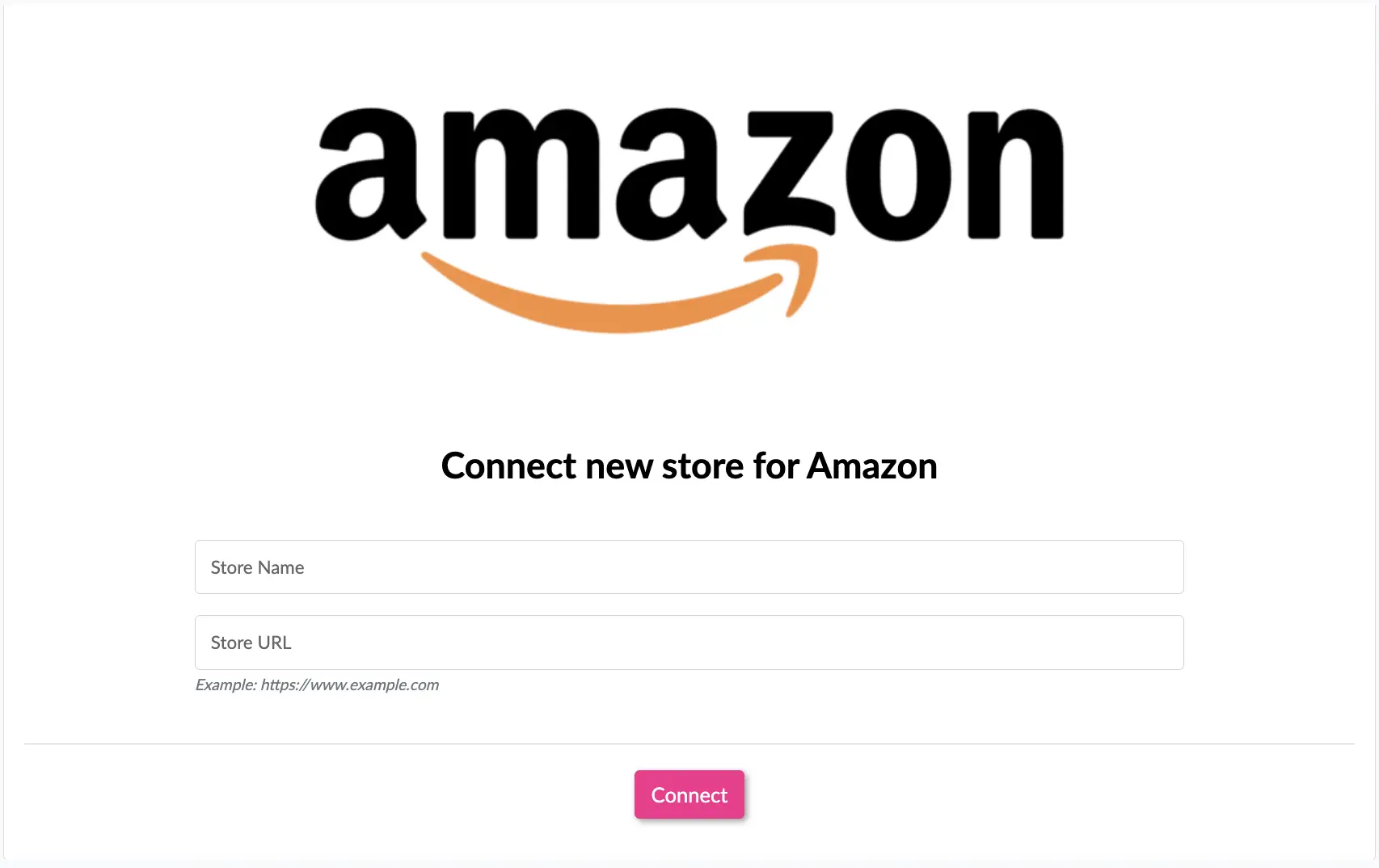
Step 4: Enter your store name, store url, then click “Connect“.
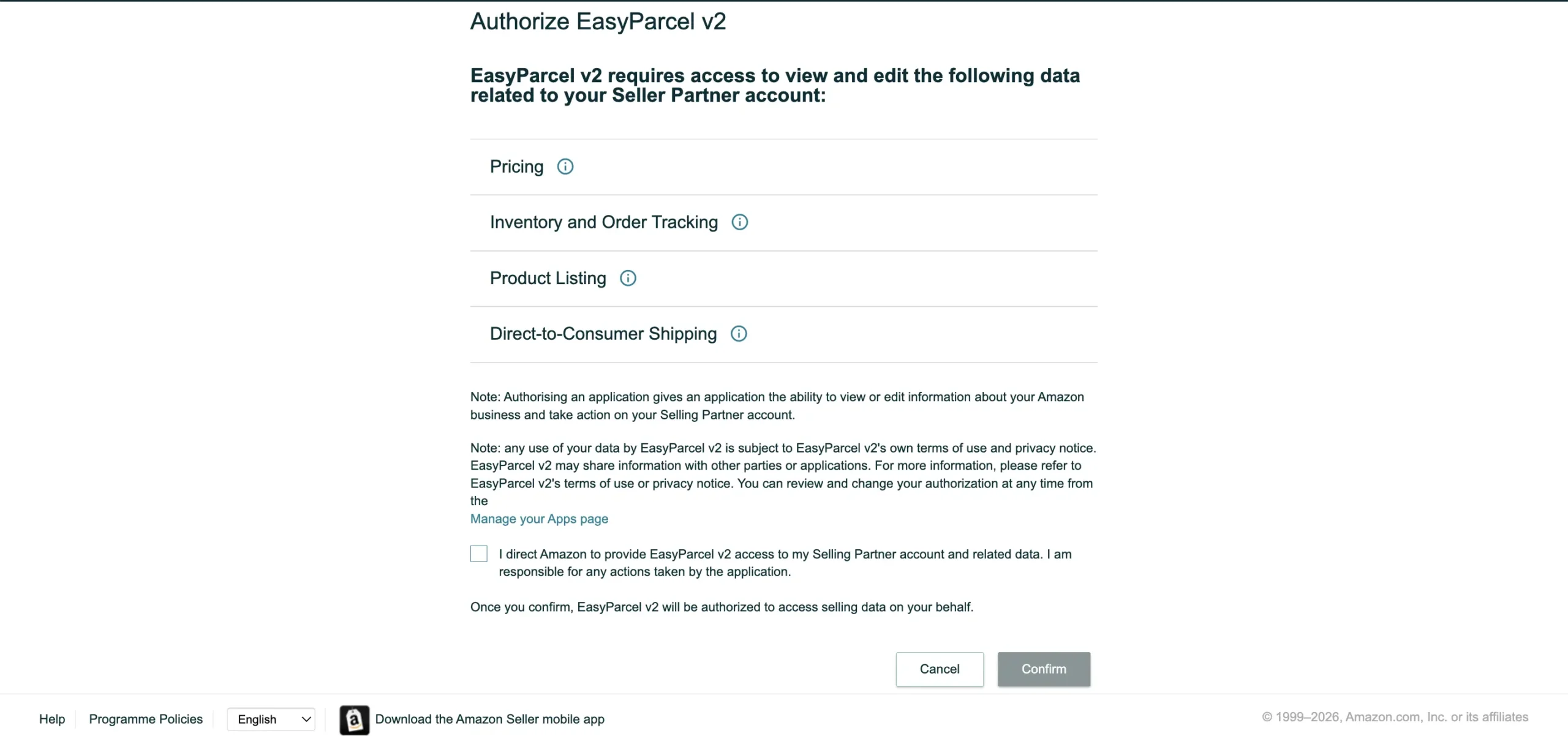
Step 5: You will be redirected to Amazon authorize app page, authorize the app by clicking “Continue“.
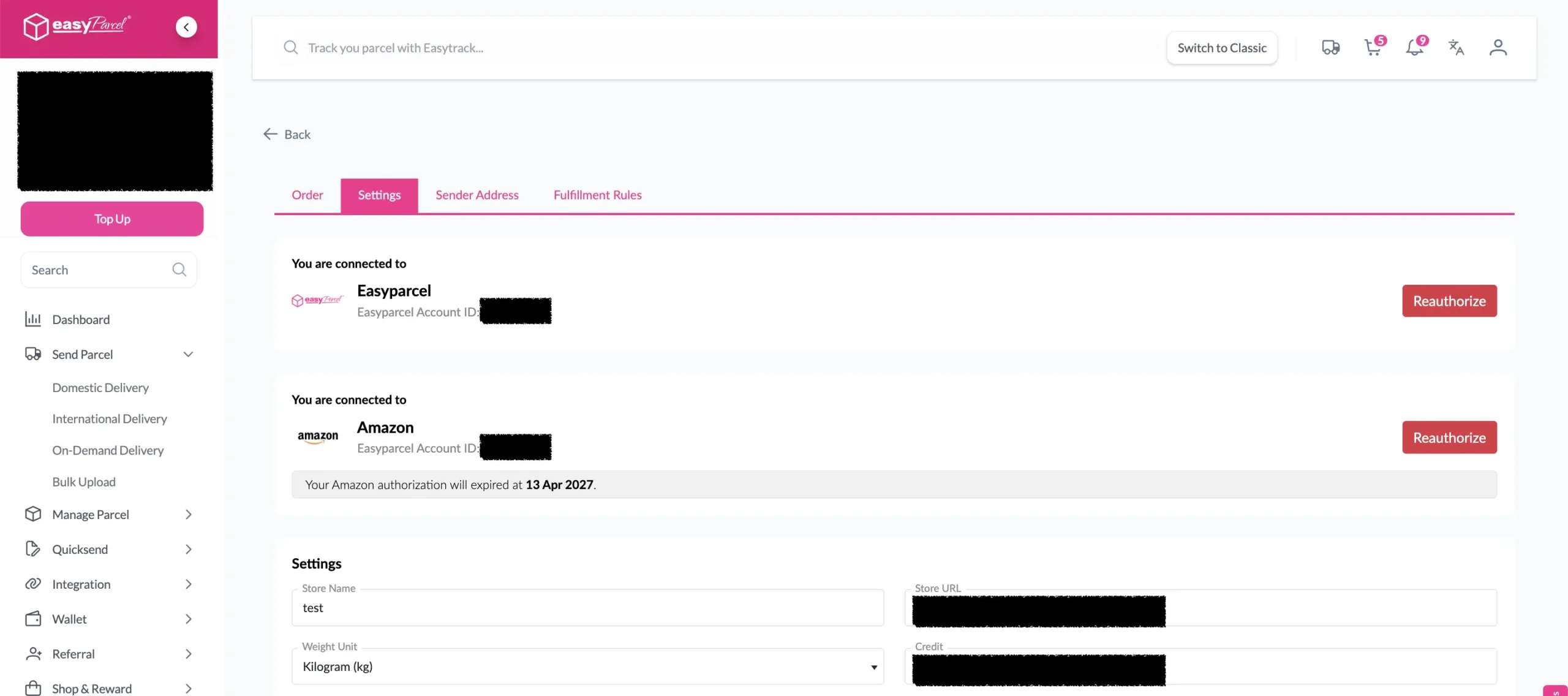
Step 6: You will be redirected back to EasyParcel.
Start Fulfilling Amazon Orders Smarter
Turn your Amazon Self Ship workflow into a faster, more efficient process with EasyParcel. Automate order syncing, compare courier services, print shipping labels and manage every shipment from a single platform.

Setup Integrated App
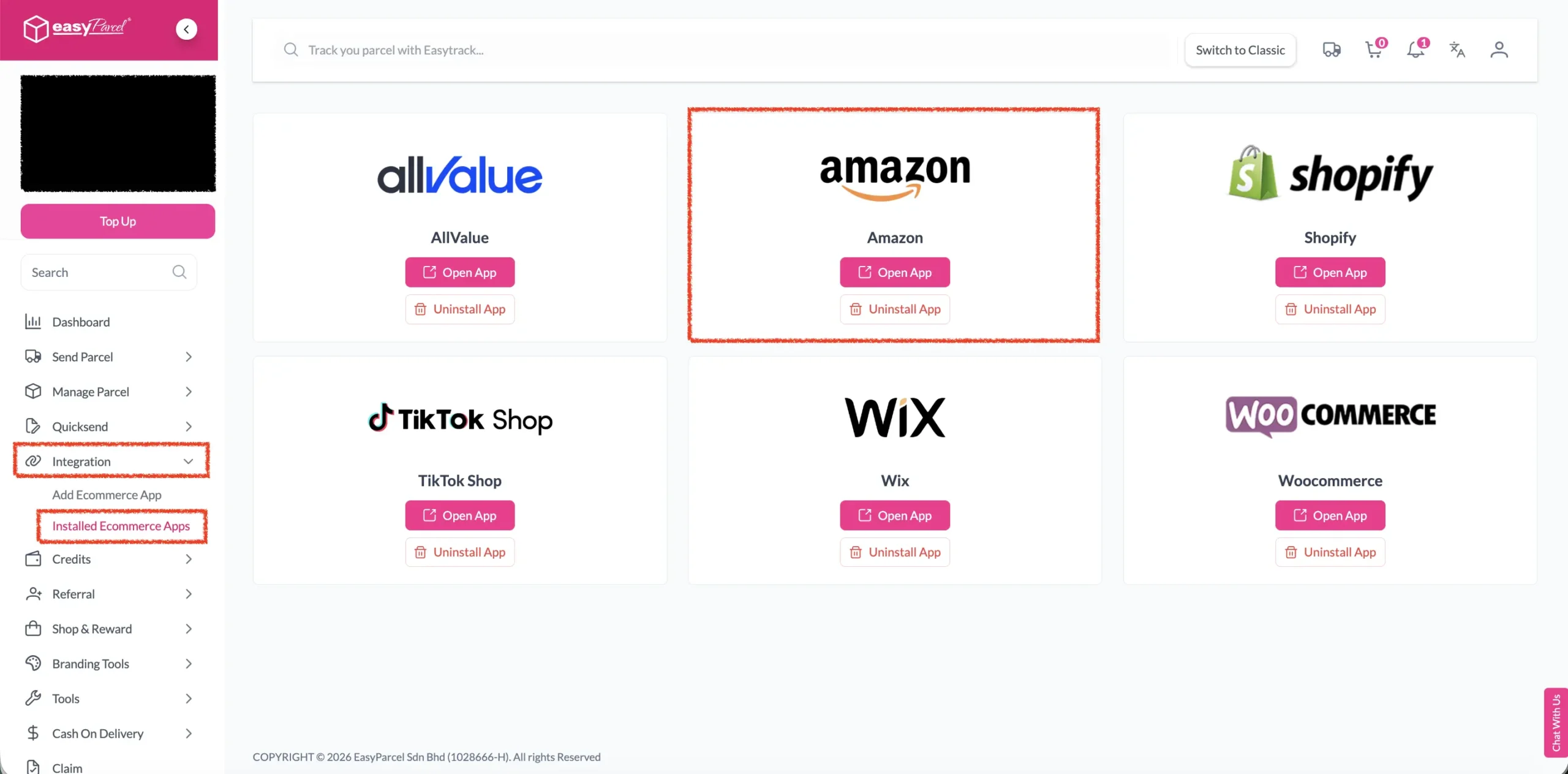
Step 1: Under Integration, click on “Installed Ecommerce Apps“, find Amazon and you may find your Amazon app successfully install.
Step 2: In the store, click “Sender Address” and key in your sender details and click on the “Update” button.
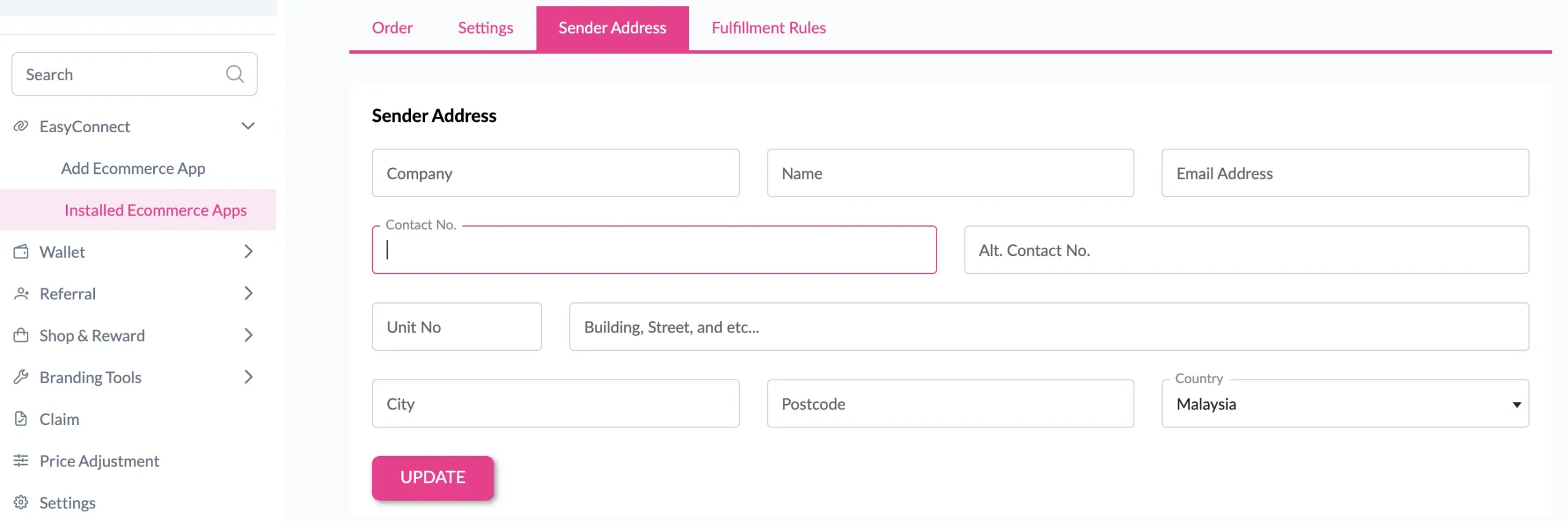
Done! You have successfully setup Amazon app in EasyParcel.