Singapore
 Thailand
 Indonesia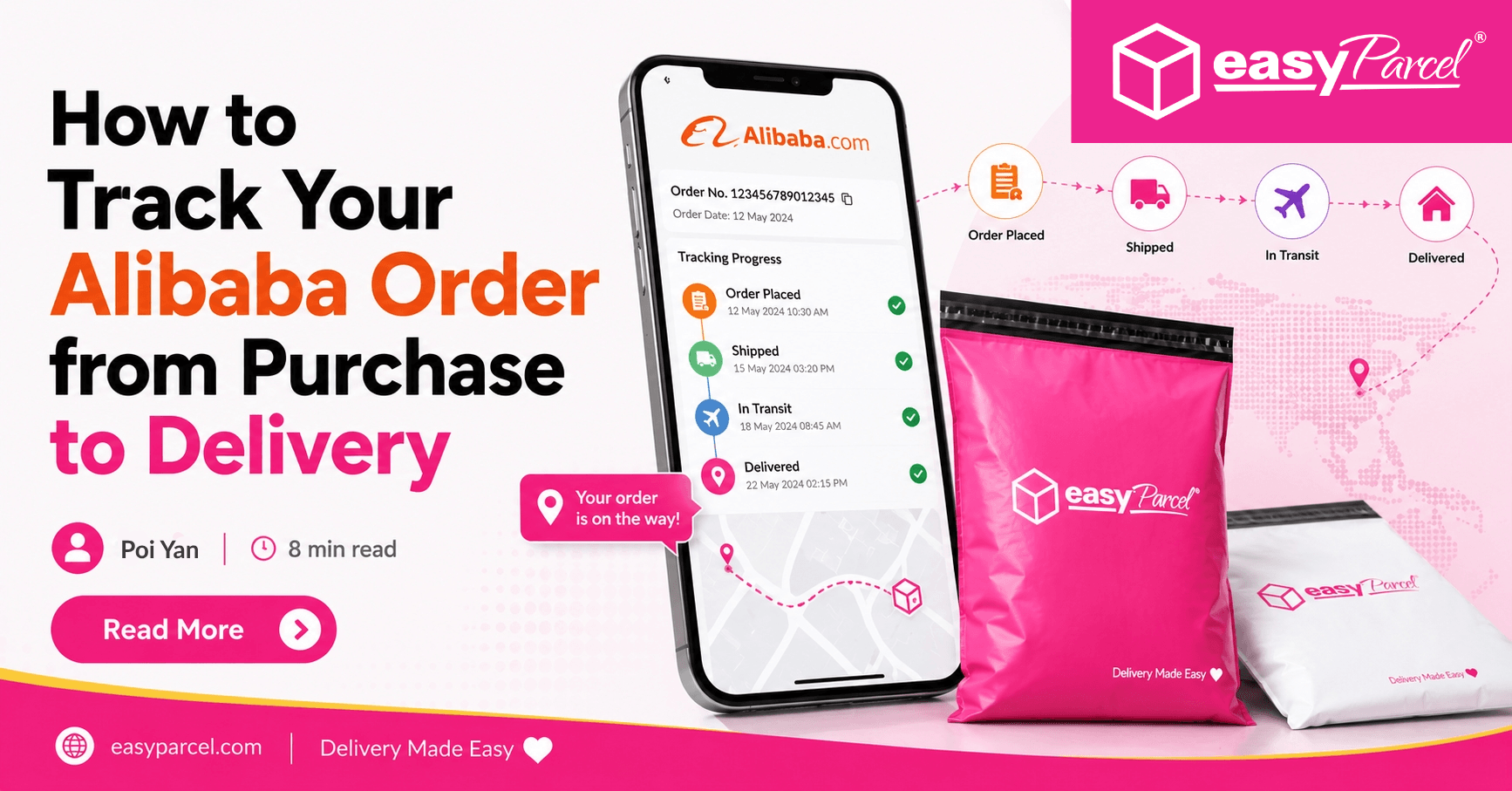
Buying on Alibaba can feel a bit like sending your order on an international adventure: factory pickup, export scanning, linehaul flights, customs, local couriers—the works. The good news is that Alibaba tracking has gotten much easier if you know where to look and how to read the updates.
Here’s how to track your order from payment to doorstep, even when the status seems stuck.
Contents
1. Start with the Basics: What “Tracking” Means on Alibaba

Source: Pinterest
Before you dive in, it helps to know the two things you’re tracking:
- Order status (Alibaba platform status): payment confirmed, seller shipped, etc.
- Carrier tracking (shipping status): the actual parcel movement using an alibaba tracking number (or multiple numbers, if your shipment splits).
For smaller packages, you’ll usually track like a typical parcel. For bigger shipments (LCL/FCL), you may get freight documents instead of scan-by-scan tracking.
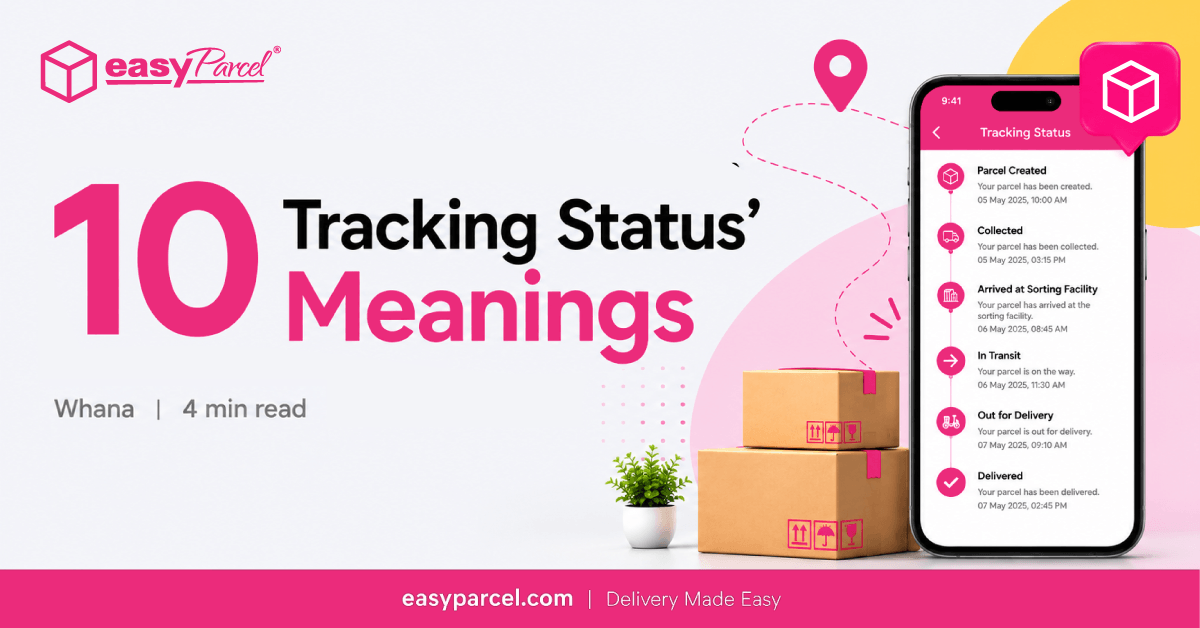
Tracking Status Meanings: Understanding Your Parcel’s Journey
Explore more tracking status explanations to better understand every stage of your parcel’s delivery journey. Click here to learn more.
2. Where to Find Your Tracking Info on Alibaba (Step-by-Step)
To track Alibaba order status and get the tracking ID:
- Log into Alibaba → go to My Orders.
- Select the order → look for Shipment details or Logistics information.
- Copy the tracking number (this is your how to find tracking ID moment).
- Note the carrier name (Cainiao, DHL, FedEx, UPS, YunExpress, etc.).
If you don’t see a number yet, it may mean the seller created a label but the carrier hasn’t scanned the parcel. In that case, you’re still “tracking alibaba,” but there’s simply no movement to display yet.
Common tracking IDs you might see
3. When Alibaba and AliExpress Tracking Overlap (Don’t Get Confused)
Some buyers mix up platforms, especially when they see references to Cainiao. Alibaba and AliExpress are different marketplaces, but shipping networks can overlap. If you ever receive an AliExpress shipment tracking number (yes, it happens with certain cross-border logistics partners), you can still track it—just use the right tracking site for that carrier.
Also note: DHL vs AliExpress standard shipping is a big difference. DHL usually scans faster and updates more frequently. AliExpress standard shipping (often routed through Cainiao partners) can have fewer scans and longer gaps.
4. Use the Right Tracking Tool: 17TRACK vs Cainiao (and When Each Wins)
If the Alibaba order page isn’t giving enough detail, try a universal tracker. The most common comparison is 17TRACK vs Cainiao:
- Cainiao tracking: often shows deeper detail for Cainiao-managed routes; useful to track Cainiao logistics parcel status codes.
- 17TRACK: great for multi-carrier journeys and auto-detecting the final-mile courier across countries.
If you shop frequently, consider a best parcel tracking app that can:
- Save tracking numbers automatically
- Push notifications for new scans
- Track multiple packages in one dashboard (a lifesaver during busy seasons)
Track Your Alibaba Shipments with EasyParcel’s EasyTrack
If you regularly receive or send parcels through different courier networks, tracking each shipment separately can become time-consuming. EasyParcel’s EasyTrack provides a centralised way to check parcel updates across 80+ couriers. You can enter up to 15 tracking numbers at once, making it easier to monitor multiple shipments without switching between different courier websites.
5. How to Interpret Shipping Status Messages (So You Don’t Panic)
Tracking updates can sound dramatic when nothing is actually wrong. Here’s how to interpret shipping status messages you’ll commonly see:
- “Shipment information received / label created”: the seller booked shipping; the carrier may not have it yet.
- “Picked up / accepted”: carrier has the parcel—good sign.
- “Departed from facility / linehaul departure”: moved to export hub or flight stage.
- “Arrived at destination country”: now waiting for import processing and handoff.
- “Out for delivery”: final mile is in motion.
Why package not updating? The most common reasons
If you’re stuck wondering why package not updating, it’s usually one of these:
- No scan between hubs (common on economy routes)
- Time-zone and system sync delays
- Parcel is in transit on air/sea with no intermediate scans
- Carrier backlog or peak-season congestion
- Address/phone verification needed (some couriers pause scans)
A good rule: if there’s no update for 3–7 days on economy shipping, it can still be normal. Past 10–14 days with no movement, you should escalate.
6. Delivery Time Estimate by Country (Realistic Expectations)

Source: Pinterest
A delivery time estimate by country depends on method, customs, and last-mile courier performance. Typical ranges for small parcels:
- United States: 7–25 business days (economy), 3–10 (express)
- Canada: 10–30 (economy), 4–12 (express)
- UK/EU: 7–25 (economy), 3–10 (express)
- Australia/NZ: 10–30 (economy), 4–12 (express)
- Middle East: 10–35 (economy), 4–14 (express)
If you’re shipping bulk goods, sea freight can take weeks and tracking may update only at milestones.
7. Customs Holds: What to Do and How to Handle Customs Clearance Delays
Source: Pinterest
Customs is where many shipments appear to “freeze.” A practical customs clearance delay solution looks like this:
- Check if the tracking mentions “Held by customs,” “Clearance event,” or “Awaiting documentation.”
- Ask the seller for: commercial invoice, packing list, HS code, and declared value details.
- If your local courier contacts you, respond quickly (ID, tax/VAT, or proof of purchase may be needed).
Delays can be routine, but missing paperwork or undervaluation issues can extend it.
8. Special Carriers You Might See: YunExpress and Cainiao
For lighter cross-border parcels, you might encounter YunExpress tracking for AliExpress routes or Cainiao-managed routes. Even if your purchase is on Alibaba, the parcel can still ride through these networks.
Tip: when the parcel reaches your country, the tracking often switches to a local courier. That’s when 17TRACK (or your tracking app) helps identify the final-mile carrier.
9. If Tracking Looks Wrong: Contact the Seller and Protect Yourself

Source: Pinterest
When in doubt, contact seller about shipping with a clear, specific message:
- Your order number
- The tracking number(s)
- What the tracking currently shows
- What you need (proof of shipment, updated tracking, carrier name, estimated delivery)
If the package appears genuinely lost, follow the platform’s protection steps. For Alibaba, that may include Trade Assurance support; the general idea is the same: document everything and use the official channel.
Lost package dispute process (keep it clean and factual)
A smooth lost package dispute process usually includes:
- Screenshots of tracking history
- Seller chat logs
- Any courier confirmation (if obtainable)
- A clear timeline (ship date, last scan date, today’s date)
Avoid waiting until the protection window is nearly over—start conversations early if scans stop for too long.
Quick Checklist: Track Your Alibaba Order Like a Pro
- Confirm the alibaba tracking number is a real carrier number, not just an internal reference.
- Use Cainiao or 17TRACK depending on the route (17TRACK vs Cainiao).
- Watch for customs scans and act fast if documents are needed.
- Use one best parcel tracking app to track multiple packages in one dashboard.
- If you chose DHL vs AliExpress Standard Shipping, expect very different scan frequency and speed.
Takeaway
Tracking isn’t just about refreshing a page—it’s about knowing which number matters, which tool shows the best data, and what each status really means. With the right workflow, Alibaba tracking becomes predictable: find the tracking ID, follow the carrier trail (even across Cainiao/YunExpress networks), and escalate early if updates stop or customs needs info.
Track your parcels with EasyTrack and manage your deliveries with EasyParcel. Sign up for FREE today and enjoy an RM10 discount coupon on your first delivery.
FAQs
1. How do I track my Alibaba order?
Log in to Alibaba, go to My Orders, select the order, and open the Shipment Details or Logistics Information section. Copy the tracking number and use Alibaba or the relevant carrier’s tracking page to check the latest updates.
2. Where can I find my Alibaba tracking number?
You can usually find the tracking number under your order’s Shipment Details or Logistics Information after the seller has shipped the order. For some shipments, Alibaba may show a logistics order number instead of a standard carrier tracking number.
3. Why is my Alibaba tracking number not working?
The seller may have created the shipping label, but the carrier has not scanned the parcel yet. Tracking can also take some time to activate after the shipment is handed over. If the number remains inactive, contact the seller to confirm the tracking number and carrier.
4. Why is my Alibaba package not updating?
Tracking may not update when a parcel is moving between hubs, travelling by air or sea, waiting for customs clearance, or experiencing carrier system delays. Economy shipments can sometimes go several days without a scan.